
Answered
Matching skin tones
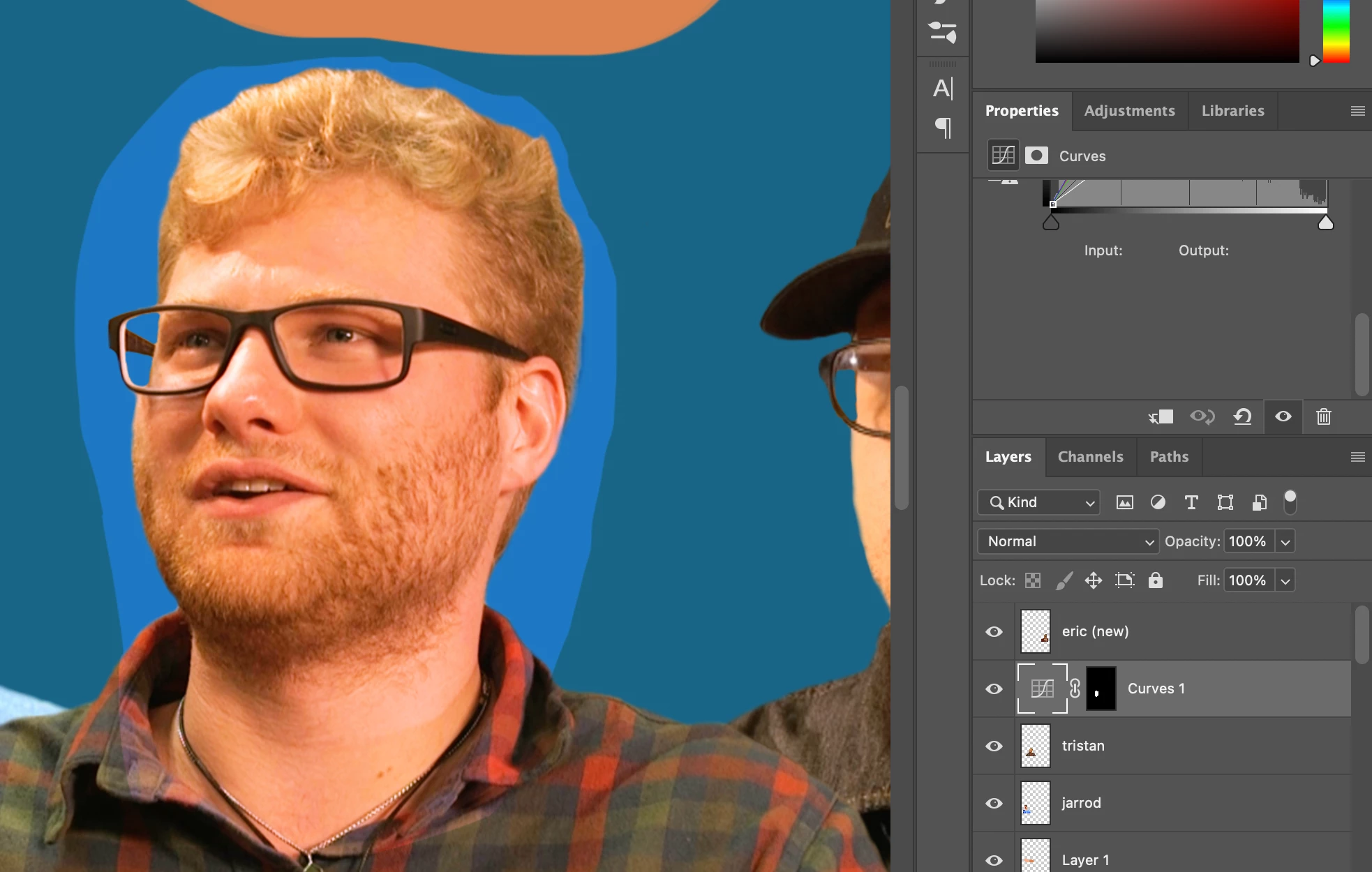
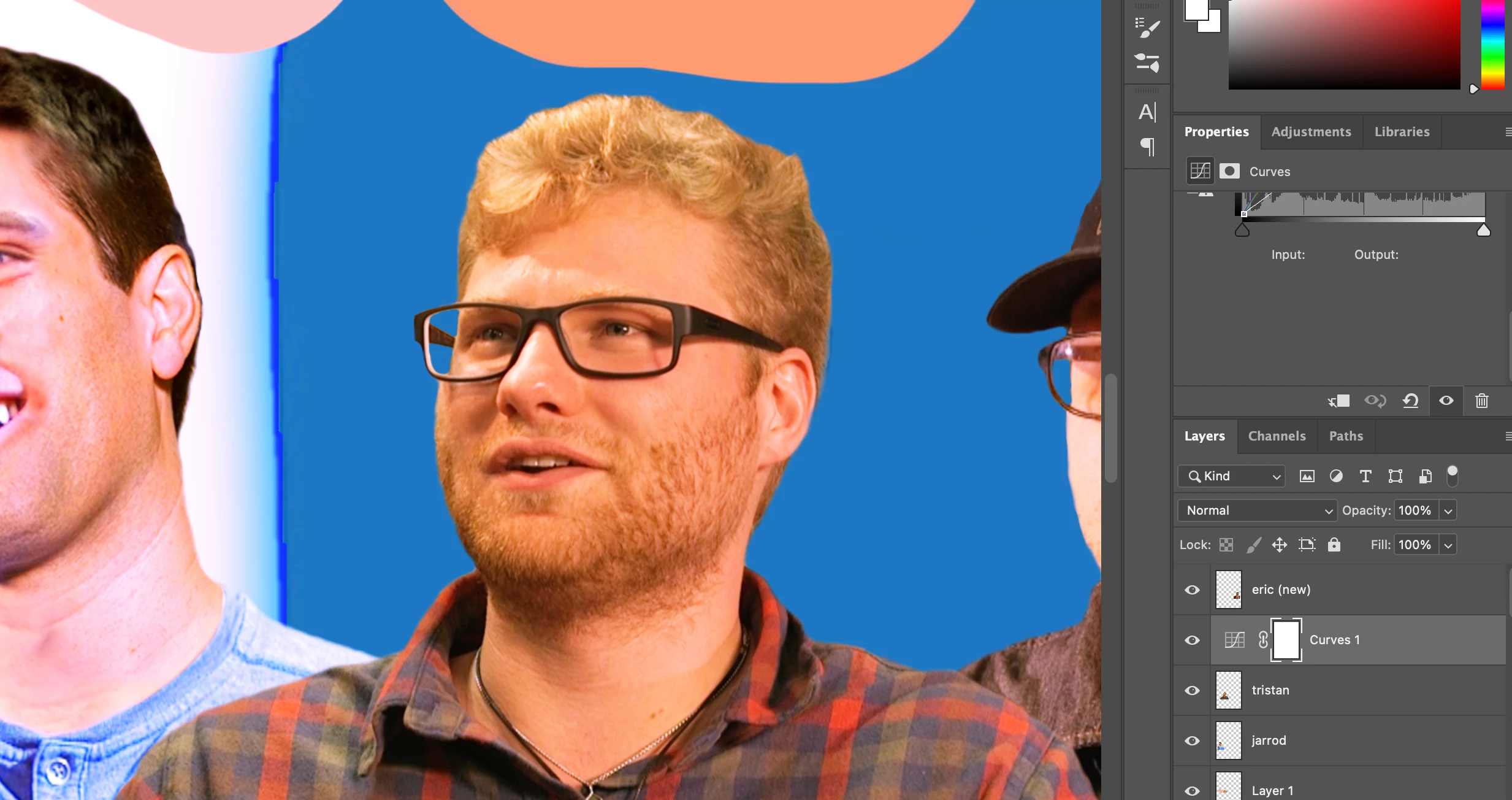
I am following this video tutorial on matching skintones: https://youtu.be/qM9amZJUIok I am having trouble around 6:45 (applying the effect to just the face and not the other areas). when i select the layer mask and fill it with black by pressing (command+delete), it removes my lasso selection and changes the RGB properties of the entire image. Because of this i am not able to use the paint brush with the white color selected to paint the face area as the narrator is doing in the video.
the images attached are before and after pressing command+delete on the curve layer
 AdChoices