
Participating Frequently
November 4, 2020
Question

Menu items greyed out after upgrading to v. 22 for Mac

  • November 4, 2020
  • 1 reply
  • 261 views

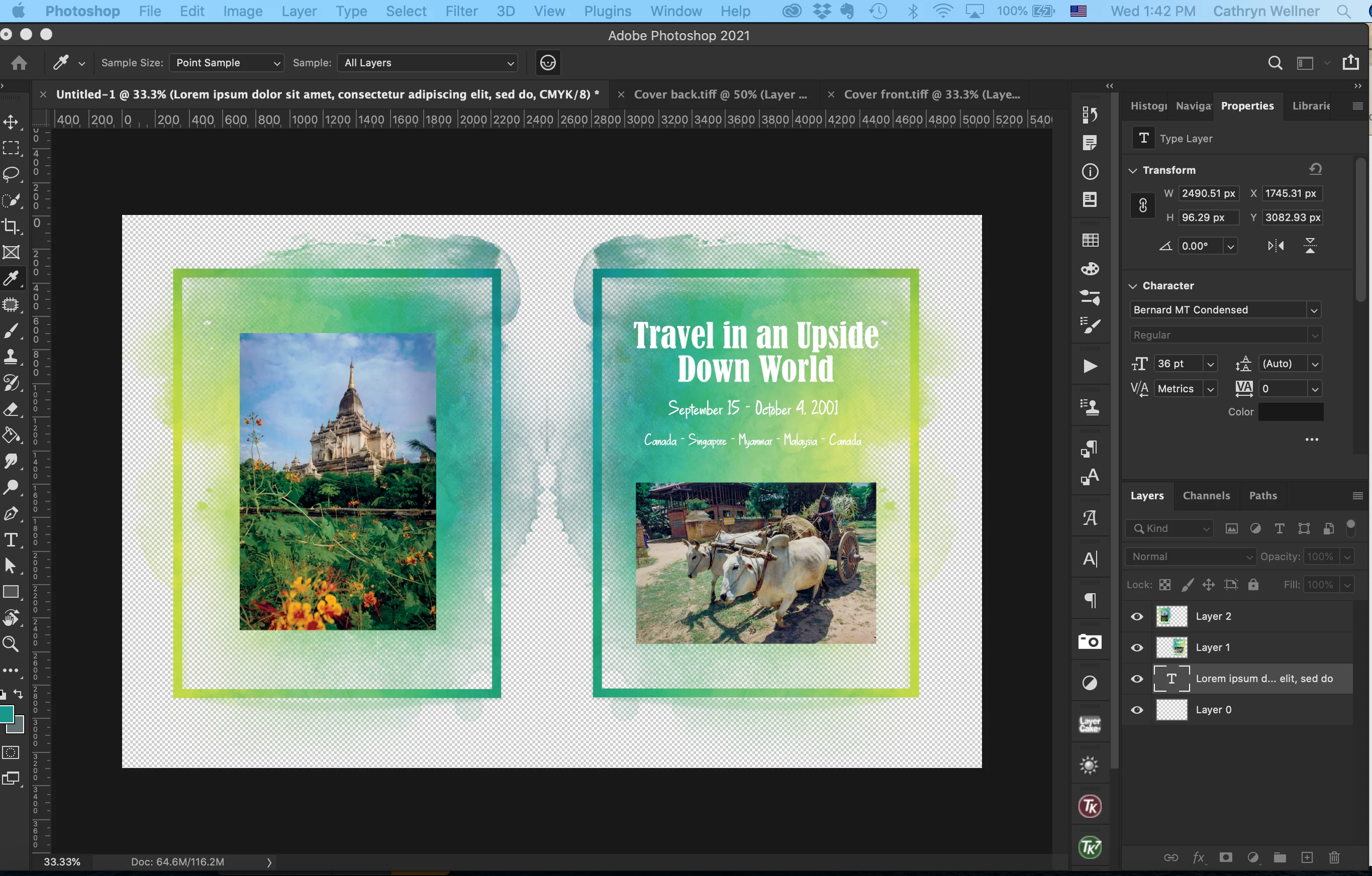
Very peculiar issues with Photoshop v.22. When I open files, I have to fish around a blank screen to make them come up. Within seconds of opening several files to combine, the menu goes grey and nothing is accessible. I can't even quit Photoshop. It's like an evil genie has taken over. I'll include a screen shot. Anyone know how I can deal with this? 
 

Moved from Using the Community (which is about the forums) to a better forum... Mod
To find a forum for your program please start at https://community.adobe.com/

This topic has been closed for replies.

1 reply

Participating Frequently
November 4, 2020

I've opened the files from Bridge and from Photoshop. Here's the sequence: I can open Image Size and set up the new file on which I'm combing the two other files. But if I try to open Canvas Size from any file, the dialog box does not come up and the menu goes grey. 

Kevin Stohlmeyer
Community Expert
Community Expert
November 4, 2020

Try turning off Window/Application frame. I'm wondering if your dialog box is hiding behind your floating PS screen.

Kevin Stohlmeyer
Community Expert
Community Expert
November 4, 2020

You can also try right clicking on the PS icon in your dock and choose "Show All Windows"