
Merge layers blending based on background BUT without keeping background.
Hello. I am using photoshop many years now and I never had to do the following and I was surprised that I didn't know how to solve it.
So I am having 3 layers, two graphics and one background. I want to merge blending of the first two graphics - based on the plain black background that I have BUT without having to keep the backround as I want to have a transparent image to put to any background that Iwant.
So my goal is the following image (without the black background you see) :
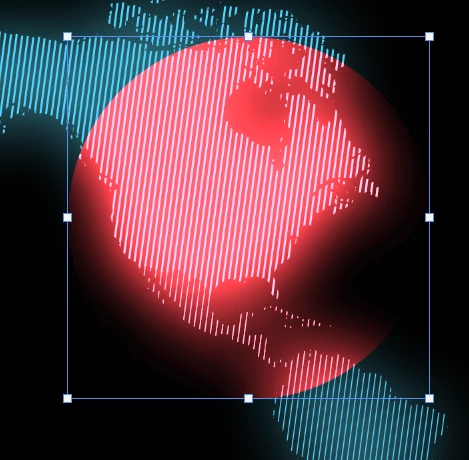
But when merging the first two layers (map and circle that has color dodge) I have a color alteration in the circle which is not acceptable.
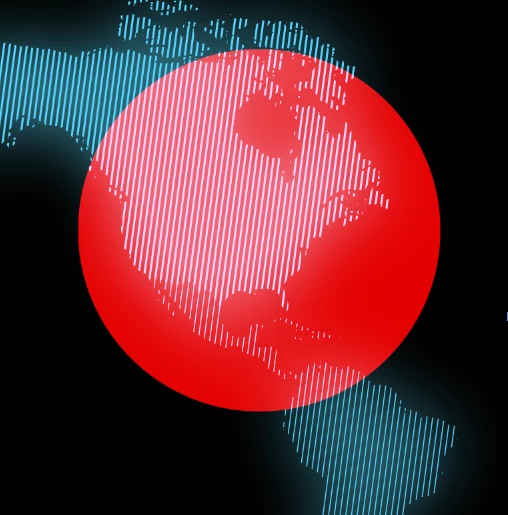
I've read numerous solutions and nothing works. I tried converting to smart object the first layer .. then rasterize.. then merging.. nothing works.
So any ideas?
 AdChoices