Participant
March 3, 2023
질문

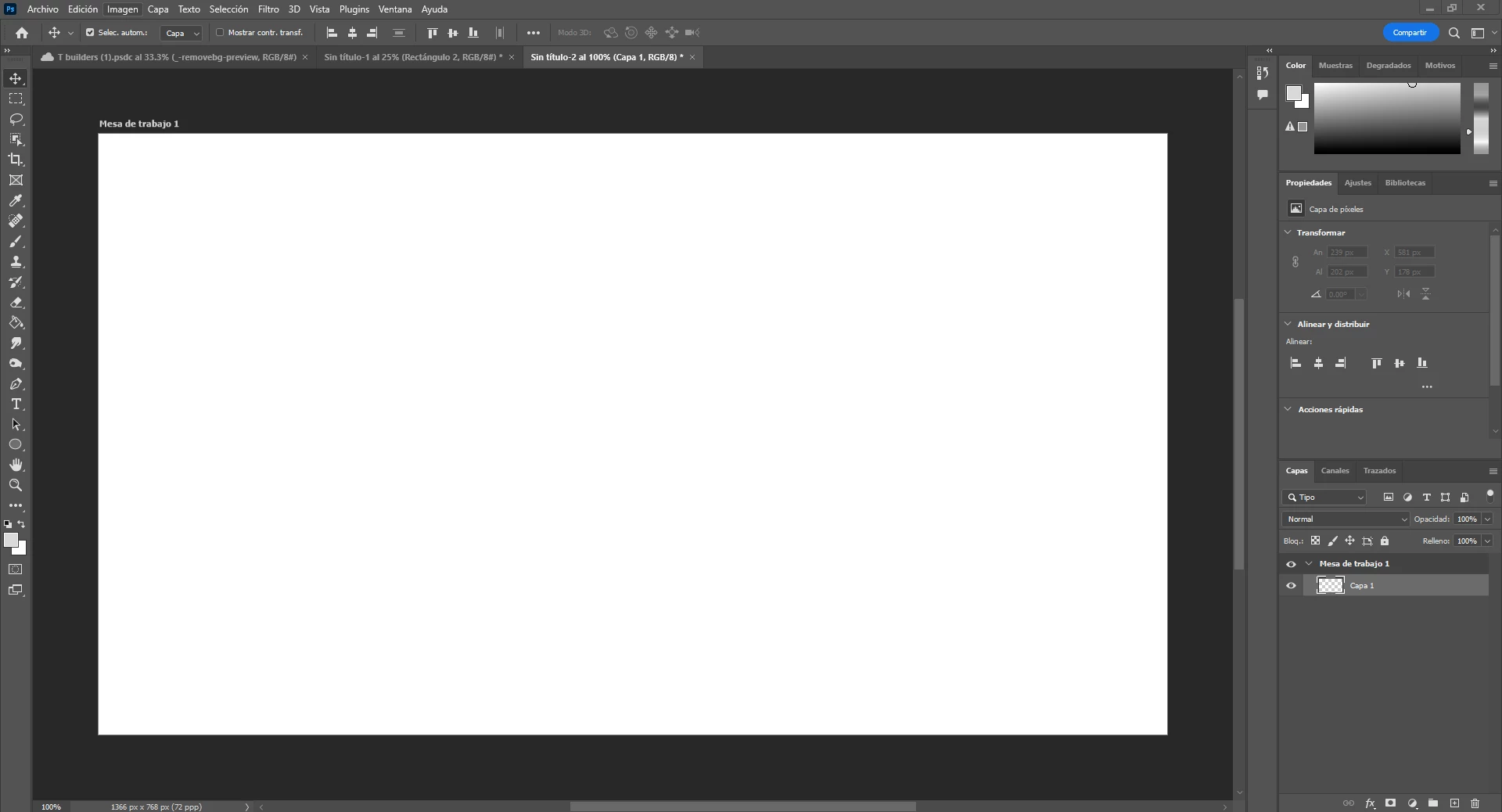
MI PHOTOSHOP ESTA EN BLANCO Y NEGRO NO SE PORQUE
  • March 3, 2023
  • 5 답변들
  • 41308 조회

No sè [cursing removed] sucede con mi Photoshop, no me aparece nada  de como resolverlo. Ya intente con el MODO y quitar la escla de grises pero nada funciona 


AYUDAAAA 

5 답변

andruk
Participant
September 21, 2023

Posiblemente estas ubicado en uno solo de los 3 canales, en la pestaña CANALES. Debes seleccionar el canal RGB para ver todos los colores.

andruk
Participant
September 21, 2023
Captura_de_pantalla_2023-09-21_a_la(s)_6-28-01_p-_m-.png
Participant
October 23, 2023

thanksss!!!! 

Participant
March 3, 2023

Not even that I can erase the layer.

The thing is that I was trying to save my work with Crtl+S and I click something wrong but I don´t know what it is 😞 

Participant
May 24, 2023

Try pressing command+G or Control+G

jane-e
Community Expert
Community Expert
September 21, 2023
quote

Try pressing command+G or Control+G

By @Luigi442292990264699


In what way do you expect grouping the layers to fix this issue?


Group layers

Control + G

Command + G

https://helpx.adobe.com/photoshop/using/default-keyboard-shortcuts.html


Jane

Kevin Stohlmeyer
Community Expert
Community Expert
March 3, 2023

Try deselecting your Black and White Adjustment layer...

Participant
March 3, 2023

No I don´t have this problem 
I don´t know what´s wrong 


Kevin Stohlmeyer
Community Expert
Community Expert
March 3, 2023

hi @Paola2869451510w0 check your Color window menu - do you have Grayscale selectd in sliders and ramp?