Participant
December 8, 2021
Answered

Mirroring around a line/central point?

  • December 8, 2021
  • 1 reply
  • 2237 views

Hi, fairly new to Photoshop, wondering if there's a way to mirror around a line or mirror one side of a line onto the other side?
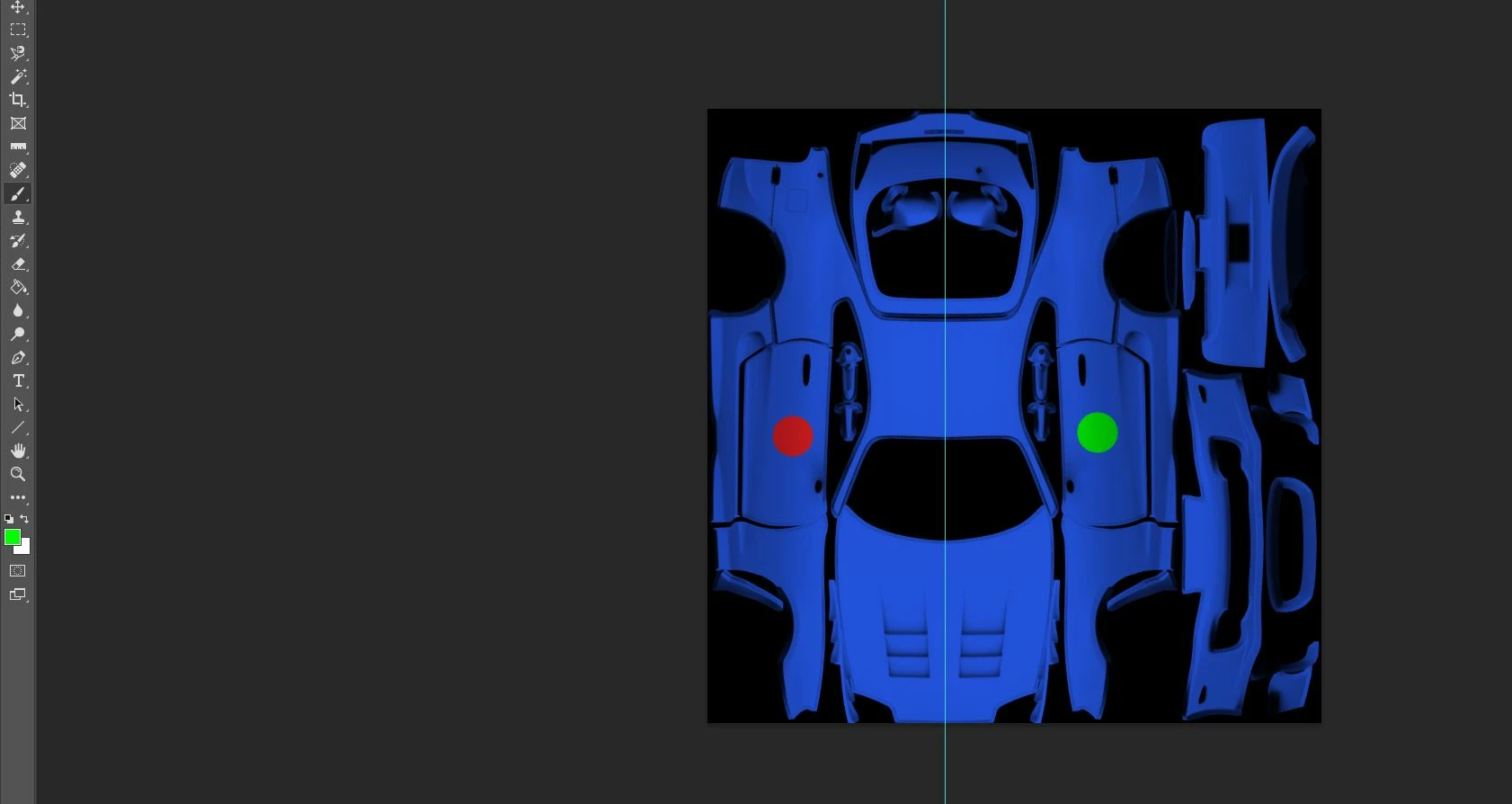
 

As a visual representation, the red dot would be the painting side, and the green dot would be a mirrored version of the red dot, being mirrored on the vertical guide in the middle.


thanks!
 

This topic has been closed for replies.
Correct answer c.pfaffenbichler

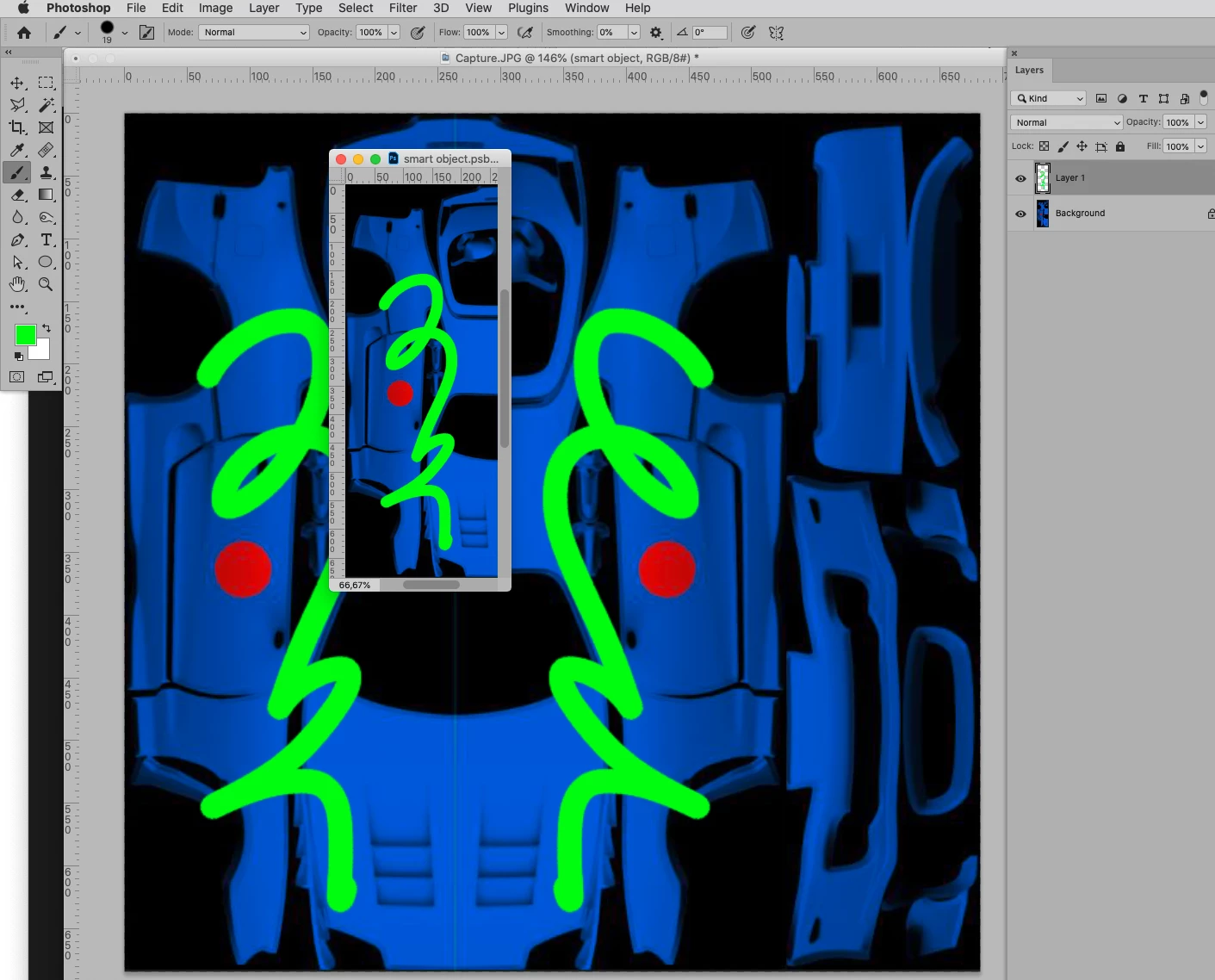
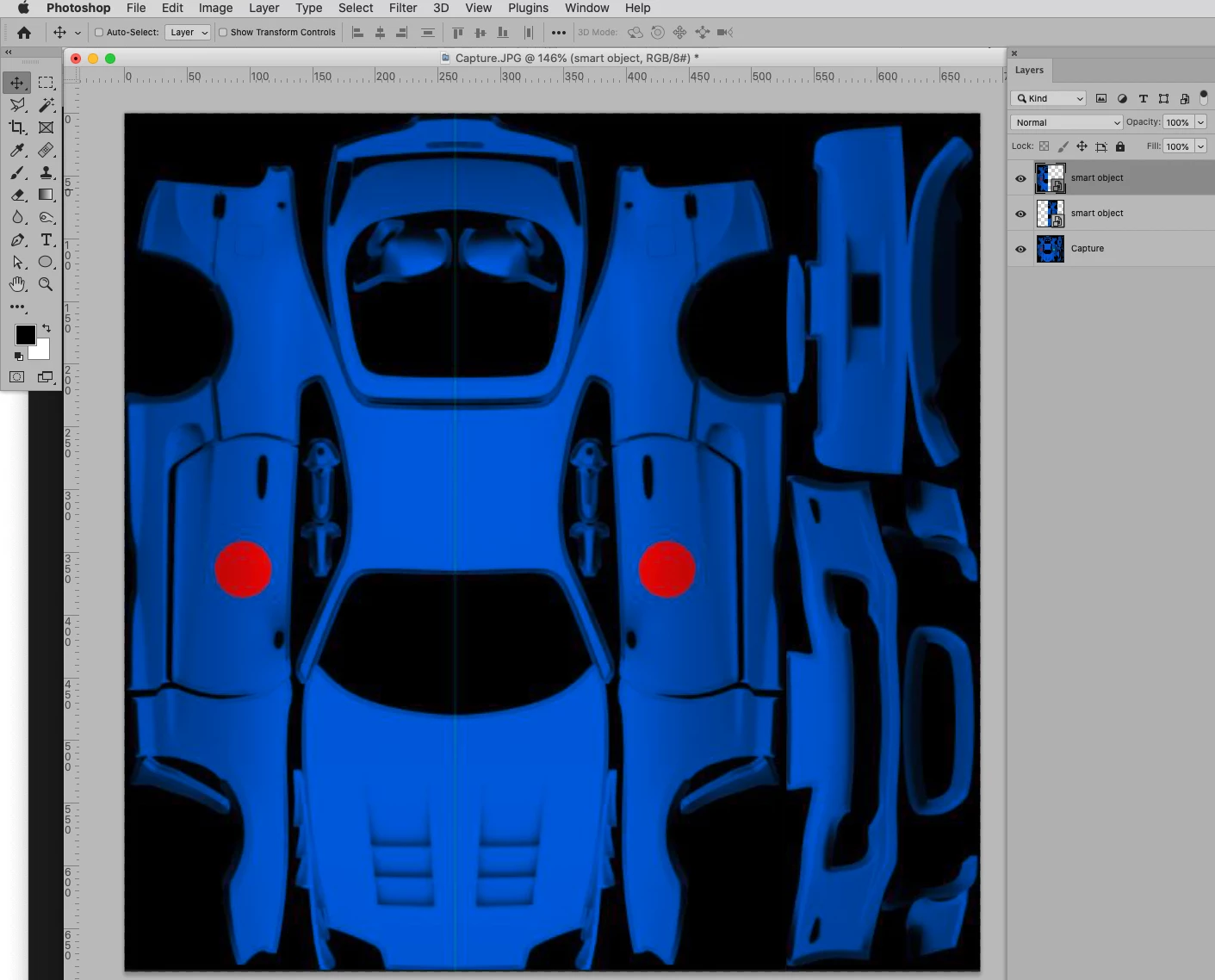
Create a Smart Object, duplicate it (cmd-J), transform and place it as necessary (cmd-T). 

Then when you open the SO, do some edits (or add a graphic) and save it it will update in both instances. 

1 reply

c.pfaffenbichler
Community Expert
Community Expert
December 8, 2021

For actual painting 

otherweise I would recommend using two Smart Object instances. 

Participant
December 8, 2021

thanks, that works for painting, much appreciated!


How would i go about setting up the smart objects, and would I be able to import an image to one side and have it mirrored to the other side by doing this?

c.pfaffenbichler
Community Expert
Community Expert
December 9, 2021

one more thing, i have the smart objects set up, but when I place an image into one smart object it doesn't appear in the other smart object, same with shape tool etc. The paintbrush mirrors across both objects but I think this is from the previous settings.

When you say "save it", do you mean save the entire photoshop document with ctrl+s, or something else?


Save the open Smart Object. 

There is no live preview, the prview is only updated when the SO is saved. 


If that should not resolve the issue please post meaningful screenshots including the pertinent Panels.