Participant
January 4, 2025
Question

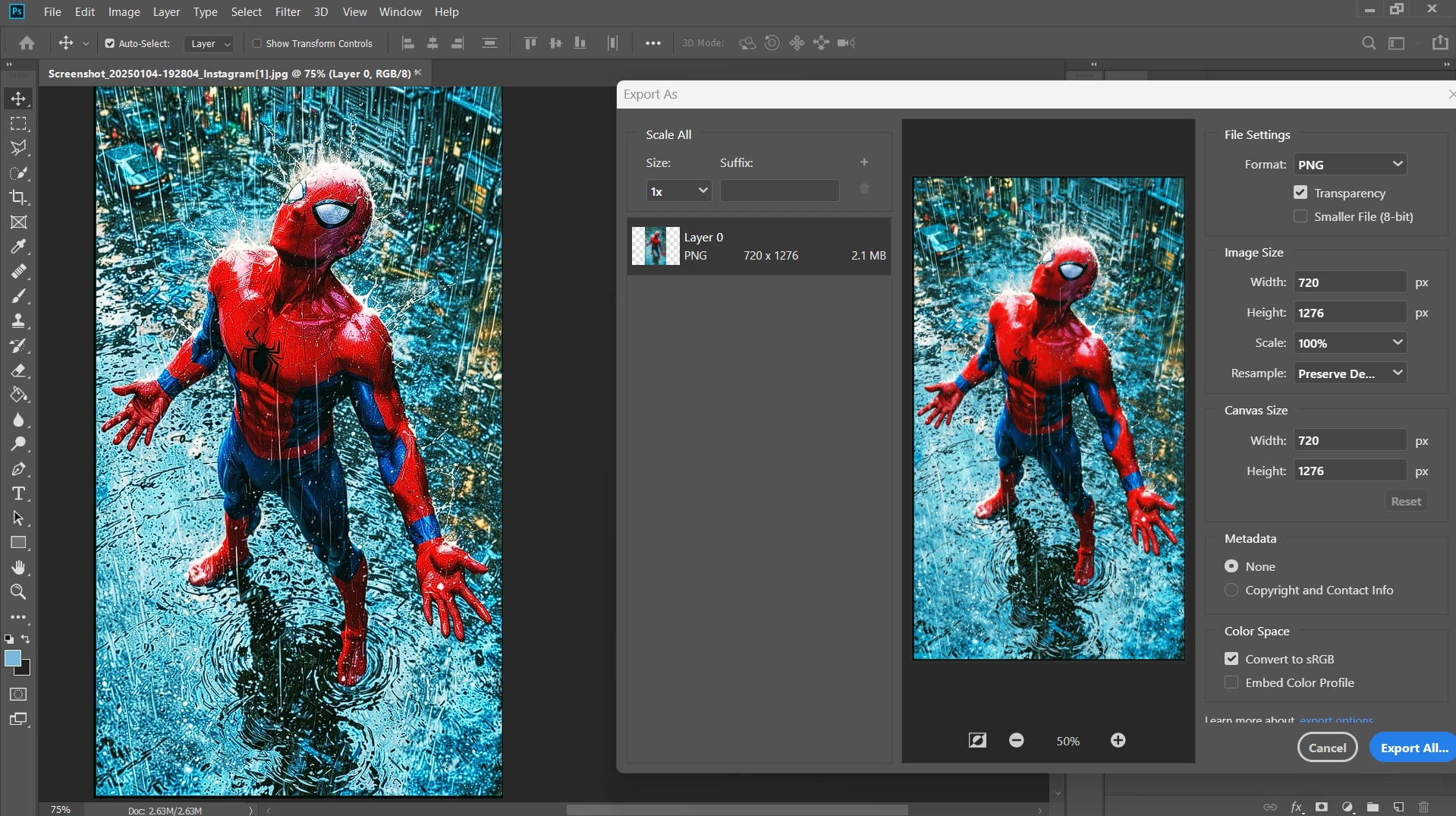
mismatched images while exporting

  • January 4, 2025
  • 2 replies
  • 162 views

#not_matching_image

hey!

There is a great change in photo contrast and smoothness in exported image and the image i use to edit...

How to fix it??


2 replies

NB, colourmanagement
Community Expert
Community Expert
January 4, 2025

@Divyanshu_Shrivastav I would use save or save as rather than "export". The image size and colour profile will be dependent on your destination. As @Per Berntsen  states, the preview in Export seems to be broken.

If you must use Export, fine but ignore the preview and open the exported file in Photoshop to assess appearance.


Beware assessing appearance in non colour managed applications. They may well differ in appearance from Photoshop, which knows how to read the image embedded ICC profile and uses it [just for viewing] to convert colour data to the display ICC profile for accurate viewing*. More about ICC profiles here.

(*IF, that is, the display profile is accurately characterising your display).


neil barstow - adobe forum volunteer,

colourmanagement consultant & co-author of 'getting colour right'

See my free articles on colour management

Help others by clicking "Correct Answer" if the question is answered.

Found the answer elsewhere? Share it here. "Upvote" is for useful posts


Per Berntsen
Community Expert
Community Expert
January 4, 2025

Color management for the preview in Export As is broken, just ignore it. The image will export fine, as long as you check Embed Color Profile. This box must always be checked.
