Participant
January 4, 2018
Answered

Missing adjustment presets [Mac]

  • January 4, 2018
  • 1 reply
  • 918 views

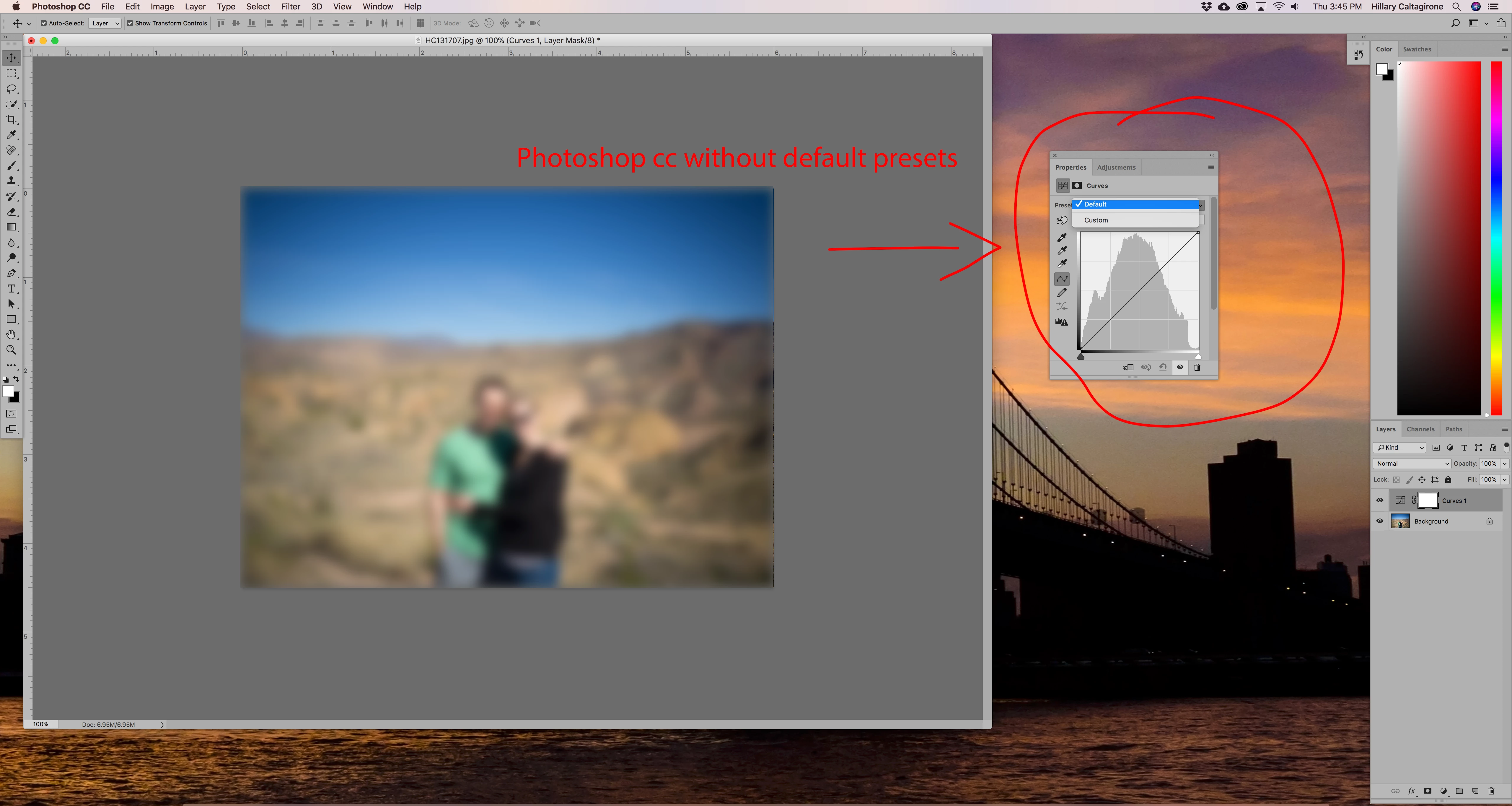
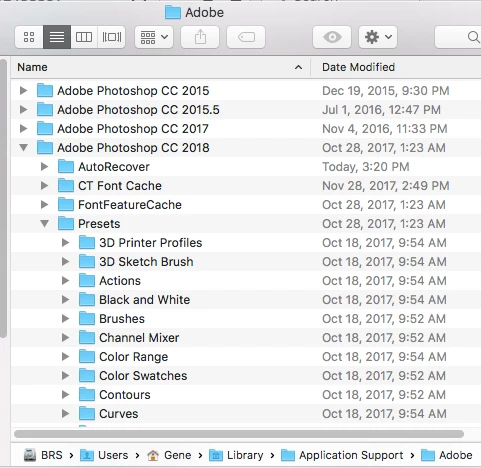
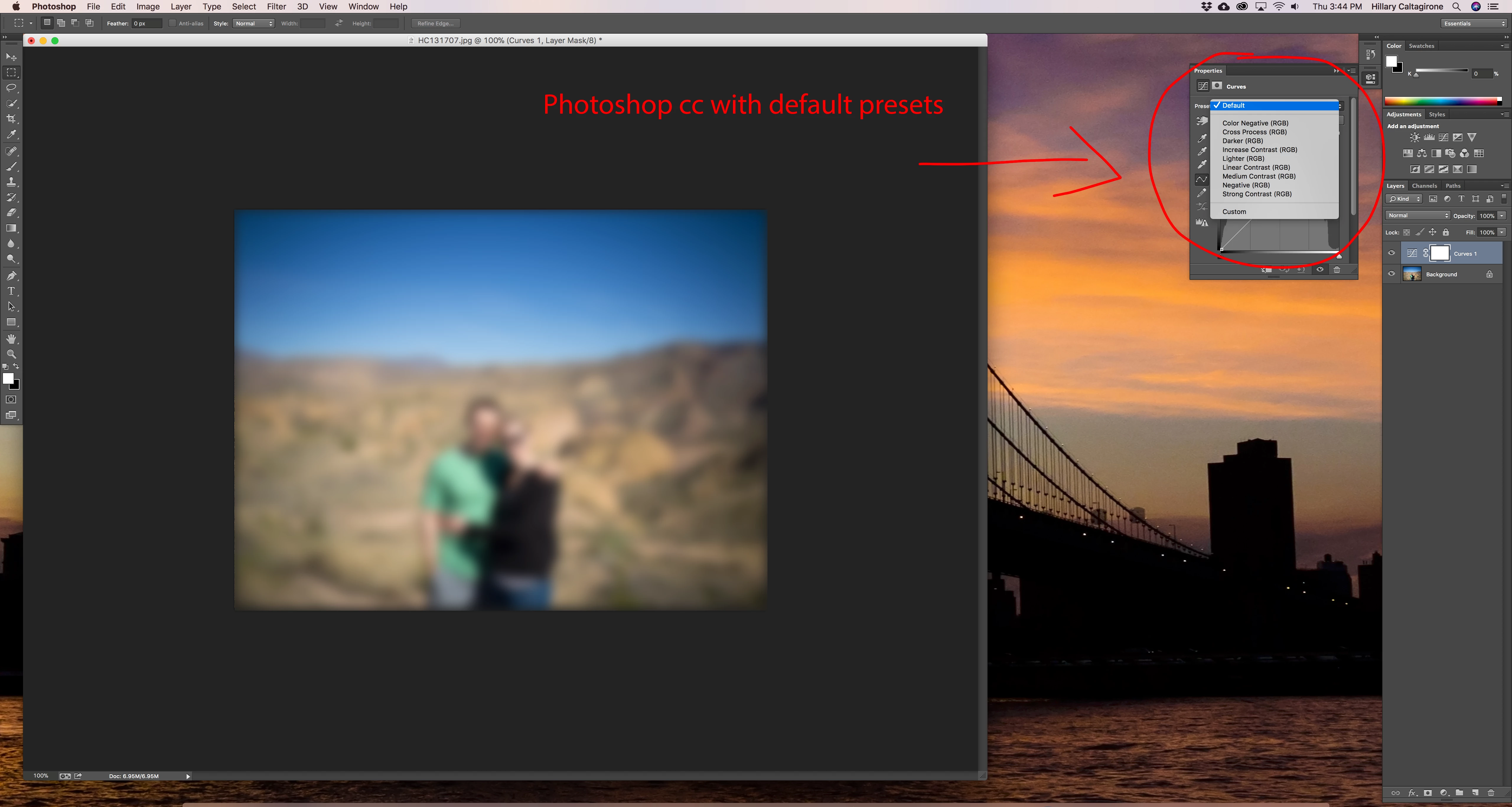
I opened Photoshop CC 2018 today to do some work and noticed that my curve presets were missing. I then checked the other adjustment presets and all of those are missing too. I thought maybe they needed to be imported so I checked the preset folder in the library folder and it is empty.

To give some background, I recently got a new computer and decided to update my Photoshop to the latest version. Prior to that I was working with an older version (maybe 2015?). I'm 100% sure I had all these presets in my old version of Photoshop and they just came pre-installed with the program.

The really bizarre thing is, I re-installed the older version of CC to prove to myself I'm not crazy and all of the presets are there. But wait, there's more! I thought I would just migrate the presets from the old version to the new version but the old versions preset folder is empty too.

Below are screen captures showing the presets in the drop down menu and then the empty menu with no presets

Just to reiterate, these are not presets I made myself, they are the standard presets that come with every version of photoshop I've worked with.

Any help would be greatly appreciated!
    This topic has been closed for replies.
    Correct answer gener7

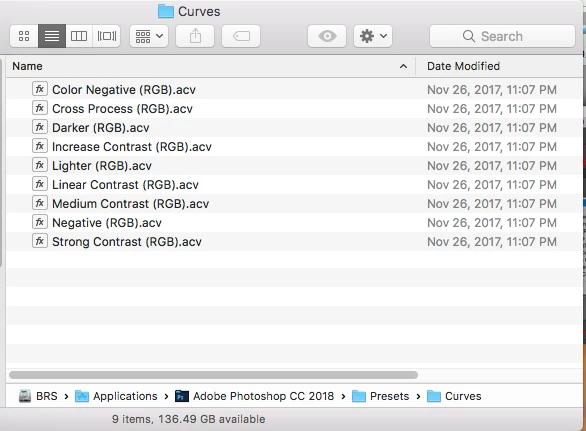
    I'll give it a try. Photoshop CC 2018 keeps stock curves presets in the Applications/Photoshop CC 2018/Presets/Curves folder

    Custom Presets are kept in the User Library folder under Application Support/Adobe  Stock presets do not belong there.

    If  you not have them, uninstall and reinstall.

    User defined.

    1 reply

    Trevor.Dennis
    Community Expert
    Community Expert
    January 4, 2018

    Goodness, that is a high res screen!  But still usable at 200% (I'm assuming)

    I hesitate to suggest too much with you using a Mac.  You could use the page below to find the presets under a prevcious vcersion and copy them across, but it would almost certainly be quicker to reinstall Photoshop.

    Photoshop CS6 preference file functions, names, locations

    I'll edit your subject to show that you are using a Mac, which will attract people with relevant experience.

    gener7
    Community Expert
    gener7Community ExpertCorrect answer
    Community Expert
    January 5, 2018

    I'll give it a try. Photoshop CC 2018 keeps stock curves presets in the Applications/Photoshop CC 2018/Presets/Curves folder

    Custom Presets are kept in the User Library folder under Application Support/Adobe  Stock presets do not belong there.

    If  you not have them, uninstall and reinstall.

    User defined.

    Participant
    January 5, 2018

    Thanks, I was looking for them in the wrong presets folder. The old versions folder had what I was looking for so I just manually copied them to the new version without having to reinstall. Still unsure how they were just MIA, so weird.  Thanks again!