viviane-C
Known Participant
April 6, 2022
Question

Missing brushes

  • April 6, 2022
  • 2 replies
  • 908 views

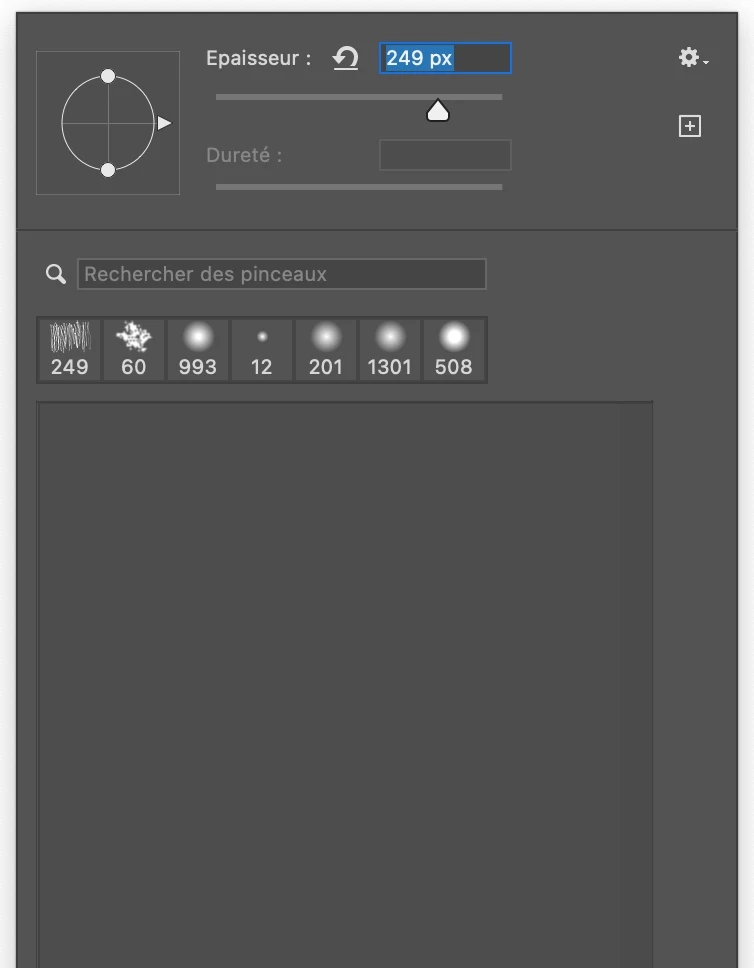
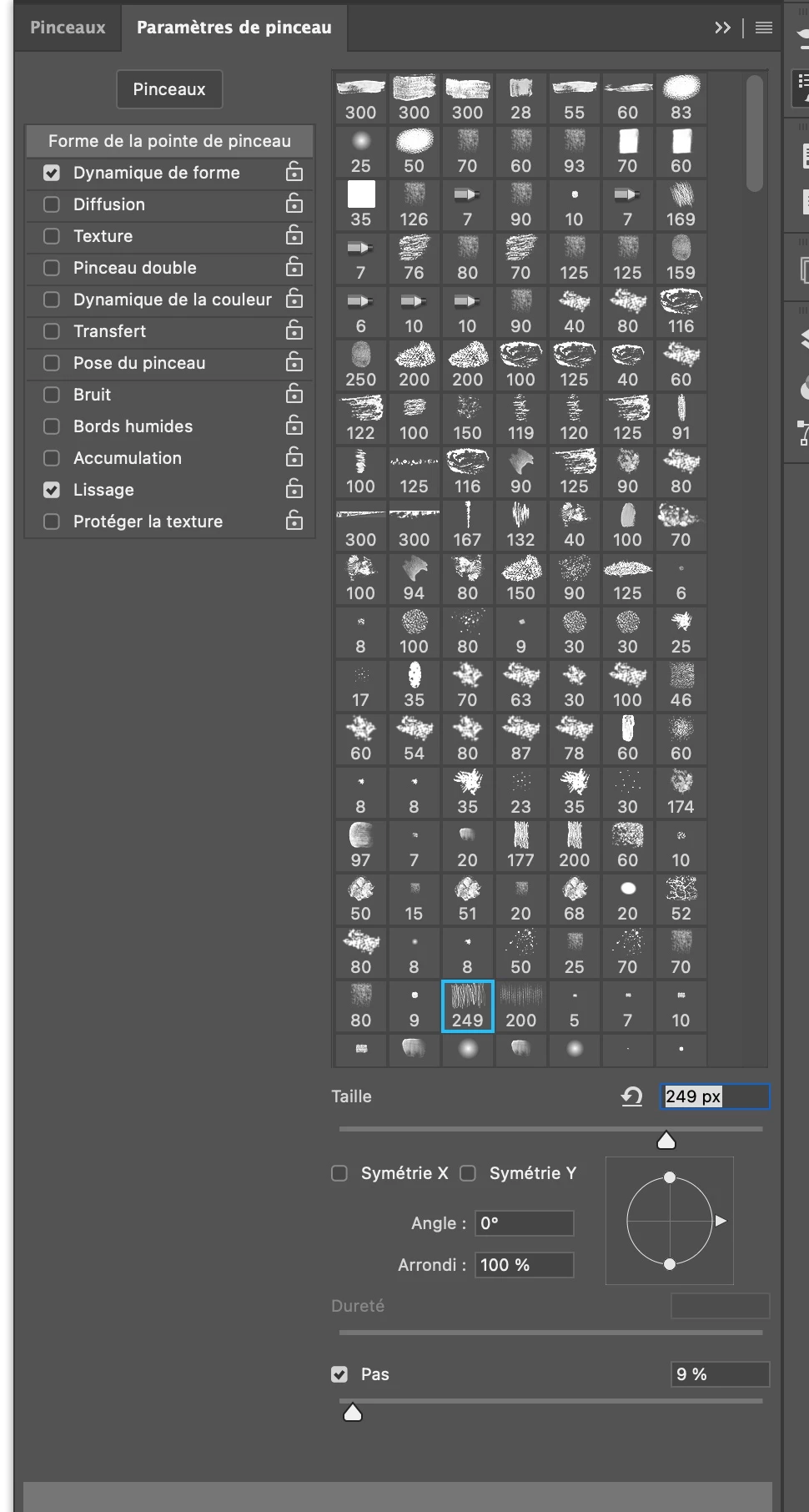
Since the last photoshop update I have lost my brushes when I right click in my working document, there is nothing. But they are in the control panel. An idea ?

Many thanks


This topic has been closed for replies.

2 replies

Trevor.Dennis
Community Expert
Community Expert
April 18, 2022

Were your custom brushes in a group?  If so, did you save the group like Kevin asked?  That creates the .abr file and saves it to a drive.


I don't know the file structure with OSX, but Windows keeps some data from previous versions when you update

https://helpx.adobe.com/photoshop/kb/preference-file-names-locations-photoshop.html


It looks like I have all my .abr files in the 2021 folders.  AFAIK It still won't find your custom presets if they were saved in a group, but it's worth a look.

viviane-C
viviane-CAuthor
Known Participant
April 18, 2022

Many thanks for for your solutions, unfortunately the PC structure is not the same on Mac, I looked everywhere, but there are no older versions, I looked in my Time Machine, but saw nothing. I hoped in the Presets, but there was nothing left to import. In short, I re-installed an 8-month-old backup of my brushes, and I would save each time I work on the brushes. Too bad, Photoshop had accustomed us in recent years not to lose anything without being asked. Thank you for taking the time to find solutions.

melissapiccone
Community Expert
Community Expert
April 18, 2022

Reset your preferences and see if the default brushes come back. I highly recommend that you save your custom brushes far away from your applications folder. Mine are in a folder on Dropbox called Adobe Extras with subfolders for brushes, actions, etc. You can also save brushes to your libraries. I have a bunch of Kyle's brushes saved in libraries for quick access and I don't have to install them to use them. 

Melissa Piccone | Adobe Trainer | Online Courses Author | Fine Artist
Kevin Stohlmeyer
Community Expert
Community Expert
April 15, 2022

If you had custom brushes - did you save your brushes prior to updating?

Otherwise go to the drop down menu in the panel and choose Legacy Brushes.

That will load the default brushes.

viviane-C
viviane-CAuthor
Known Participant
April 17, 2022

Thanks for your comment, but if you look at my screenshots you will see that my brushes are all there in the control panel as I explained. But, they don't appear when I right click in my document.

Kevin Stohlmeyer
Community Expert
Community Expert
April 18, 2022

If those panels are from the same document, try restting your brush tool first and then if that does not work reset your PS.

To reset your tool, select the brush then go to the brush icon top left in your options panel. The drop down menu will give you a Rest Tool option.

If that doesnt work go to Preferences/General and click the reset preferences upon quit.

Make sure you save your brushes!