

mushanga75
Known Participant
March 31, 2023
Question

modify the white template of a mockup

  • March 31, 2023
  • 2 replies
  • 1022 views

Hi everyone
I have a template like this that I would like to modify.
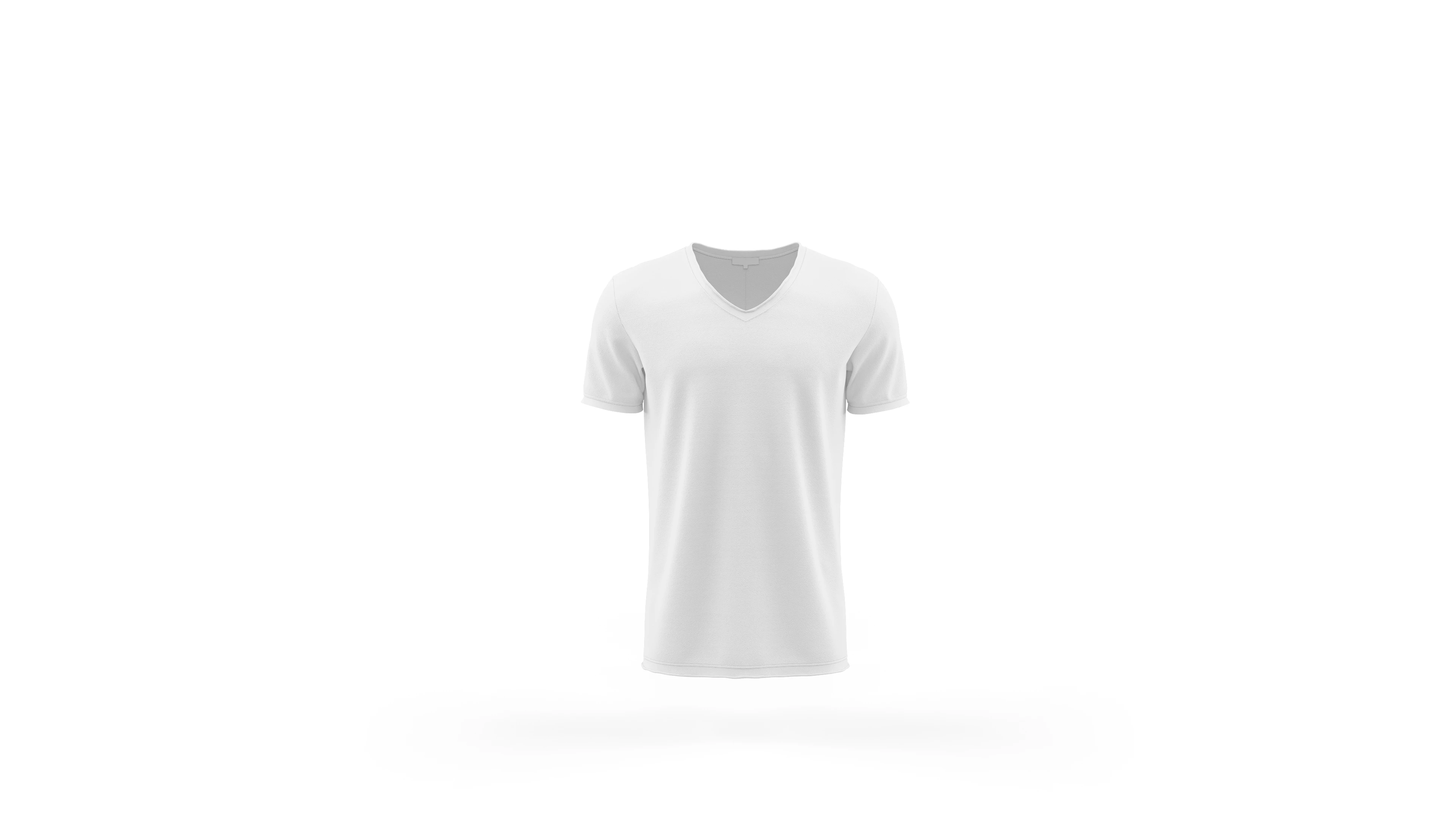
I know how to customize the colors and add any logos but I was wondering if it was possible

 to modify the blank template, for example by adding a collar or changing the type of neckline?

This topic has been closed for replies.

2 replies

Legend
March 31, 2023

Do you have drawing or painting skills? If not, you would want to find a photo (that you have permissions to use) with the kind of neckline you wanted and copypasta. The best way might be to spend $3 at a thrift store and buy the kind of shirt you want to display.

melissapiccone
Community Expert
Community Expert
March 31, 2023

Sure, you need to find another pic with a collar you like to add it or you can change the neckline using the liquify filter. Lots of different ways to do these things. 

Melissa Piccone | Adobe Trainer | Online Courses Author | Fine Artist
mushanga75
Known Participant
March 31, 2023

Can you recommend me some tutorials about it?

mushanga75
Known Participant
April 1, 2023

Hi, @mushanga75 
Which one did you find is the closest to the wanted results, and what are you struggling with?

Which route do you prefer exploring, so that we can guide you?


hello,

first of all the final project wants to be the creation of a poster that represents the history of the evolution of a football team through its shirt.
The basic idea is this:


On the web I found several mockups that can be used to customize the different types of shirts, but not all shapes are available. For example, the first shirt in the front row isn't there.
If I wanted to modify one of the mockups I already own, like this:

is it possible to do it?

Of course I own the original PS project files of the blanket mockups