ittaif57990912
Participant
January 21, 2018
Answered

Moving an image in Photoshop [Title edited for clarity]

  • January 21, 2018
  • 3 replies
  • 653 views

Good Morning

I put a photo into Photoshop.

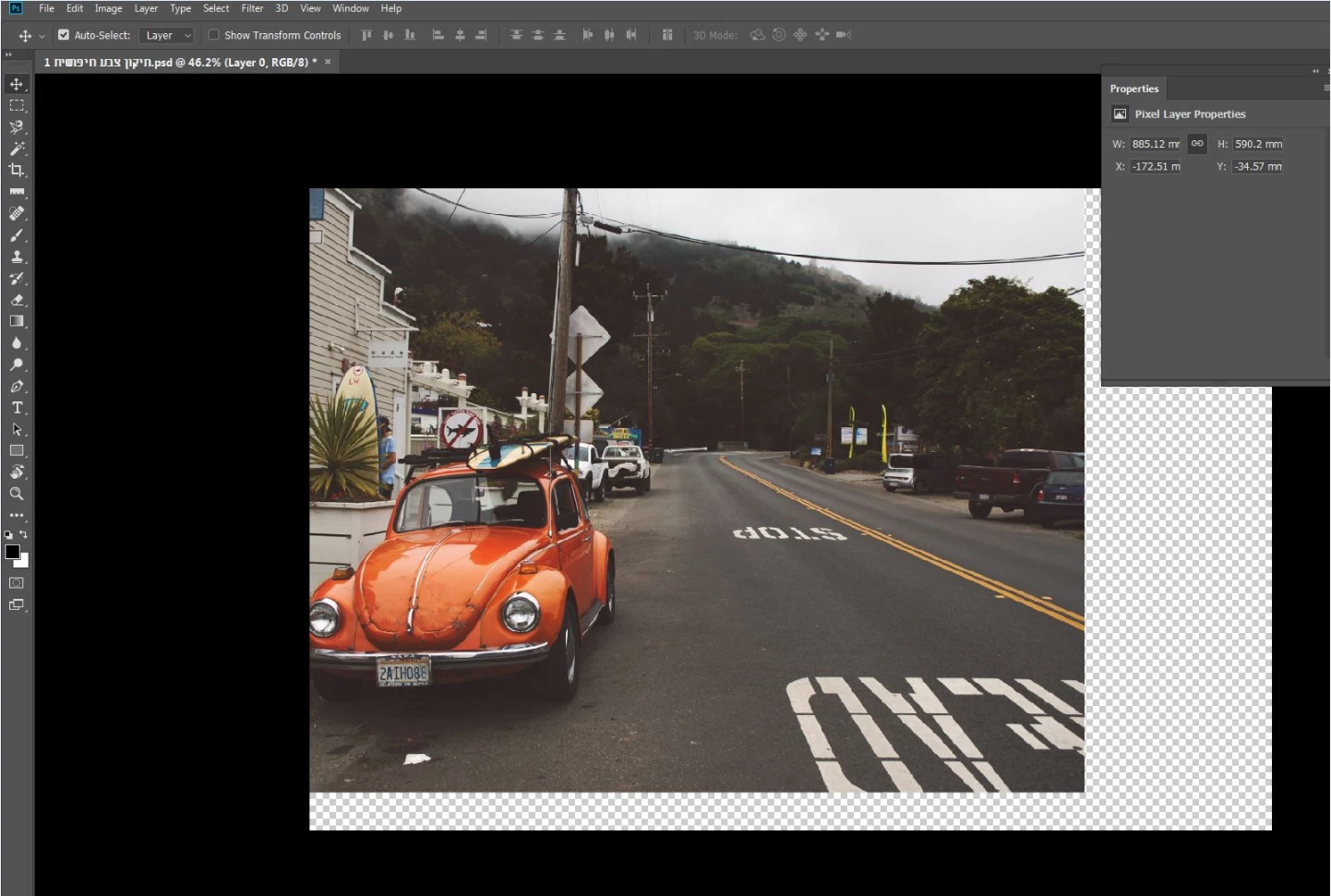
1. I want to move it all to the left without increasing or decreasing.

    Photoshop does not let me do that! She hides the left part.

    Why can not such a simple act be done?

2. Is it possible to suppress the layer of small squares of black and white below and see a simple screen

    black ?

In gratitude and many thanks
    This topic has been closed for replies.
    Correct answer Test Screen Name

    Yes, when you move it to the left it cut off the left. I hope we can help you make sense of this. Forget the toolbars, they aren’t the problem. The problem is that you are moving the picture off the left of the canvas.

    The picture is in a “canvas”. This is just a box.  You can move it inside the canvas and if you move it from the edge it is cut. You can make the canvas bigger using Canvas Size from the Image menu. Then you have room to move it without cutting.  You must increase first and move second.

    3 replies

    Nancy OShea
    Community Expert
    Community Expert
    January 21, 2018

    If panels and tools get in your way, hit the Tab key to hide them.  Or hit Tab key again to bring them back.

    Use Ctrl + - (minus) to zoom out. 

    Ctrl + + to zoom in. 

    Ctrl + 0 (zero) to fit image to  workspace.

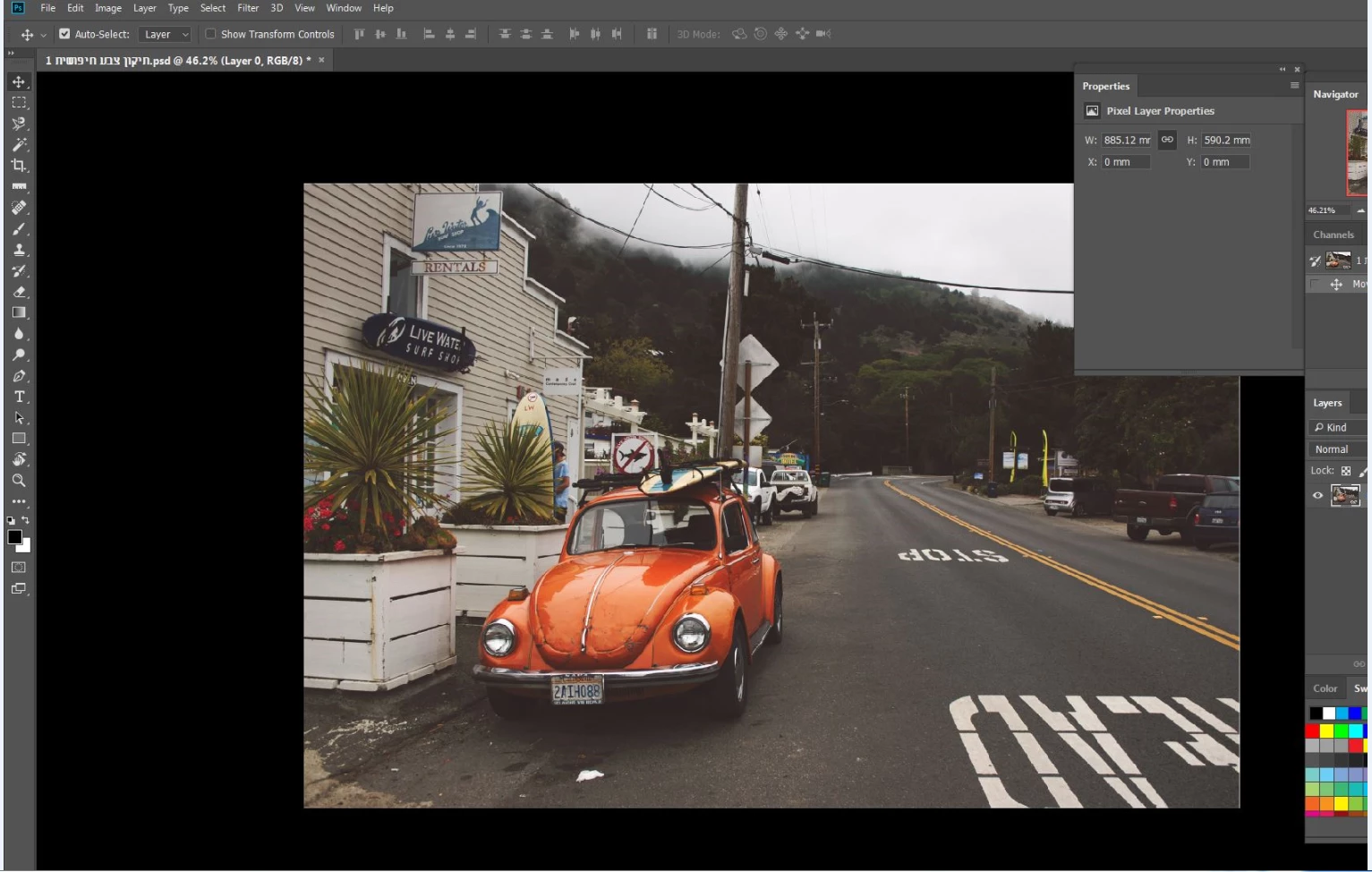
    You can also use the Navigator slider  to zoom in or out.   See screenshot.

    Nancy O'Shea— Product User & Community Expert
    Test Screen NameCorrect answer
    Legend
    January 21, 2018

    Yes, when you move it to the left it cut off the left. I hope we can help you make sense of this. Forget the toolbars, they aren’t the problem. The problem is that you are moving the picture off the left of the canvas.

    The picture is in a “canvas”. This is just a box.  You can move it inside the canvas and if you move it from the edge it is cut. You can make the canvas bigger using Canvas Size from the Image menu. Then you have room to move it without cutting.  You must increase first and move second.

    Derek Cross
    Community Expert
    Community Expert
    January 21, 2018

    The image area is the image area, you can't create more image than there is the photograph you've taken!

    "the layer of small squares of black and white" represent transparency.

    ittaif57990912
    Participant
    January 21, 2018

    The toolbars "come up" on the image

    All I want is to move the image to the left. Why does the part that comes out of the frame disappear?

    Participating Frequently
    January 21, 2018

    Hello,

    I don‘t understand what the final goal of your work should be.  When you move the picture to the left, the parts outside of the frame are cut away.