
Moving / docking history panel
- November 14, 2024
- 1 reply
- 369 views
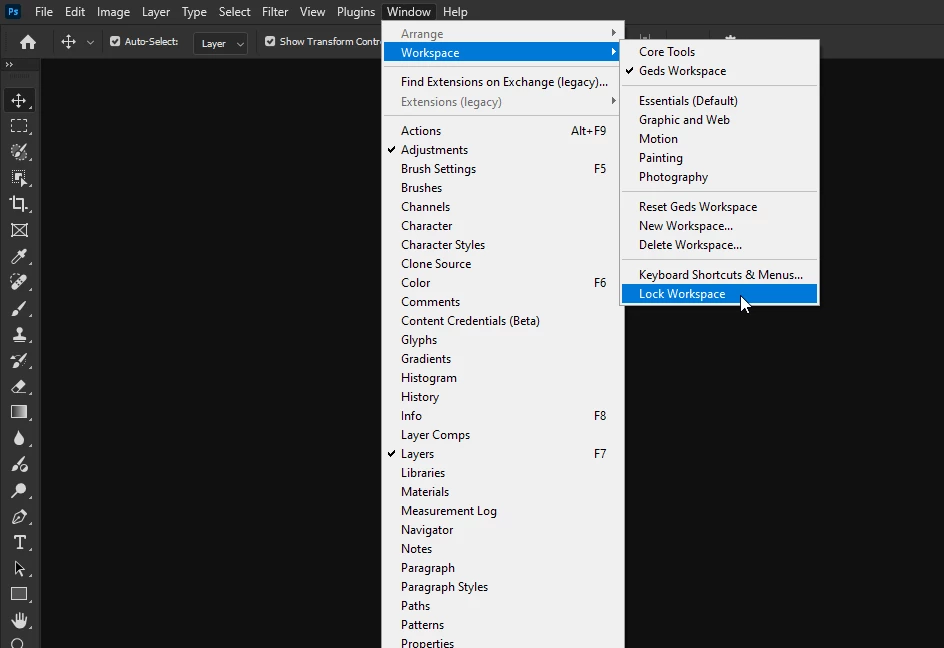
I'm on Photoshop 26.0.0. on Windows 11. I accidentally deleted my History panel from the Tab Group (in Photoshop 26.0.0). It was in that Tab Group for years (= older versions of Photoshop). I tried to move/dock the History Panel back in to that Tab Group again, but it won't work. I'm not able to move/dock the history panel to that Tab Group, whatever I try. I attached 2 screen prints (Photoshop 24 with History Panel in Tab Group (bottom right); Photoshop 25 with collapsed History Panel (the top right). Maybe it's some kind of setting, but if yes: I can't find it. I'm one of those guys that almost never change layouts of screens ('when it works, it works'), unless you do something stupid like accidentally delete. Since I'm so used to the setup of Photoshop 24, it would be great to have it back like that...
Any help appreciated,
Paul
 AdChoices