Participant
December 18, 2017
Answered

Moving sparkle effect

  • December 18, 2017
  • 2 replies
  • 8456 views

Hello all,

I have some images of jewelery i need a moving sparkle effect on, for a website. Something like this on top of the page: Home | Tiffany & Co.

I tried to make a GIF in photoshop, but its very time consuming, and i wasnt really happy with the result.

Is there a easy way to do this?  Maybe in another program I have the full CC package, but have only worked in PS, ID and AI.

Hope you can help :0) best regards William
This topic has been closed for replies.
Correct answer davescm

Hi

Try this:

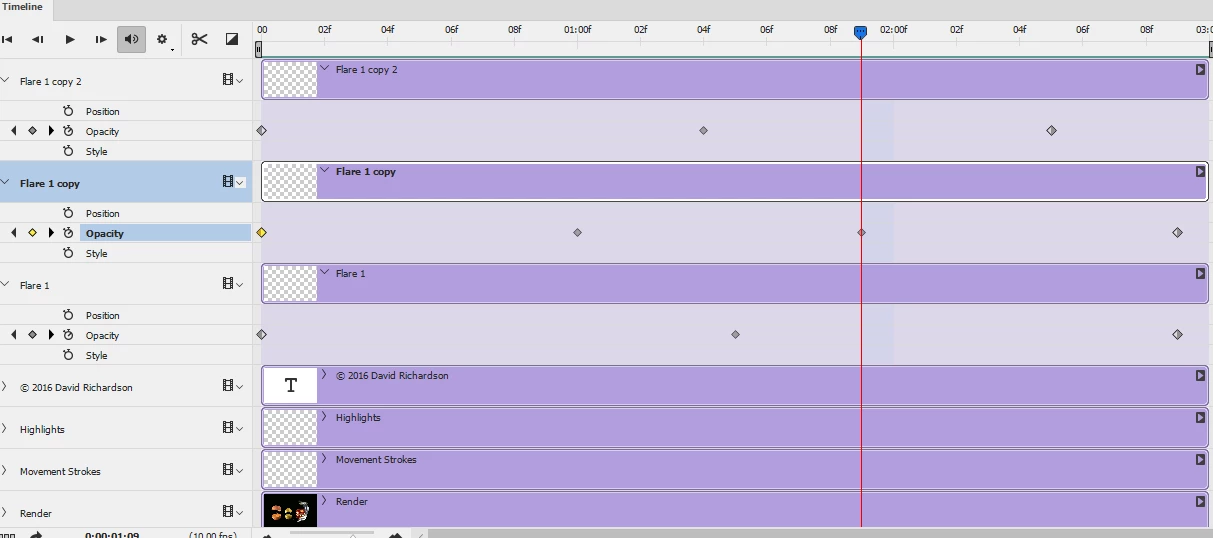
1. Draw the sparkle flares on empty layers

2. Add a video timeline

3. Add keyframes on the layer opacity of those flare layers

4. Use save for web to save as a gif

I hope that helps to get you started.

Dave

2 replies

davescm
Community Expert
davescmCommunity ExpertCorrect answer
Community Expert
December 18, 2017

Hi

Try this:

1. Draw the sparkle flares on empty layers

2. Add a video timeline

3. Add keyframes on the layer opacity of those flare layers

4. Use save for web to save as a gif

I hope that helps to get you started.

Dave

Participant
December 20, 2017

Thanks Bettina and Dave,

I havnt tried the video timline before. Ill try this, looks faster than frame pr. frame gifs.

davescm
Community Expert
Community Expert
December 20, 2017

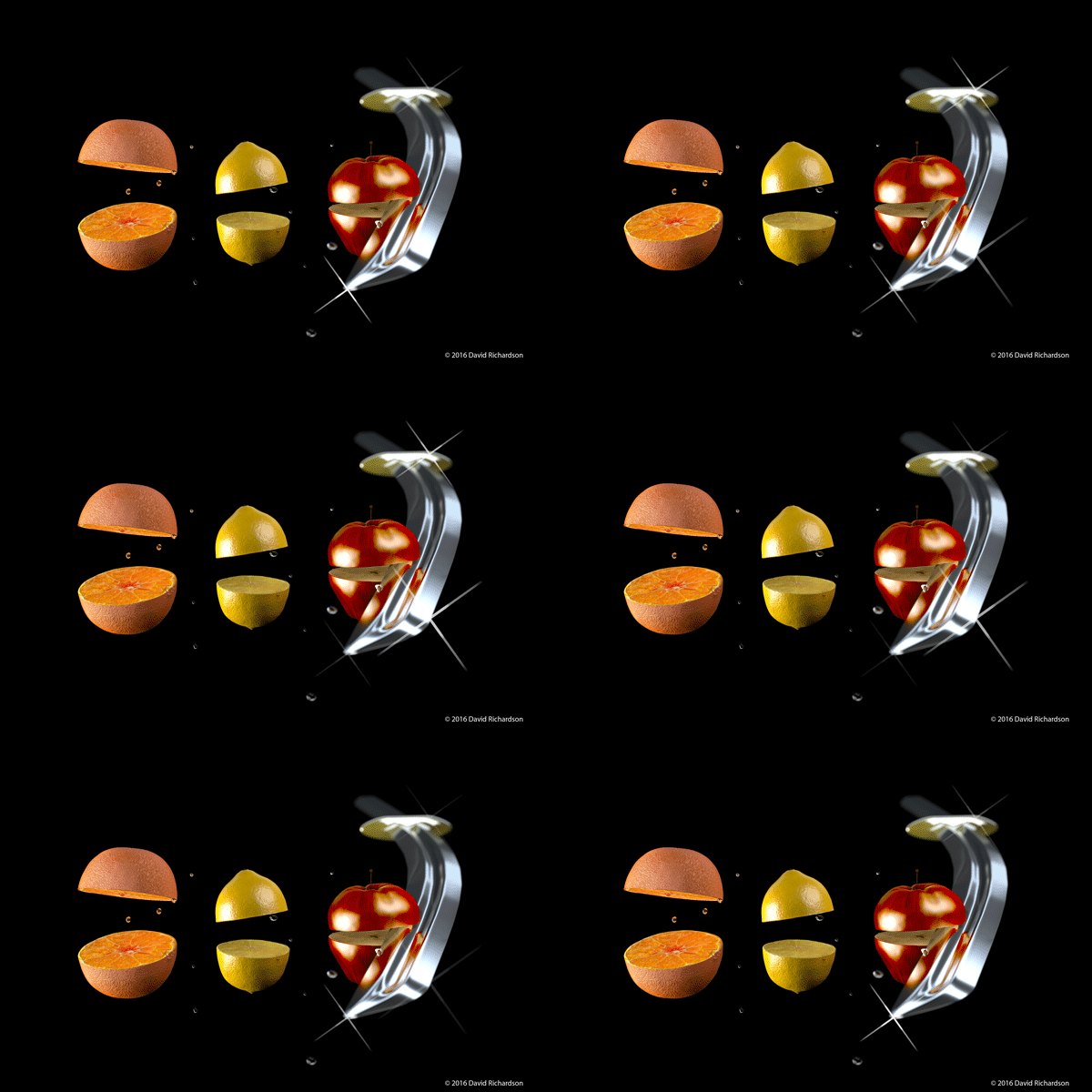
If you are making animated gifs from the video timeline , make sure you don't set the framerate too high. The default is 30fps which is fine for video but I reduced it to 10fps to make the gif above.

Dave

Bettina Di Virgilio
Participating Frequently
December 18, 2017

I think you can buy a video ready to be used

Check this one, it can work:

Video stock di キラキラスター パーティクル shiny stars particles in Adobe Stock | Adobe Stock

Open your image in PS, import the video on a layer and choose as a bending mode one of the third group to hide the dark area and let only the shiny stars visible. Add a Black and White Adjustment layer to adjust the tones of the stars.

Export in a video format.