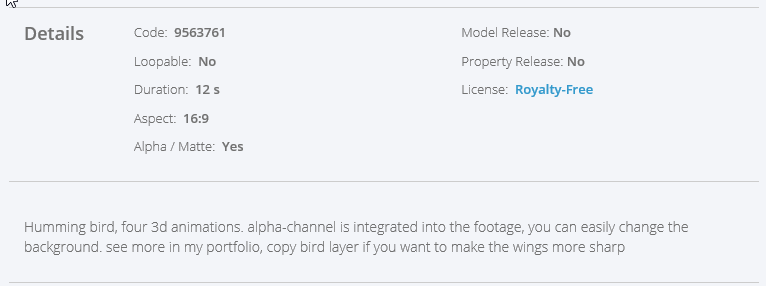
I have an MP4 Video that I purchased from Motion Elements and it has a white background. I need to make the white background transparent so that I can use it as an overlay onto another gif. I have tried following the directions on some of the You Tube Videos, but it does not work. I also have a butterfly motion that has a black background that I need to make transparent. If someone could please give me the steps I would be most appreciate. I have the CC version, I am working on a windows PC and I need to be able to use the coverted overlay on my android tablet. Any help would be appreciated. Here are the images and information so you can see what they look like.







 1
Reply
1
Reply


 AdChoices