
My B&W CMYK print files with the correct color profile end up having a green hue when printed
Hello community,
I've had the pleasure of getting assistance from folks here in the past, yet sadly my problem is yet to be resolved;
I work on record covers and continue to do so. Usually this means editing certain images in Ps and converting them into Greyscale to get the B&W colors I want, as I prefer B&W covers, then transferring them into RGB and saving them as a tif.
My current example;
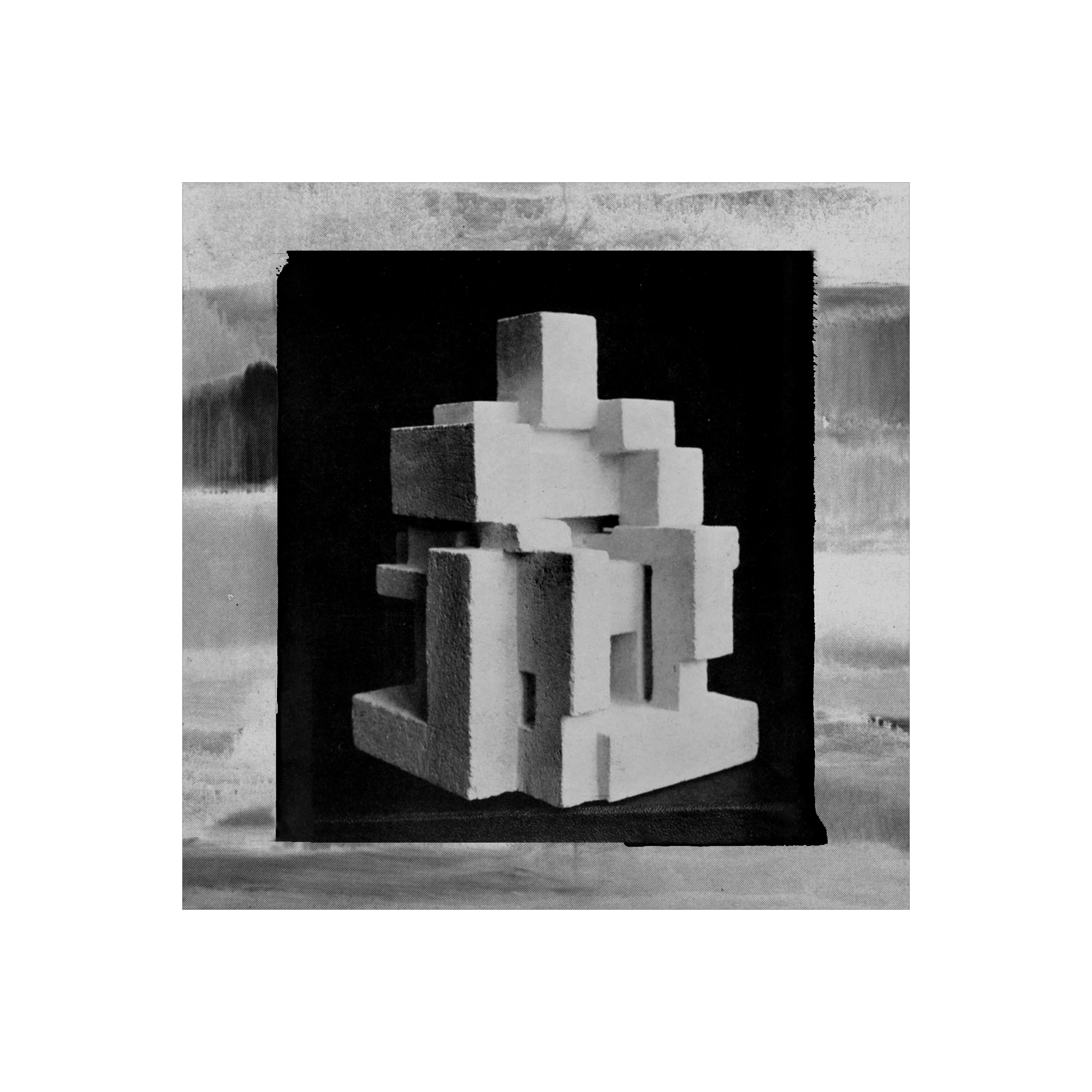
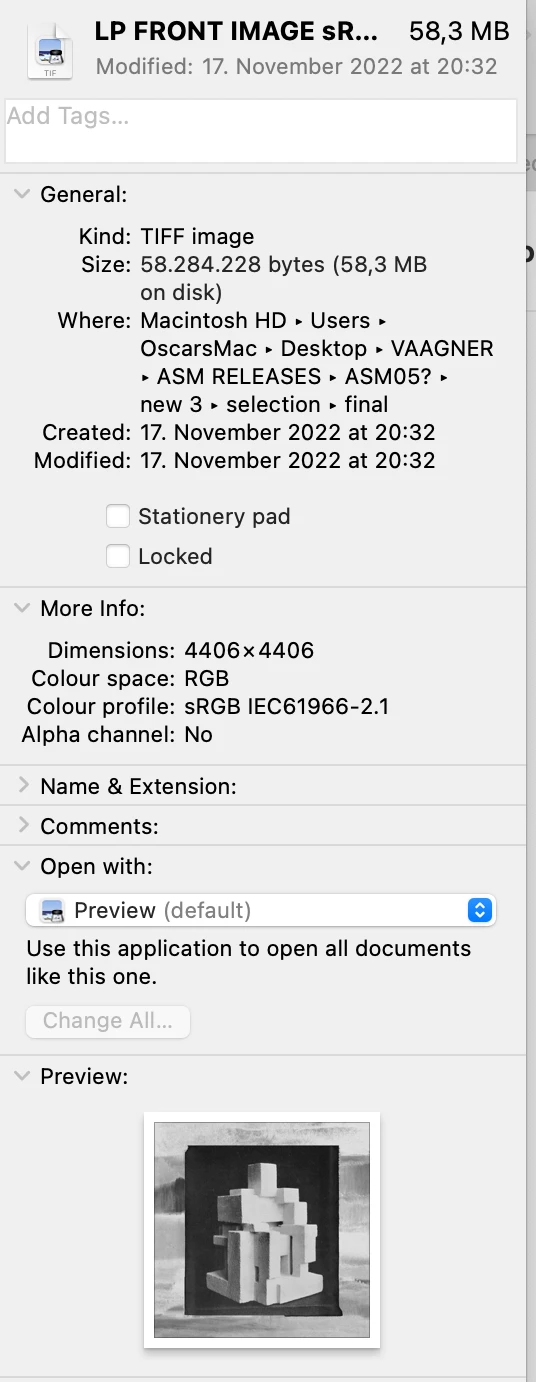
These RGB images are then used as the basis of my covers, which are exported into Ai to place them onto the vinyl template and exported as a CMYK PDF according to the color profiles given to me by the pressing plant, while making sure that 'convert to destination (preserves numbers)' and 'Include desitnation profiles' boxes are ticked.
Now, while the final PDF's are to my licking, the end results often are not, whith many of my B&W covers printed in CMYK often ending up being noticably impacted by greenish hues. This is especially frustrating as it keeps happening, and yet it does not show up everytime, making me continously scrath my head as to why this is.
To further highlight this problem, here are the current print previews sent to me by the pressing plant - vs - the LP cover files I had sent them, (notice the green hue on the print previews, vs the B&W of the PDF file's) when viewed via the mac image viewer 'Preview':
LP cover
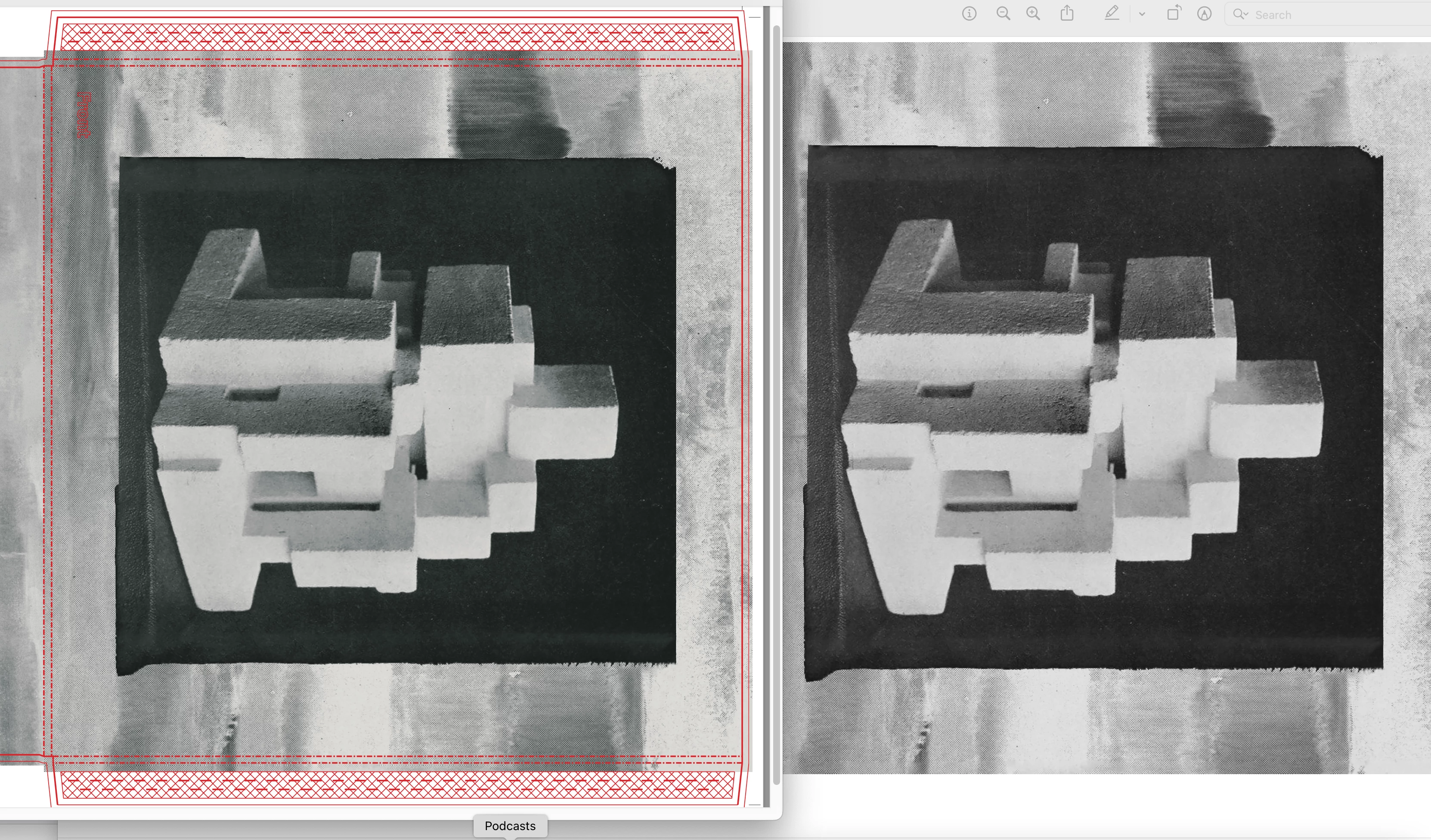
(here reversed, the previews on the right of the labels, vs the file I sent them on the left)
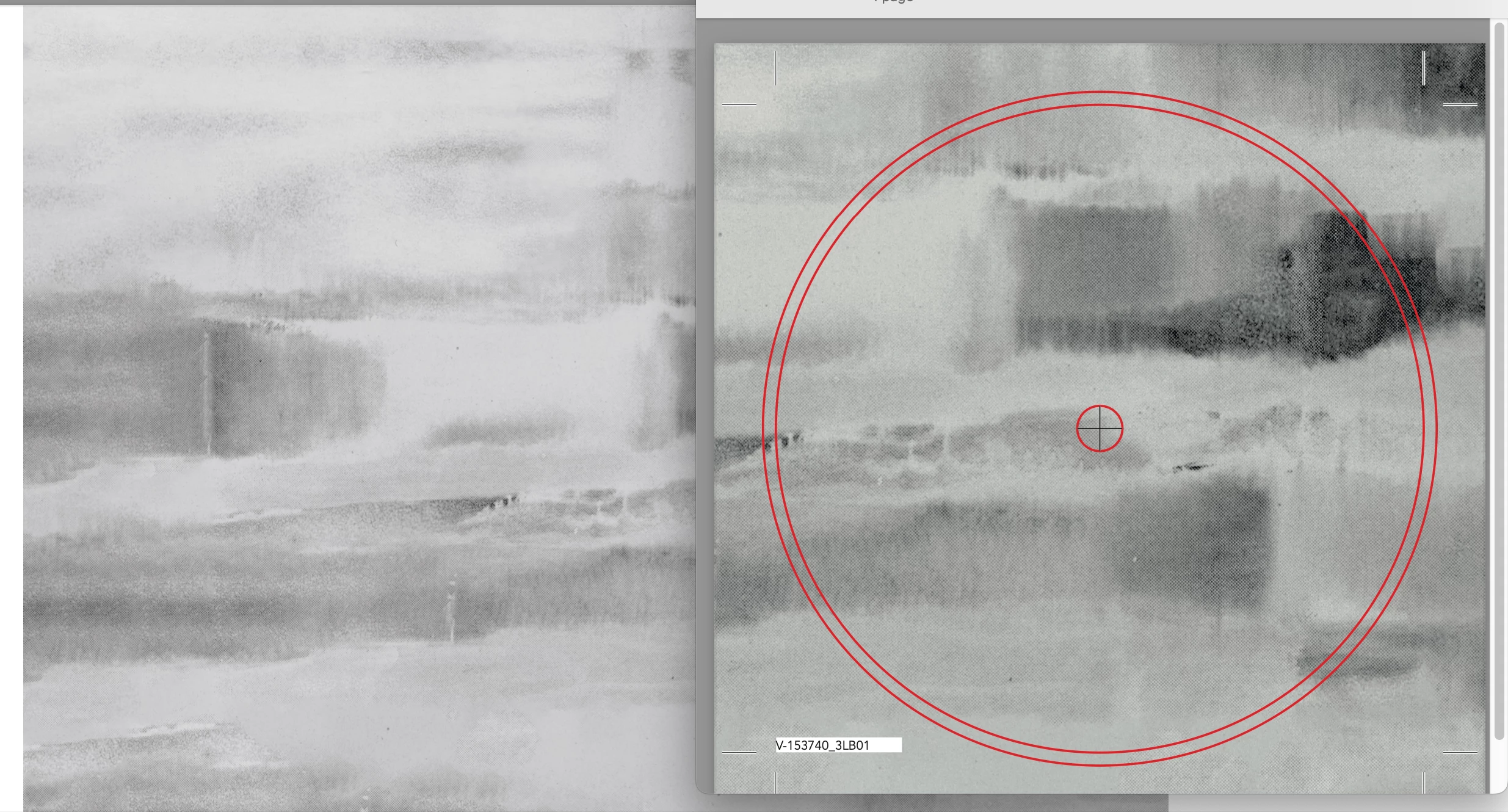
Now, it seems to perhaps have nothing top do with the actual exported Ai color profiles of the final PDF (?) as the images above showcase two different color profiles (the LP cover requires a different profile then the vinyl labels), yet both showcase the same exact issue. Though when viewing the greenish images in Ps or Ai, rather then in Preview, the images revert back to the 'correct' B&W color...
If anyone has any idea what I might be doing wrong, or how this problem could be combated, please do let me know. I'm glad to share any information needed and would be beyond thankful if this issue could somehow be resolved.
Sincerely,
O.
 AdChoices