

My cut command stays greyed out ! Help!
- August 6, 2022
- 1 reply
- 2975 views
Hi,
Suddenly, this morning, my cut command stopped working like it used to ;
Before : I'd press ctrl+x on the layer I'm working on, or on the image I'm working on, and either the image (or the part selected) or the layer would be cut, which would allow me to paste it elsewhere. Normal.
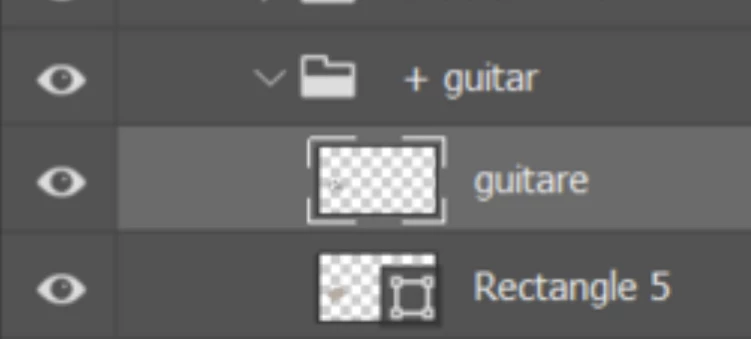
Now, apparently without having changed anything, and after a few reinstallation : The cut command stays greyed out in the edition panel when I've selected a layer in the layers panel (And it's just a normal pixel layer - this would happen also when I create a new document, with the first thing I 'd do is just adding a new raster layer -> still not able to cut it). So, on the layer panel side of things, this is the situation, I can't cut anything from the layer list, no matter what I do.
On the image side of things, it didn't work either until I found this little workaround : if I press ctrl+a (select all) or if I select a part of the image, the cut command reappears available. At least this is something. But it was better before when I could just ctrl+x without preselecting something from the image.
Please, I'd love your help, I've some work to finish and it's happening to both my pcs (so maybe it's a problem I have on the creative cloud?
Thank you for reading
Ps: it's not a computer problem, this problem doesn't appear in illustrator, or word, or anywhere. Ctrl+x works fine everywhere else
Ps 2: I've tried reinstalling previous versions of photoshop as well.. doesn't work it either 😞
(I'm on windows 10, and 11. And the bug is on all versions 22 and 23 of photoshop, that I've tried so far)
 AdChoices