
Participant
January 30, 2025
Question

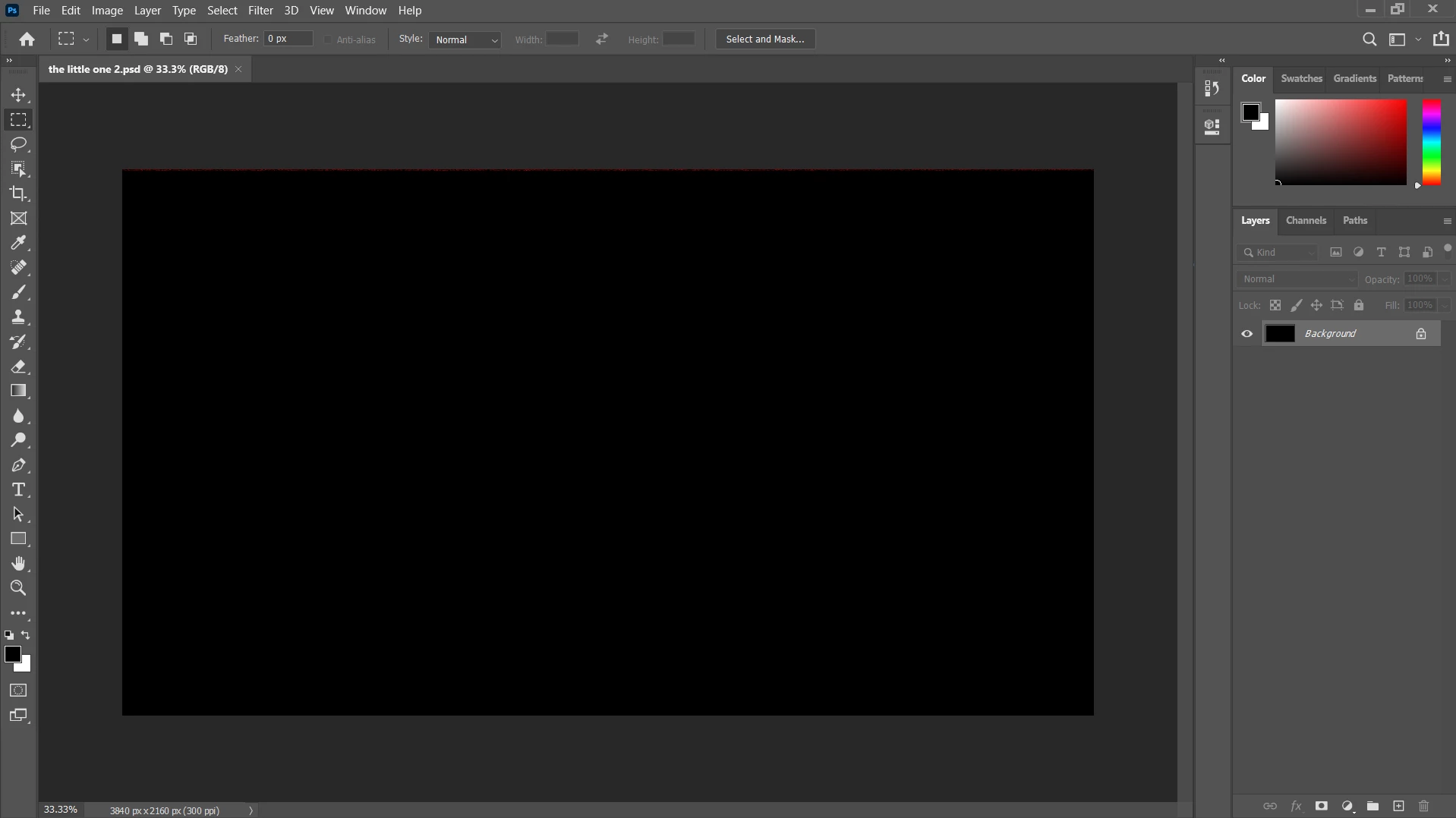
My fpsd file is corrupted

  • January 30, 2025
  • 3 replies
  • 624 views

please help me... my pc suddently crashed and i didn't save my artwork in photoshop. when i opened it the file is completely tuned back. and it showing only one layer. please help me get it back this is really important to me and i tried everything.
i can provide the psd file. pls help me this is important to my portfolio.
 

3 replies

Participant
January 30, 2025

I also face it usually 2-3 years ago. When i´ve updated my ram it´s over.

Today i was surprised with the same error, in a very new version of the software and runnint it in an actual gamer notebook.

I lost, again, hours of work and more, coz not every time a professional could handle everything in his job hours, so it will be great if adobe could look at this error as an urgent issue. 

davescm
Community Expert
Community Expert
January 30, 2025

A crash when saving on your PC is not something Adobe can investigate. It is usually down to failing hardware or a poor/disrupted connection if using an external drive. The reason you see one layer is that Photoshop has been able to recover the flattened compatibilty layer from the corrupted file. 

The prevention, in addition to checking your disks for hardware failure, is the same as above, regularly use Save As while you work, and name the saved files incrementally i.e filename001.psd, filename002.psd...etc  If you estimate that an hour is the most you can lose then Save As every hour if it is 30 minutes then Save As every 30 minutes. Then encountering such an issue is simply a matter of stepping back to the last known good incremental file. You can delete the incremental files after checking that the last one opens OK.

Dave

Participant
January 30, 2025

Thx for tips.

But it happens even saving on my online acc. Furthermore, it´s not practical stop every 30 mintutes to save 2 versions of the same archive to avoid the error. I´m pretty sure that my disk is running without problems. It would be much better if the developers could make a chek saved files on code, verifing after completition if the new file presents layers and more.

AxelMatt
Community Expert
Community Expert
January 30, 2025
quote

please help me... my pc suddently crashed and i didn't save my artwork in photoshop. 
...

By @Luis Alberto_Reyes3607


I think there's no chance to restore your work.


For the future: Save your file regularly during you work in a application!!!


My System: Intel i7-8700K - 64GB RAM - NVidia Geforce RTX 3060 - Windows 11 Pro 25H2 -- LR-Classic 15 - Photoshop 27 - Nik Collection 8 - PureRAW 5 - Topaz Photo
kglad
Community Expert
Community Expert
January 30, 2025

in the future, to find the best place to post your message, use the list here, https://community.adobe.com/

p.s. i don't think the adobe website, and forums in particular, are easy to navigate, so don't spend a lot of time searching that forum list. do your best and we'll move the post (like this one has already been moved) if it helps you get responses.


<"moved from using the community bugs">