
Known Participant
February 11, 2024
Answered

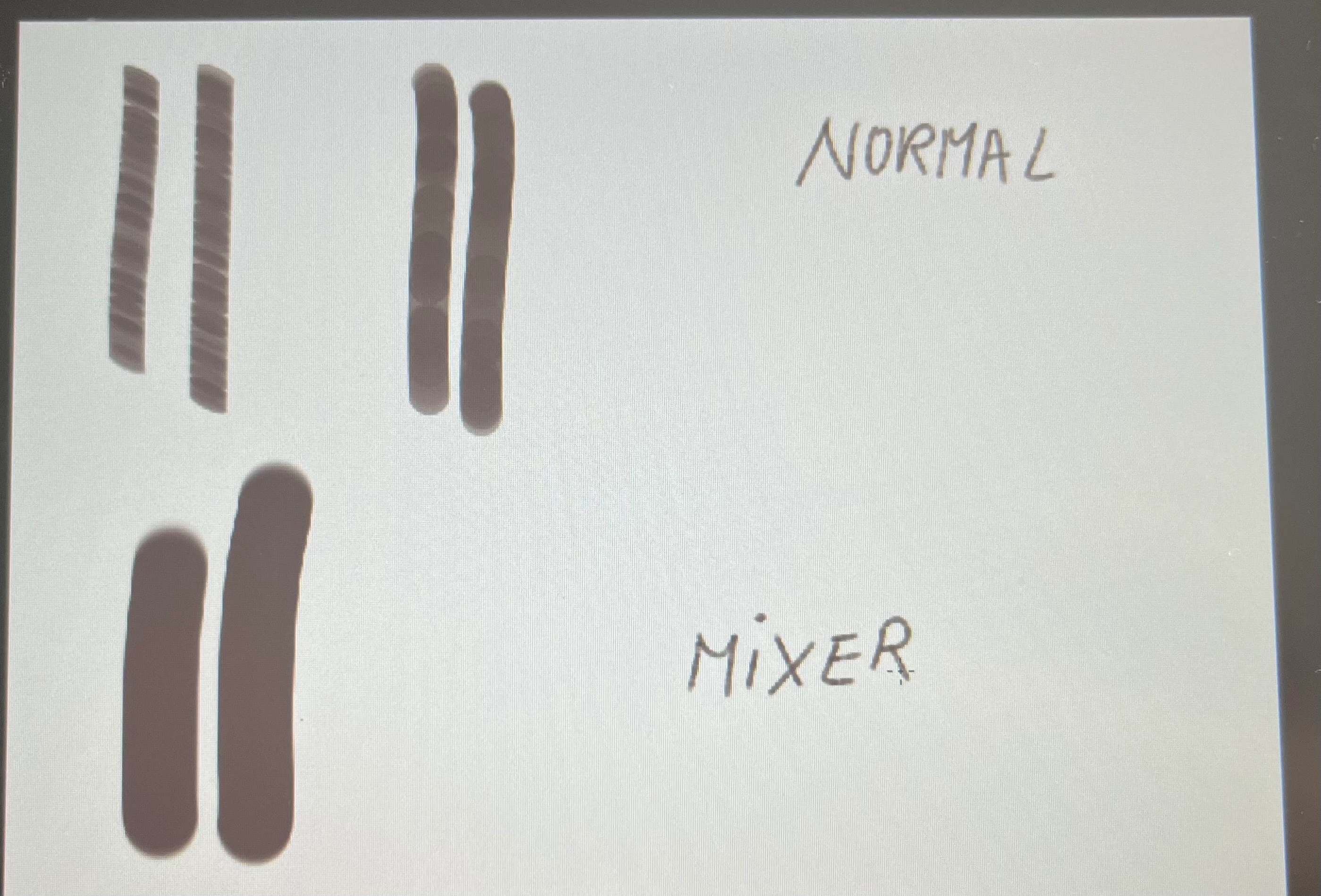
My normal brush tool has a lot of spaces in between

  • February 11, 2024
  • 3 replies
  • 1005 views

I am trying to draw with the brush tool but the lines look super weird and I don't know what to do! I attached an image of my problem. This doesn't happen with my mixer brush tool- it paints correctly. My scattering is set to 1%. This is more visible  when making that circle from the brush tip shape wider. What can I do? 
This topic has been closed for replies.
Correct answer c.pfaffenbichler

I don't know, I'm new to this, I don't know what it changes to be honest. 😅  


Then why don’t you set it to 0%? 

3 replies

c.pfaffenbichler
Community Expert
Community Expert
February 12, 2024

https://www.take-a-screenshot.org/

Could you please post screenshots taken at View > 100% with the pertinent Panels (Toolbar, Layers, Brush Settings, Options Bar, …) visible? 

Known Participant
February 12, 2024

Here you go!

c.pfaffenbichler
Community Expert
c.pfaffenbichlerCommunity ExpertCorrect answer
Community Expert
February 12, 2024

I don't know, I'm new to this, I don't know what it changes to be honest. 😅  


Then why don’t you set it to 0%? 

D Fosse
Community Expert
Community Expert
February 11, 2024

Open brush settings. What's your setting for brush spacing?


Known Participant
February 12, 2024

I have it on 1% and it still does that... I uploaded a screenshot on another answer

Inspiring
February 11, 2024

click on f5 and the panel for setting the brush parameters will open Now I'm not on PC otherwise I would have posted a screenshot.