
soocheolc13158380
Inspiring
July 26, 2023
Answered

My Photoshop started popping a weird blank page at launch since yesterday.

  • July 26, 2023
  • 2 replies
  • 142 views

Hi, I've been using 21.0.3. version for years now. I didn't update it because later versions had some problems with the flick panning option that even the senior tech team couldn't solve. (In case you tell me to update Photoshop to solve the issue)


Anyway, the issue is this:
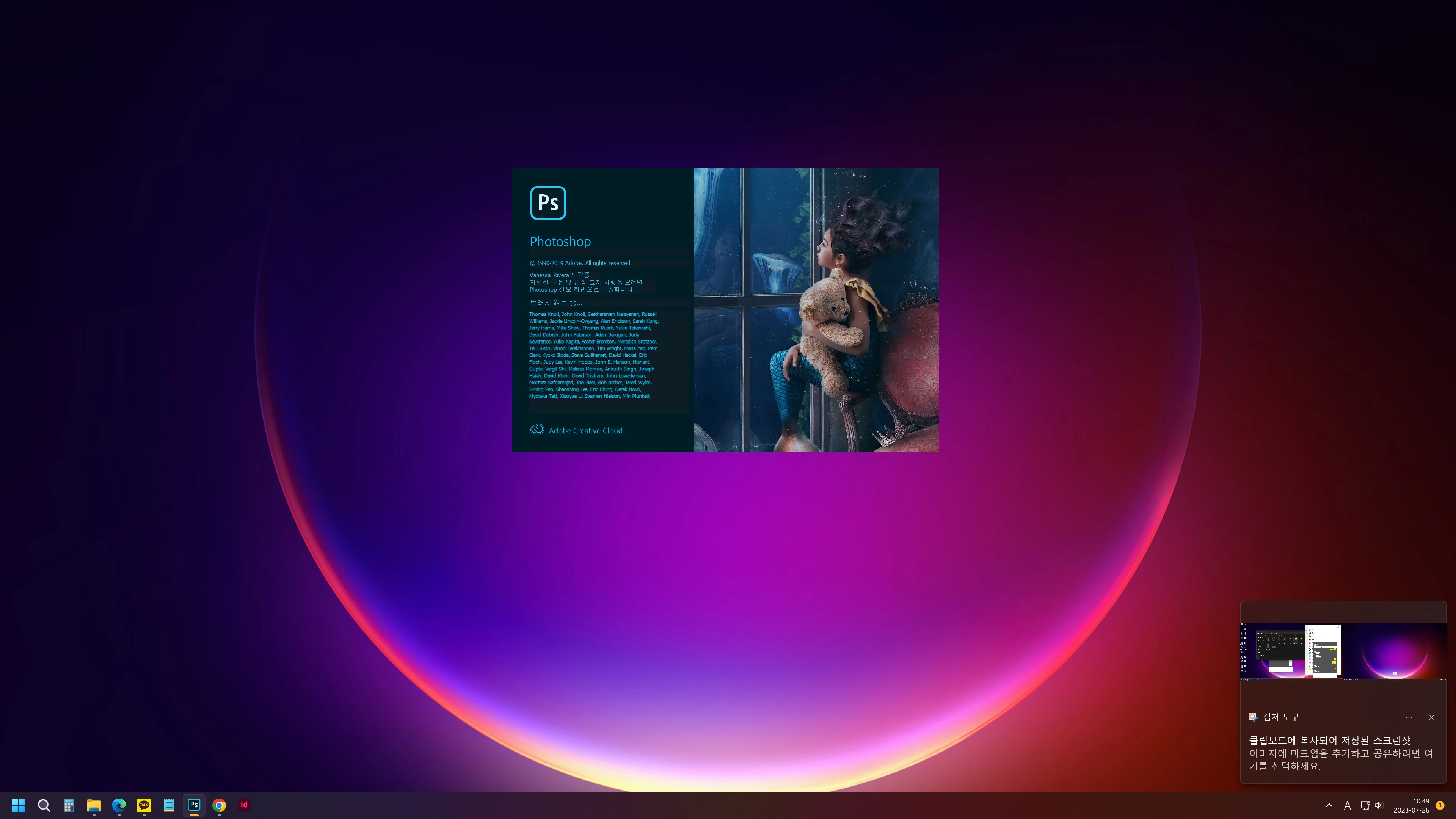
 

After this loading screen is gone,
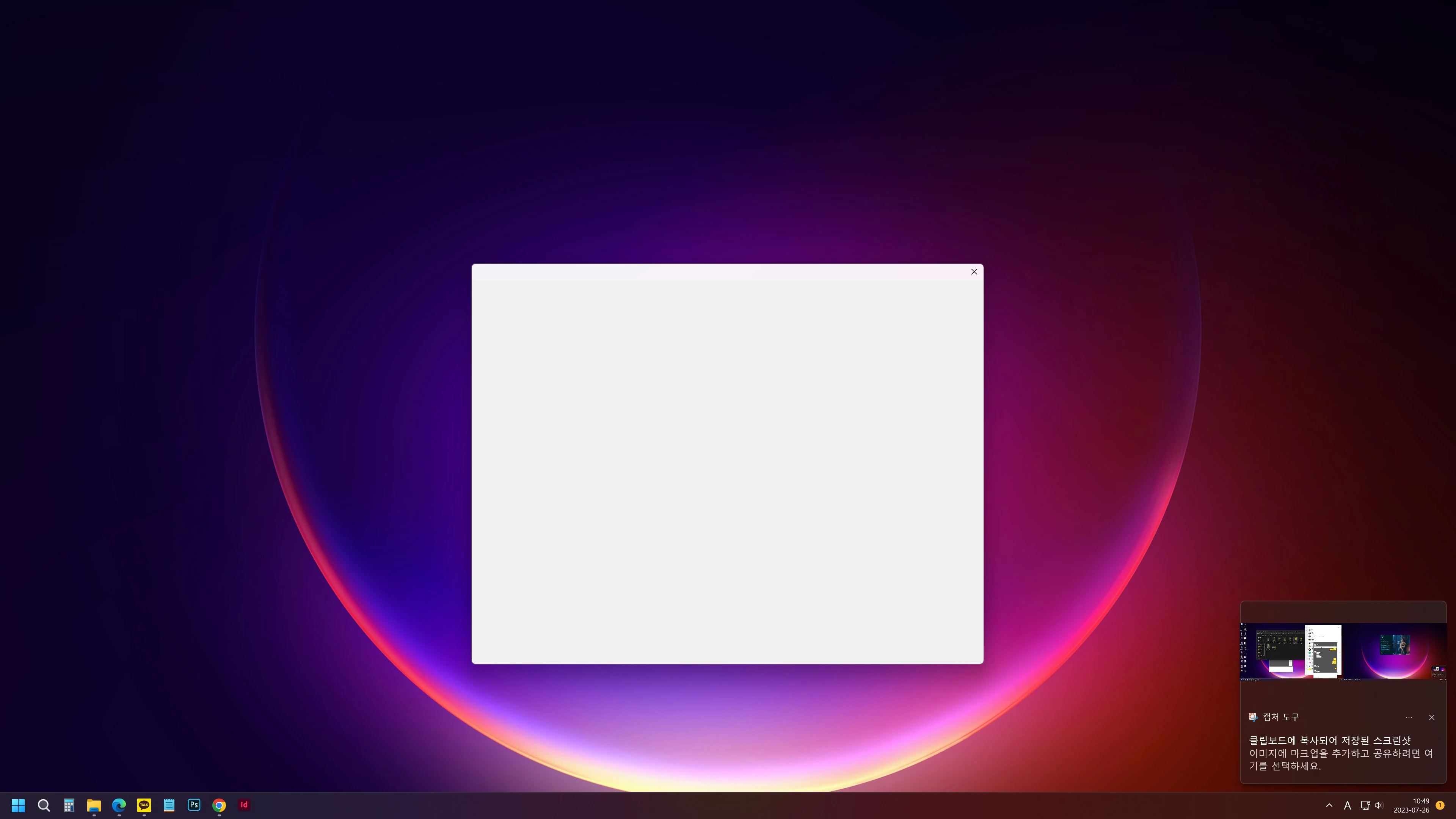
 

This blank window pops up. Photoshop launches normally after I close this window manually.


This never happened for years, my hardware did not change for 3 months now, and my Windows is up to date, including optional updates. The graphic driver is also up to date.


Does anyone know why this is happening and how to solve it?


Thanks for your time, have a great day.

Bob

This topic has been closed for replies.
Correct answer soocheolc13158380

Hi, @Kevin Stohlmeyer, thanks for the reply!

That actually sounds plausible. Hmm.. but I can't stop updating Windows and drivers. Guess I better find another way.

Again, thanks for your time, have a nice day!


edit) Okay, I solved the issue. It was a promotion window that told me to upgrade to a higher plan. The latest Photoshop I just installed showed the non-blank promotion window, while my version showed a blank one (probably) because it's obsolete.

Ticking "don't show me again" on the latest version solved the issue for my 21.0.3 version as well.

2 replies

soocheolc13158380
soocheolc13158380AuthorCorrect answer
Inspiring
July 27, 2023

Hi, @Kevin Stohlmeyer, thanks for the reply!

That actually sounds plausible. Hmm.. but I can't stop updating Windows and drivers. Guess I better find another way.

Again, thanks for your time, have a nice day!


edit) Okay, I solved the issue. It was a promotion window that told me to upgrade to a higher plan. The latest Photoshop I just installed showed the non-blank promotion window, while my version showed a blank one (probably) because it's obsolete.

Ticking "don't show me again" on the latest version solved the issue for my 21.0.3 version as well.

Kevin Stohlmeyer
Community Expert
Community Expert
July 26, 2023

Hi @soocheolc13158380 that could be the issue "Windows is up to date and graphic driver is also up to date". When you make the choice to stay on a specific release of software, in this case 21.0.3 you also should stop running OS and peripheral updates. Continuing to make updates on resources could create an incompatibility between your 2020 Photoshop and current drivers.