
Answered
Natural look to two separate images
I have two separate JPEG images. Is it possible to create an single image from these two that shows these two separate imges lay next to each other in nature? Images are attached.
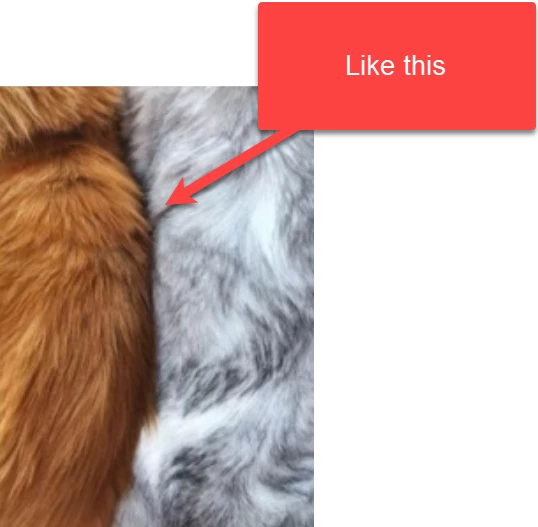
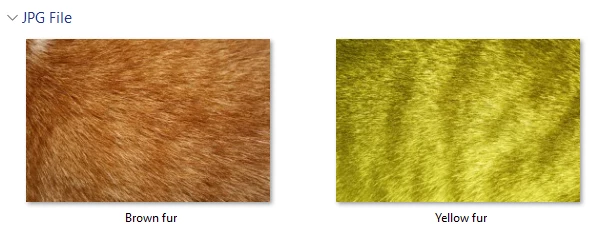

I have two separate JPEG images. Is it possible to create an single image from these two that shows these two separate imges lay next to each other in nature? Images are attached.
Hi @MahaB82A using selection tools and then the Select and Mask feature you could make a selection of one fur then mask. You would then overlay onto the second fur and then add shadows, etc.
There is no automated way to do this, it will take practice and skill to adjust and tweak to make this look natural.
Already have an account? Login
Enter your E-mail address. We'll send you an e-mail with instructions to reset your password.
 AdChoices