Participant
June 13, 2025
Answered

Need Action to Add Embargo Banner With Text to Top of Images (Varied Sizes)

  • June 13, 2025
  • 3 replies
  • 822 views

Hi folks, I have been struggling to achieve a simple task, which I am sure anyone on here will ace! could you help?

I have a selection of images - all different pixel dimensions
I need to create a visual embargo notice for each image
I would like to increase the canvas size at the top of each image by xx
I would then like to add centred text to the newly created canvas size at the top.
Ideally with consistent txt size across the image set, the caveat here - should the pixel dimensions of one image been narrower on one images vs another, the txt auto fits to that size.
I would like to save this as an action, so I can create a droplet.
Is this possible?

Best wishes

Looking forward to the help! fingers crossed

Correct answer c.pfaffenbichler

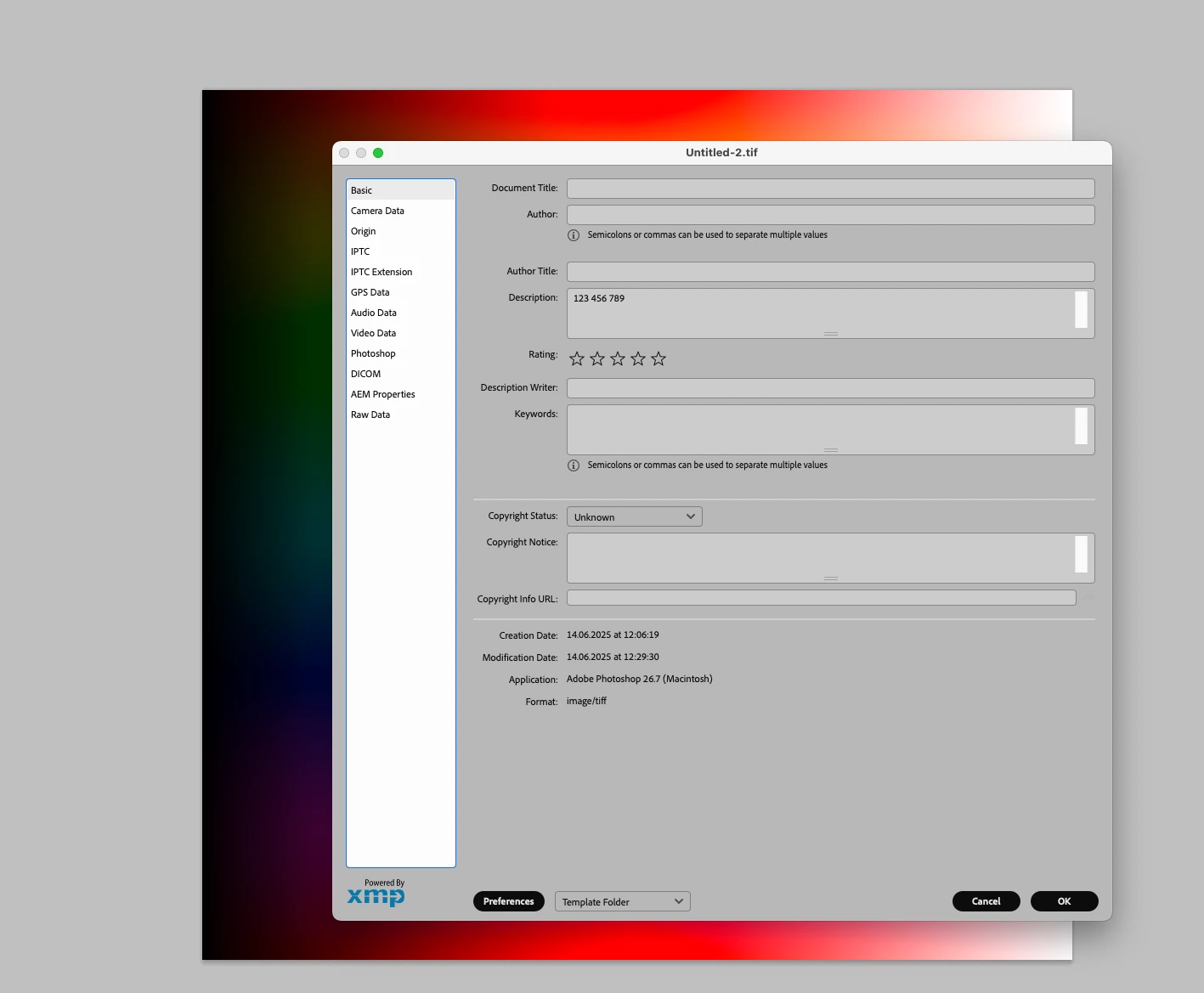
the txt could be drawn from the caption/description field if required, or preferably from another designated IPTC field if required, ideally one that isnt in use in current workflow, perhaps - Rights Usage Terms. The field would be pre populated before automation process begins.

re txt in relation to image, ideally i'd always like the txt to fill the expanded canvas space, this could be set at a fixed pixel dimension, or an increased percentage of canvas size.


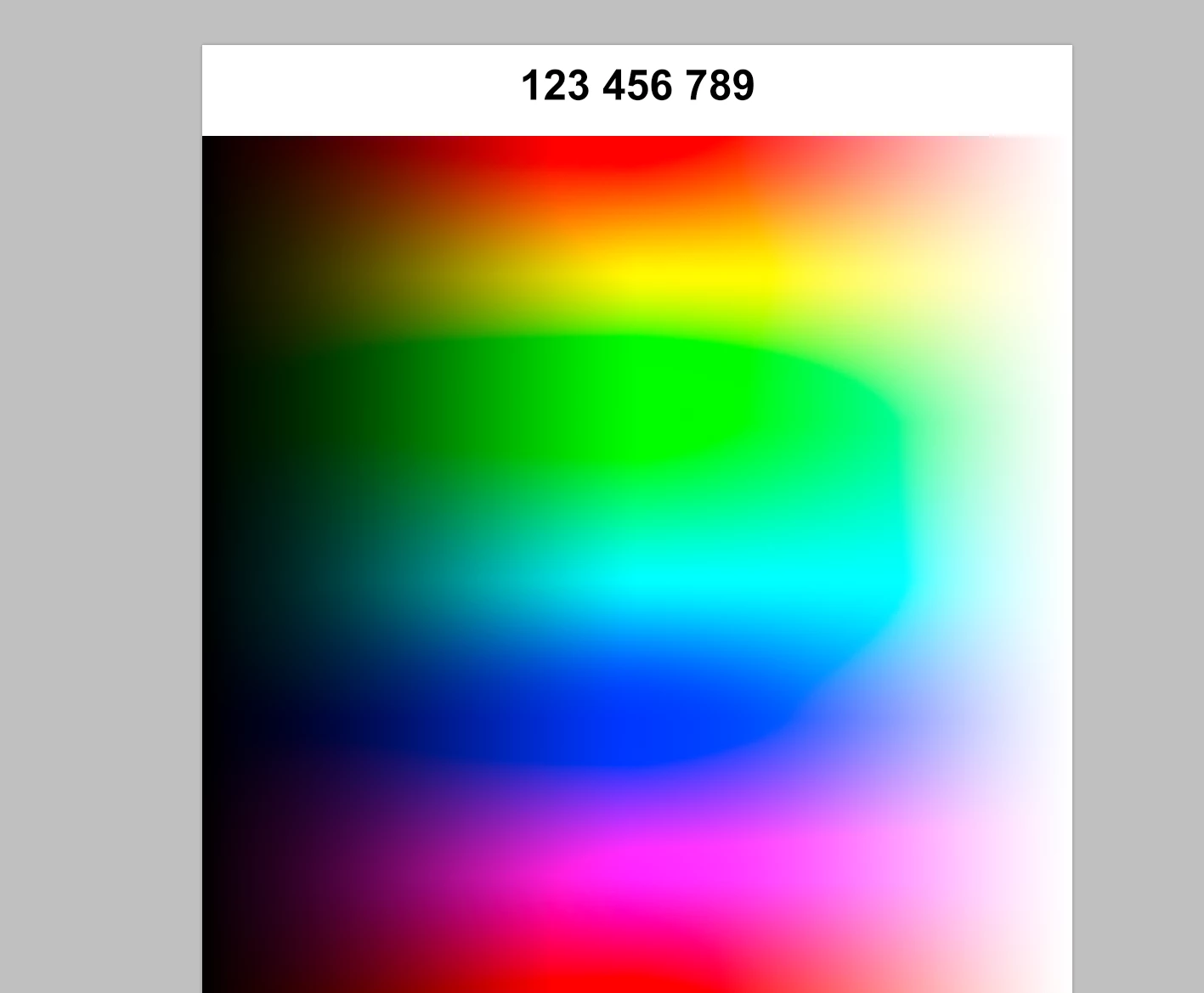
Disregarding »txt in relation to image« for the time being you could try this: 

// 2025, use it at your own risk;
if (app.documents.length > 0) {
// set to pixels;
var originalRulerUnits = app.preferences.rulerUnits;
app.preferences.rulerUnits = Units.PIXELS;
////////////////////////////////////
var myDocument = app.activeDocument;
var theWidth = myDocument.width;
var theHeight = myDocument.height;
myDocument.resizeCanvas(theWidth, theHeight +214, AnchorPosition.BOTTOMCENTER);
addTypeLayer (myDocument.info.caption, [theWidth/2, 128]);
////////////////////////////////////
// reset;
app.preferences.rulerUnits = originalRulerUnits;
};
////////////////////////////////////
////// add type layer //////
function addTypeLayer (theString, theArray) {
var thisLayer = activeDocument.artLayers.add();
thisLayer.kind = LayerKind.TEXT;
thisLayer.name = theString;
var thisLayerRef = thisLayer.textItem;
thisLayerRef.kind = TextType.POINTTEXT;
thisLayerRef.size = 24;
thisLayerRef.font = "Arial-BoldMT";
var theColor = new SolidColor();
theColor.rgb.red = 0;
theColor.rgb.green = 0;
theColor.rgb.blue = 0;
thisLayerRef.color = theColor;
thisLayerRef.justification = Justification.CENTER;		
thisLayerRef.position = theArray;
thisLayer.blendMode = BlendMode.NORMAL;
thisLayer.opacity = 100;
thisLayer.fillOpacity = 100;
thisLayerRef.useAutoLeading = true;
//thisLayerRef.leading = 0;
thisLayerRef.horizontalScale = 100;
thisLayerRef.verticalScale = 100;
thisLayerRef.contents = theString;
return app.activeDocument.activeLayer
};
3 replies

CMass
Community Manager
Community Manager
June 25, 2025

Hey @wilsonscottw

I wanted to check in and see if the suggestions were helpful or if you needed additional assistance. If any specific post was particularly helpful, please be sure to mark it as correct. Thank you!


^CM

c.pfaffenbichler
Community Expert
Community Expert
June 13, 2025

Please explain the exact relation between image dimensions and the type size (and, if it also depends on the images’ dimensions, the size of the extension). 

Could you post sample images that illustrate the intended results? 

Participant
June 13, 2025

Hi

The canvas extension size to be 350px high.

example provided of what i am trying to achieve.

I appreciate the txt size could differ subject to the pixel dimensions.

Apols if not clear.


c.pfaffenbichler
Community Expert
Community Expert
June 13, 2025
quote

I appreciate the txt size could differ subject to the pixel dimensions.

»Could«? I want to know what the exact relation is supposed to be. 


Also, what is the text that gets added intended to be? 

Is it drawn from the metadata, the current date, …? 

Bojan Živković11378569
Community Expert
Community Expert
June 13, 2025

It's not possible using action; however, you can include or run a script as an action step. I will tag some scripters who will answer your question first if that is even possible using a script.

@c.pfaffenbichler @Stephen Marsh 

Participant
June 13, 2025

Many thanks, grateful.
