
Participant
June 9, 2023
Question

Need advice on blending

  • June 9, 2023
  • 2 replies
  • 331 views

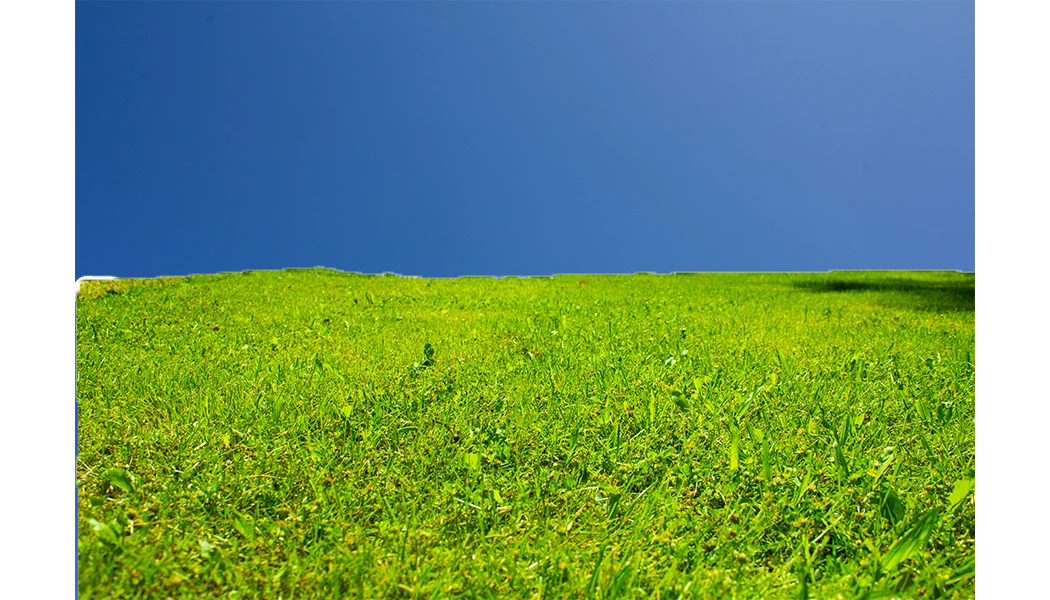
I'm new to photo editing, and I'm trying to create a business card for a yardcare business I'm gonna start.  Because I'm new, I don't understand the controls, and I have no idea how to make my two images, one with grass and the other with the sky, look blended realistically.  Can someone walk me through this, or is there a good tutorial I can watch?


          Anyone who helps me has my greatest thanks!
 

This topic has been closed for replies.

2 replies

Conrad_C
Community Expert
Community Expert
June 9, 2023

Here is one method, shown in the demo below. The demo is sped up to keep the file size low, and the Adobe forum software seems to have compressed it further so the image quality is a little degraded. But anyway…

1. Stack grass layer in front of sky. I had to unlock the Background layer first, by clicking the padlock.

2. Use the Quick Selection tool to select grass. (The Object Selection tool is usually the first choice, but I didn’t like its results as much.)

3. Open Select and Mask. I used the new contextual task bar, but it’s also under Select > Select and Mask.

4. In Select and Mask, click Refine Hair. The grass is not hair, but I guessed it might improve the detail in the fuzzy grass edge, and it seems to.

5. Verify that the change is better using Edit > Toggle Last State (same as Undo<>Redo), and by switching View Options to Black and White to see the mask more clearly.

6. Use the Global Refinements to do things like adjust mask edge Contrast and Shift Edge (offset).

7. Set Output to Layer Mask, and click OK. It is now a mask that hides the parts of the grass layer that were not selected.


As a mask, it can be disabled, or you can hide or reveal any parts of its layer, at any time. So it’s more flexible than just erasing on the grass layer.


Participant
June 9, 2023

Thank you for this!  This is exactly what I need!

c.pfaffenbichler
Community Expert
Community Expert
June 9, 2023

One very basic piece of advice to begin with (edited): 

Put the background below the foreground in the Layers Stack. 

It makes no difference for what can be achieved pixel-wise and with relatively simple montages it barely registers but with more complex arrangements it can make keeping track of elements and adjustments a lot easier. 


Quite frankly I don’t like the sky you chose much – where did you get it from? 

And you seem to have deleted/erased from it – try using Layer Masks instead to maintain editability. 

Participant
June 9, 2023

For the sky, I used my camera to take a photo.  The attachment is what happens, when I put the sky layer under the grass layer.


As for "it makes no difference for what can be achieved pixel-wise and with relatively simple montages it barely registers but with more complex arrangements it can make keeping track of elements and adjustments a lot easier," I don't know what you mean by much of this.  I used the quick selection to remove the top half of the grass photo, and I don't know how to mask.  Do you have a video or tutorial you would recommend me watch?