
Participant
September 2, 2020
Question

Need help getting rid of noise-like ring around sun in sunset photo

  • September 2, 2020
  • 3 replies
  • 402 views

Hi all, I'm relatively new to photoshop and while I have tried to find a solution to my problem through google and tutorials, I wasn't really able to find anything that fixed the issue- basically I didn't take a photo of the sunset the right wayand there are distinct noise-like rings around it. I want to try to create a smooth color gradient from the middle outwards to reduce the appearance of the rings. I've included a picture. I have tried the smudge tool, the blur tool, noise reduction filters, etc. Any help would be greatly appreciated! 
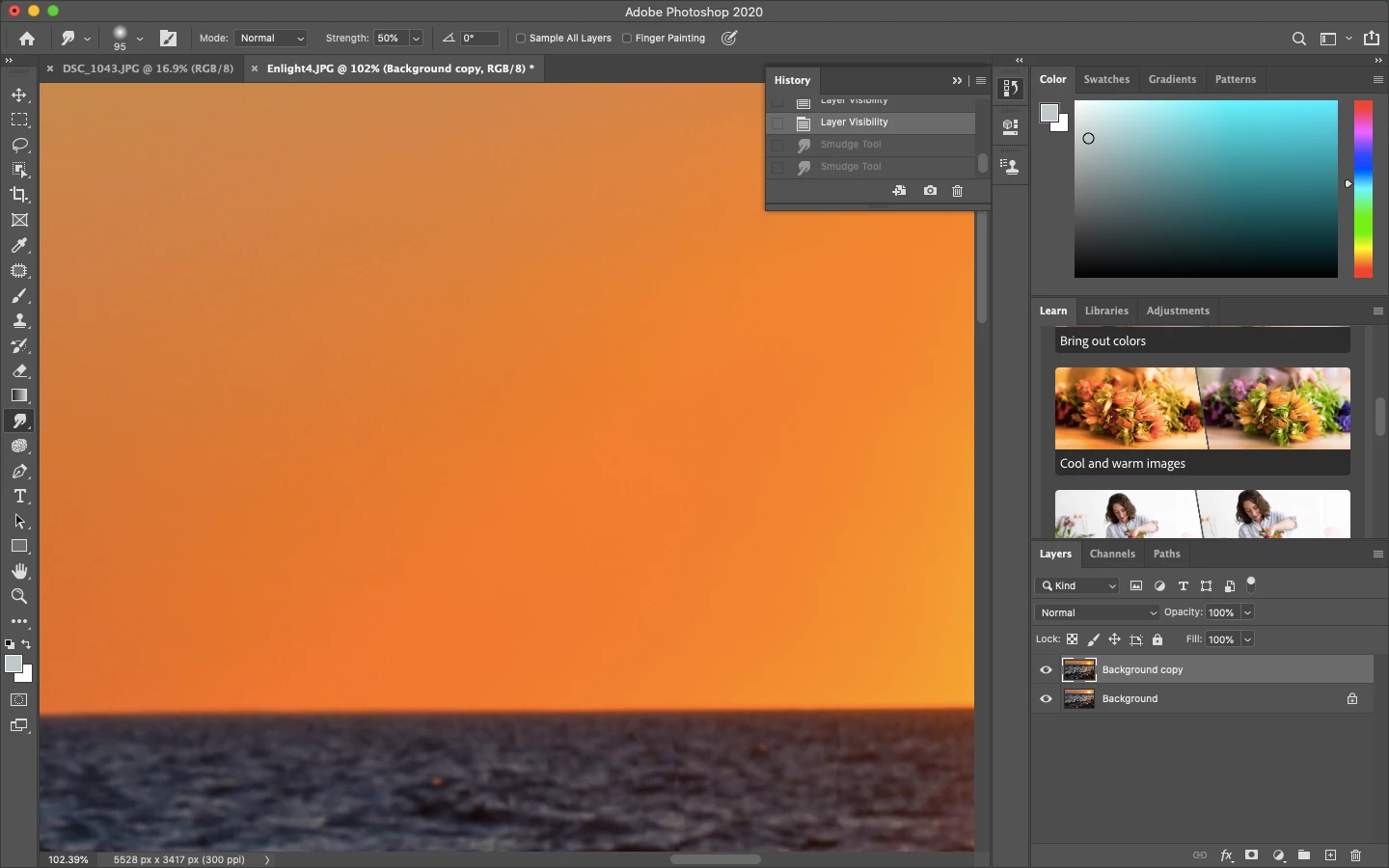
This topic has been closed for replies.

3 replies

D Fosse
Community Expert
Community Expert
September 3, 2020

No, this is very clearly 8-bit banding. There are only 256 discrete steps per channel, and that's what you see.


In addition, the jpeg format makes it worse. Jpeg compression is more aggressive in the color component than the luminance component, and the result is increased color banding in smooth gradients.


The takeaway from all this is to always work in 16 bit depth, and never use jpeg for working files. Save the file as TIFF or PSD and work with that.


If you need jpeg for web or online transfer, save out a jpeg copy from your TIFF/PSD master file at the very end.


Yes, jpegs are very small, but at a steep price. The jpeg compression is very destructive, and it can't be reversed. Furthermore, it adds up, and every save degrades the file a little more. You need to ask if it's worth it. If your memory card is too small, get a bigger one. If your drives fill up, get bigger ones.

Grant H
Community Expert
Community Expert
September 3, 2020

its hard to see on the uploaded screenshot but the use of masks etc as mentioned will prob be the way to go... Maybe zoom out the screen more so we can see the extent


c.pfaffenbichler
Community Expert
Community Expert
September 2, 2020

You may want to go back to the RAW file and develop it as a 16 bit Smart Object. 

Then, if necessary, create a proper Mask and apply Gaussian Blur as a Smart Filter to a second instance and maybe also add noise. 

David5FBDAuthor
Participant
September 2, 2020

Thank you for your reply! Unfortunately I didn't shoot in RAW- the memory card I have only allows 90 photos or so in RAW before it's completely full, but I will keep that in mind for the future! 

c.pfaffenbichler
Community Expert
Community Expert
September 3, 2020

Then convert the image into 16bit and proceed as mentioned above. 

Could you post the image?