Participating Frequently
July 8, 2018
Answered

Need Help [How to draw this image in Photoshop?]

  • July 8, 2018
  • 3 replies
  • 1382 views

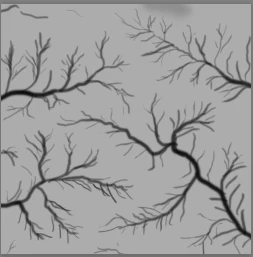
I don't know if it is the right place to ask this so if it isnt please guide me to the right one , so i want to ask if there is a tutorial on how to draw this in photoshop this kind hills actually...
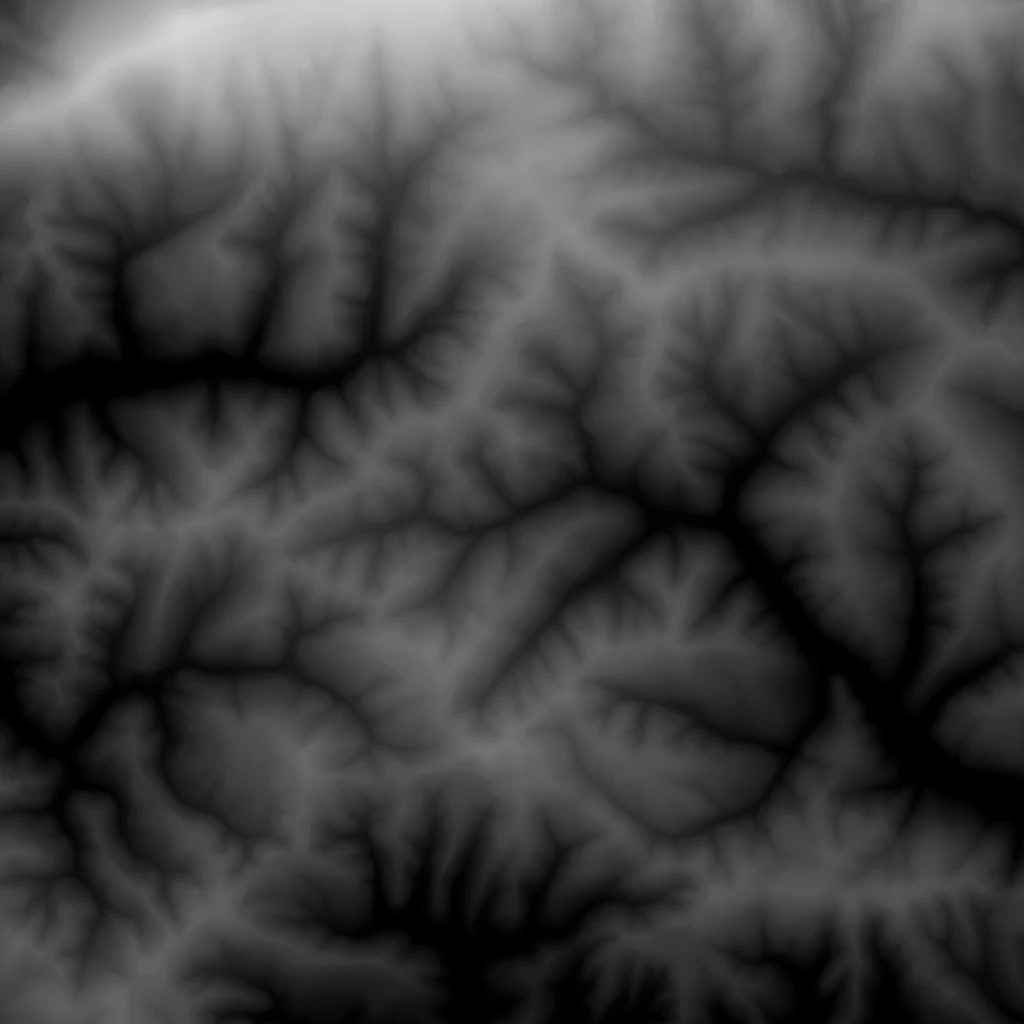
[Moved from Illustrator to Photoshop... Mod]

[Here is the list of all Adobe forums... https://forums.adobe.com/welcome]
    This topic has been closed for replies.
    Correct answer davescm

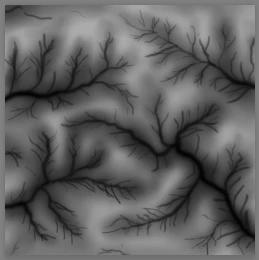
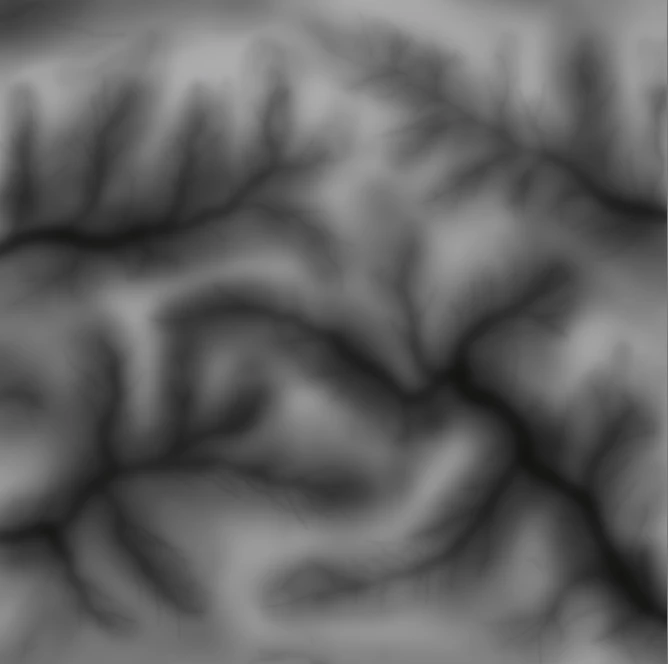
    Something like this

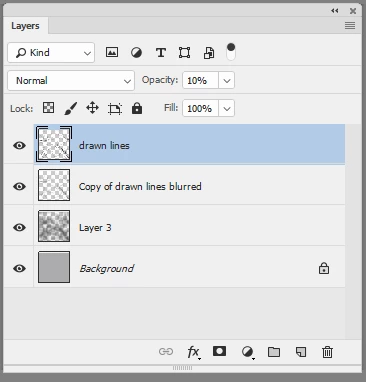
    1. Draw the main lines on a transparent layer above a grey layer

    2. Copy and blur the copy

    3. On a new layer use a soft brush to add in shading

    4. Reduce the opacity of the line layer

    I hope that gets you started

    Dave

    3 replies

    Semaphoric
    Community Expert
    Community Expert
    July 9, 2018

    You may also want to try searching the web for "fractal terrain generation" or similar, throwing in words like hills, river, eroded, and watersheds. "Dendrites" would be a good search term too.

    c.pfaffenbichler
    Community Expert
    Community Expert
    July 9, 2018

    Assuming this will be used for 3D does the image need to be seamless?

    Participating Frequently
    July 9, 2018

    I dont need the seamless image but i need to know how can i draw these "hills" and yup its for 3d gaming map

    c.pfaffenbichler
    Community Expert
    Community Expert
    July 9, 2018

    A cloud-based brush with some randomisation might also be helpful.

    davescm
    Community Expert
    davescmCommunity ExpertCorrect answer
    Community Expert
    July 9, 2018

    Something like this

    1. Draw the main lines on a transparent layer above a grey layer

    2. Copy and blur the copy

    3. On a new layer use a soft brush to add in shading

    4. Reduce the opacity of the line layer

    I hope that gets you started

    Dave

    Participating Frequently
    July 9, 2018

    That is more than helpful thank you a lot