Participant
July 6, 2020
Question

Need help! Unable to edit text

  • July 6, 2020
  • 3 replies
  • 284 views

Hi, 

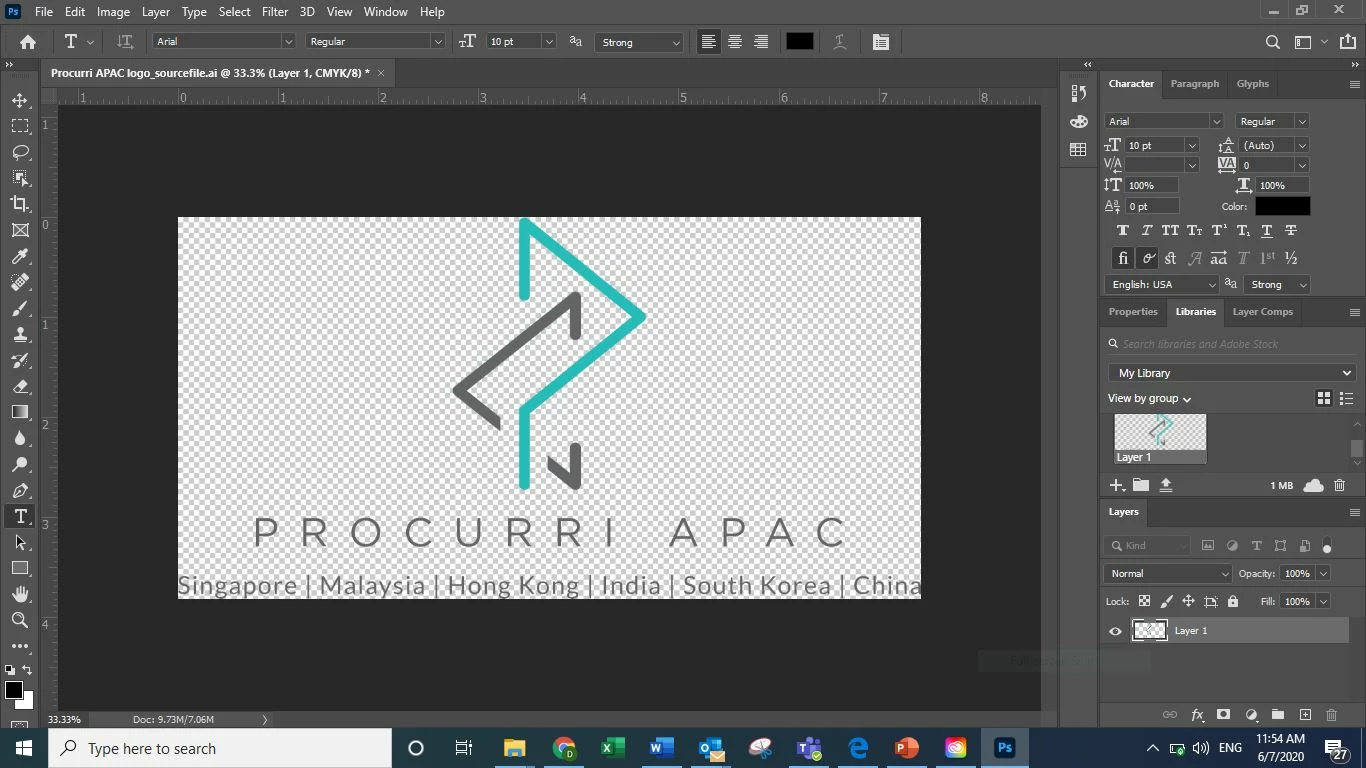
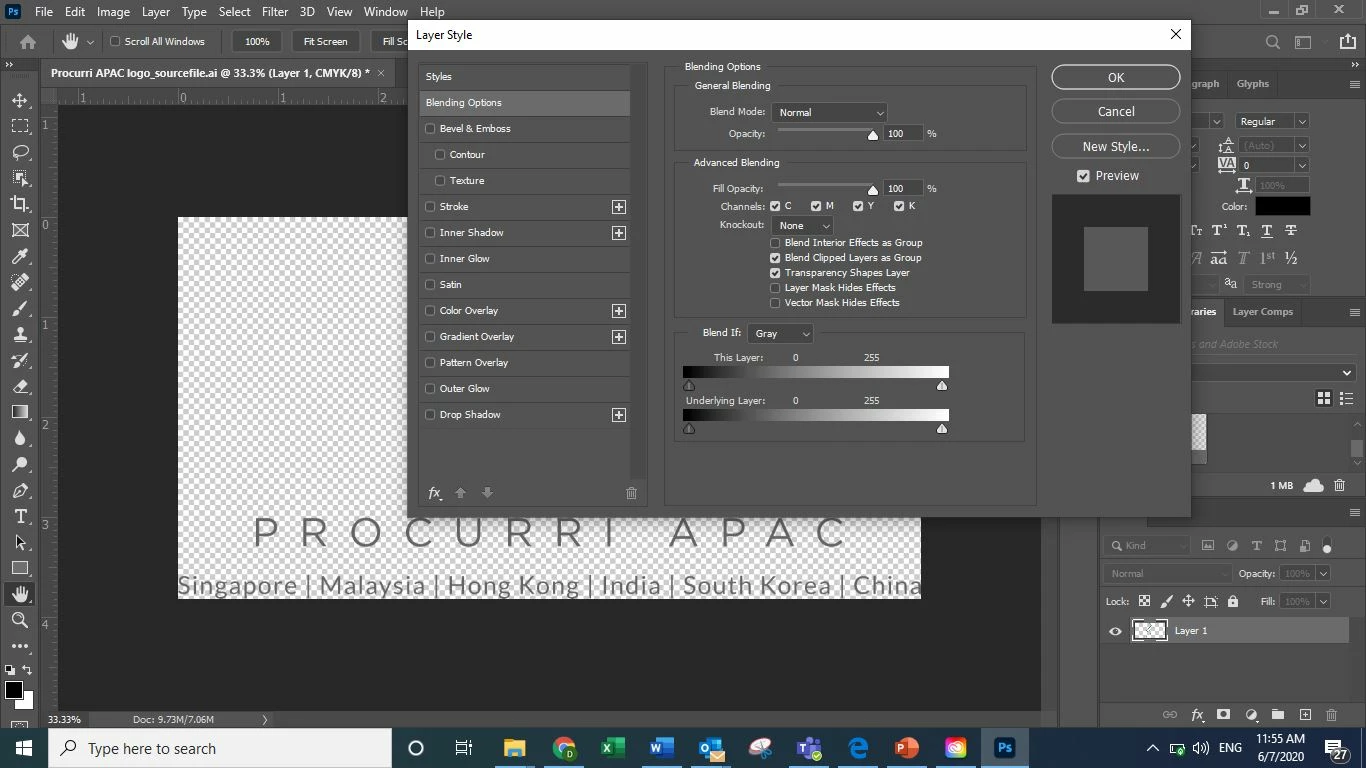
Need help on this. I'm not able to edit text (the countries below)even after i click on the layer. Please advise. Thanks!


This topic has been closed for replies.

3 replies

jane-e
Community Expert
Community Expert
July 6, 2020

Hi

This is an Illustrator file with an .ai extension that it appears you have opened (or placed) in Photoshop and rasterized. Try opening it in Illustrator, where you should be able to make the edits.

~ Jane


.

JJMack
Community Expert
Community Expert
July 6, 2020

Photoshop imports Illustrator vector files .svg and .ai as a single image raster layer. Ai layers and vectors do not exist in Photoshop even if Placed in as a vector smart object layers,  The vectors are in the object vector file .ai or .svg there are no vectors in Photoshop like text. The Vector Smart Object  will scale perfectly for Photoshop will re-import the vector object's vector file at the scale the object is being scaled to.  To edit the text you need to use AI open the vectors object in AI double click on the Smart Object Layer's content thumbnail in the Layers Palette. If AI is installed the object will open in AI.    Or use Photoshop tool to mask out the raster text areas and add Text layers to add text to the mask out areas. You can mask the single raster layer or the smart object layer if like me you do not install AI  one buggy Adobe product is all I can handle.

JJMack
Simmer1
Community Expert
Community Expert
July 6, 2020

Hi,


You can find out what the font is, then create your own text Layer.

Just upload a scrrenshot of the font here: https://fonts.adobe.com/typekit


Or is there is an original editable Layered file?


I hope this helps,

Sim

JJMack
Community Expert
Community Expert
July 6, 2020

Because you have a Raster Image Layer not a Text layer.  A text layers in the Layers Palette  the Layer's Content Thumbnail is a large   T    Text layer can be edited by double clicking the    T   thumbnail for the text layer you want to edit.

JJMack
