
Copy link to clipboard
Copied
Hello! I have 2 questions.
1) I see videos where people paint different layers the previous layer painted stays under the new color (doesnt overlaps the new one).
How do you achieve that?
I tried creating different layers but it did't help. Should i use masks? I tried layer opacity 45 and brush 100 (as i found on the forum) but it also didnt help.
2) When I paint a big piece and then want to continue, the next stroke goes above that 1st color and that spot becomes darker (if I let go of the mouse and then use the brush over again in the same area) 😕
How can I make it all one color?
As an example this video where an artist does that perfectly well.
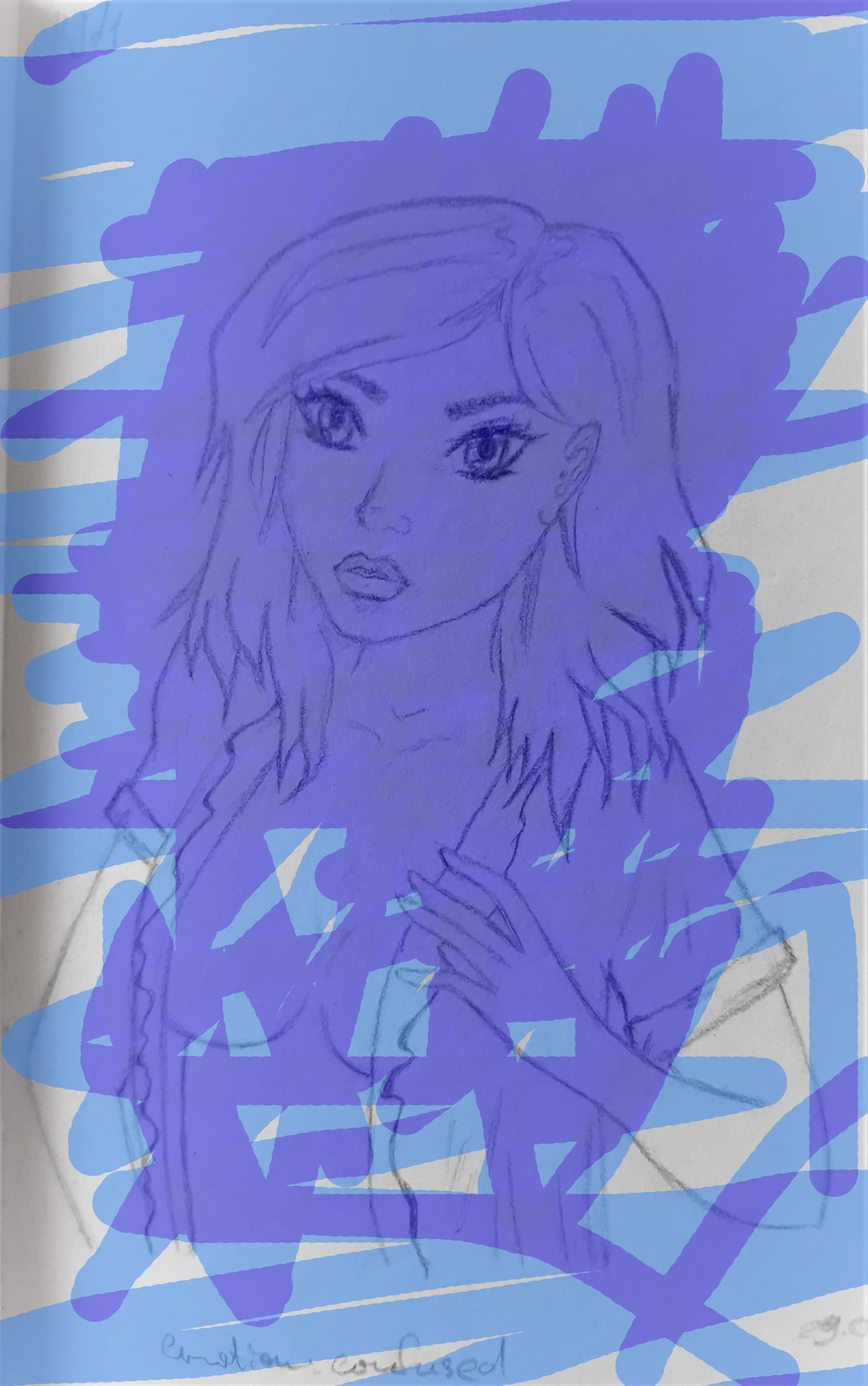
Thank you in advance!
Copy link to clipboard
Copied
What are the complete Tool settings, in particular Blend Mode, Opacity, Flow, …
Please post a meaningful screenshot including all pertinent UI elements (Options Bar, Layers Panel, …).
When working with more than one Layers which Blend Modes did you try using, again please post meaningful screenshots?
Copy link to clipboard
Copied


I need different areas to be visible and colored (as on the 2nd picture). How can I achieve it not using a lasso tool?
Copy link to clipboard
Copied
Try different Blend modes. This can be set for the entire layer, or the tool you're using. The most useful in your case will probably be Color and Luminosity, and also Lighten, Screen, Darken and Multiply. Try them out and you'll quickly get a feel for what they do.
The brush tool also has a special blend mode called Behind. This works only in transparent areas, so will appear to go under existing brushstrokes.
Copy link to clipboard
Copied
Thank you I know all those modes. But it doesnt solve my issue even close. Sorry. =(
I will give another example.

and then it becomes this:

You can clearly see that this artist is using a brush tool but no overlaps is happening. You can see it all in her video How to Clean up and Color Sketches ♦ Photoshop Tutorial ♦ Bat Wings - YouTube
Get ready! An upgraded Adobe Community experience is coming in January.
Learn more