
Need Help with Path strokes and shapes
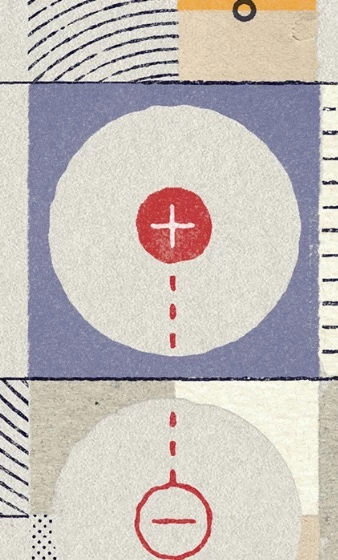
I'm trying to achieve a paper/hand-drawn effect on shapes.
I figured out I could stroke a path with the brush and get this look. When I was playing around with it, I could also fill the path with the brush.
But, the next time I tried it, I could stroke with the brush, but when I right-clicked and choose fill, it no longer brought up the brush option. The only options I get are foreground, background, or color.
My next question is, I would like to be able to make shapes by combining or excluding shapes together. I can no longer use the stroke with brush idea when I do this.
My questions are:
1. How do I both stroke AND fill a path with a brush?
2. After using the shape tool to create custom combined tools, how do I turn those back into a path to be able to do #1?
Please let me know if there is an easier way to achieve the look in the image.
Thank you!
 AdChoices