



Participant
October 21, 2020
Answered
Neutral gray picked from background doesn't match in brightness and shows color shift when fixed
- October 21, 2020
- 2 replies
- 564 views
Hi,
I use a gray layer (with a layer mask) in the color of the default Photoshop CC background to visualize my crop when I retouch.
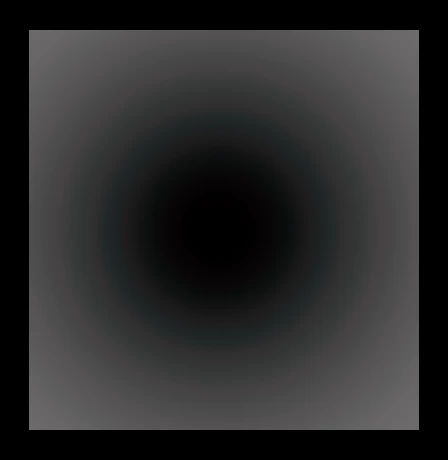
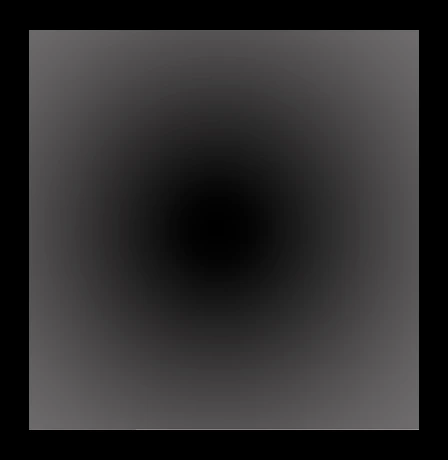
Fig.1: However my eyedropper (set to point sample) samples a lighter color (or it appears so) when used on a Color Solid layer or just plain fill.
Fig.2 :When I shift the brightness to "match" with my eyes, the color shifts to a teal-ish color that is hard to see. Using hue/sat on top doesn't fix that.
It is visible on both my screens (Eizo CS2420 and my cheapo LG).
Working space is RGB ProPhoto RGB 16 bit and converting to 8 bit doesn't help.
Any ideas?
Chees, Jacob.
 AdChoices