
Participant
July 31, 2019
Pregunta

New artboards are invisible unless moved Photoshop

  • July 31, 2019
  • 2 respuestas
  • 1434 visualizaciones

When I create new artboards, nothing shows up.

I have the artboard set to be a white background. Nothing.

Try to put some content in the artboard. Nothing.

Restart photoshop. Nothing.

Restart computer. Nothing.

Photoshop CC is up to date.

Windows 10 all up to date.

Nvidia graphics drivers are up to date.

I wasted like an hour of my life trying to figure this out...
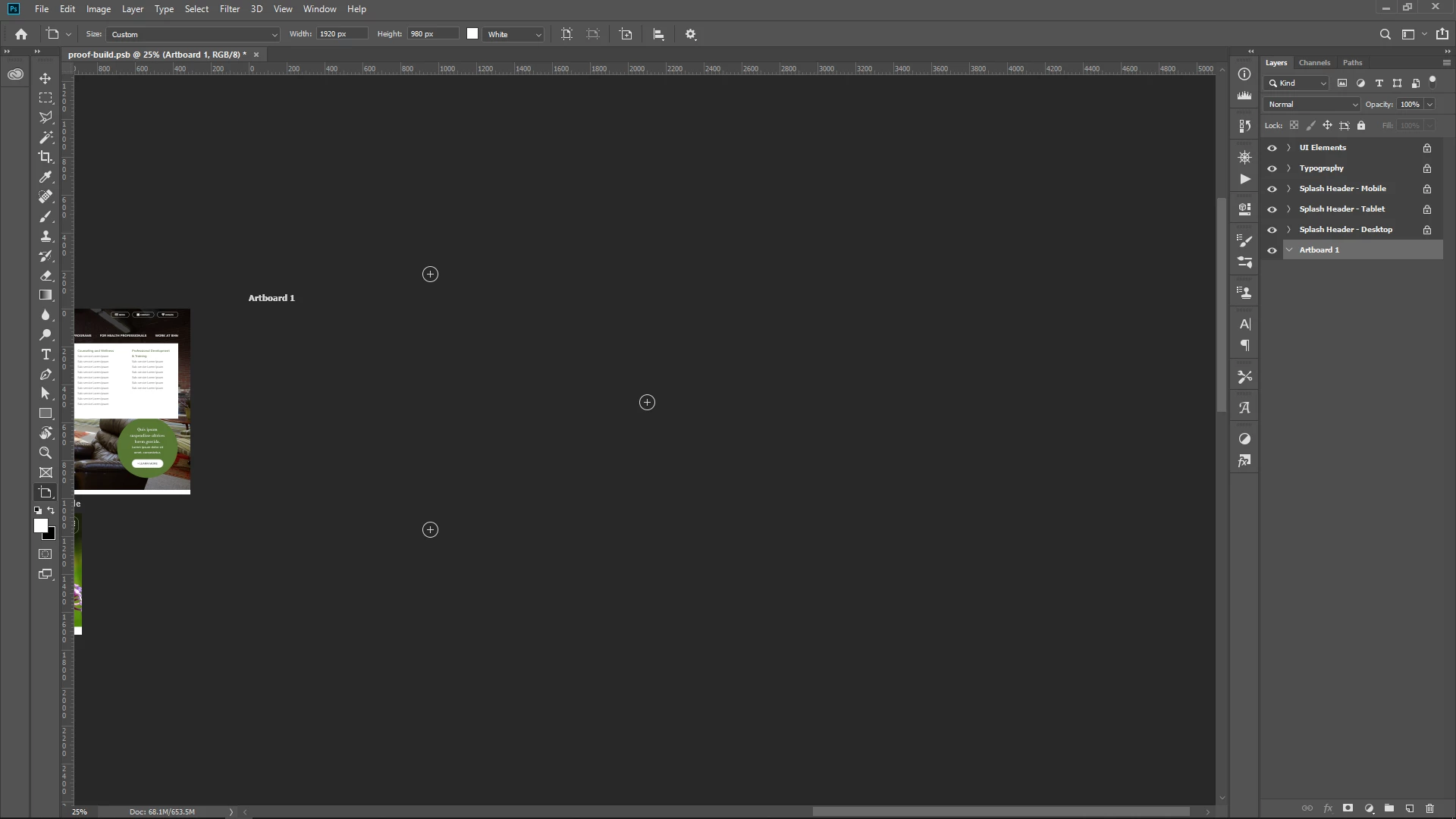
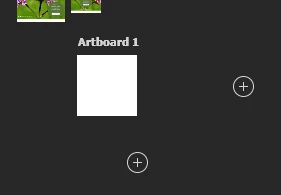
To make the artboard show up I have to drag it under the other artboards with content. Look at this screenshot how I repositioned the new artboard and half of it is cut off by some invisible barrier. What the hell is this? If I can't have an artboard there than why does it automatically create the artboard in that space when I added a new one? Like in Illustrator there is a clear "edge" where you can't place any artboards. This just seems like a bug or sloppy UX/UI.
Message was edited by: Sahil Chawla

Este tema ha sido cerrado para respuestas.

2 respuestas

Participant
October 13, 2020

The same thing happened with my artboard, but I think I figured out the cause: The file's canvas size was only as big as the original artboard. The edge you are seeing is probably the edge of the canvas. For me the problem was solved by adjusting the canvas size to something like 15.000 pixels.

Participant
June 11, 2024

That was it! Thanks!

Sahil.Chawla
Adobe Employee
Adobe Employee
July 31, 2019

Hi there,

That shouldn't be happening, let's make it right.

As the art-boards are blank, could you please let us know the version of Photoshop you're working with?

Could you please try resetting the preferences of Photoshop and let us know if it helps?

Preferences in Photoshop

Note: Make sure that you back up all your custom presets, brushes and actions before restoring Photoshop's preferences. Migrate presets, actions, and settings

Regards,

Sahil

Participant
July 31, 2019

v. 20.0.5 Release

Reset Prefs, restarted Photoshop.

Still cutting off / out artboards.

Edit - So I made a new doc and dragged all my artboards into the new doc and I don't seem to have this issue. So apparently it is somehow that the original doc was bugged or something. Got a major deadline tomorrow, don't really have time to mess around with this further.