The new update on the color pick menu doesn't seem to have the space with the # selection, I have all my branding colors saved as such:
ff8970
or search for a general color
Coral ff7f50
Navy 000080 (looks more royal than navy)
I have tried to load a previous version of photoshop CC and I'm still getting this new menu.
Can anyone help me find the number # finder?

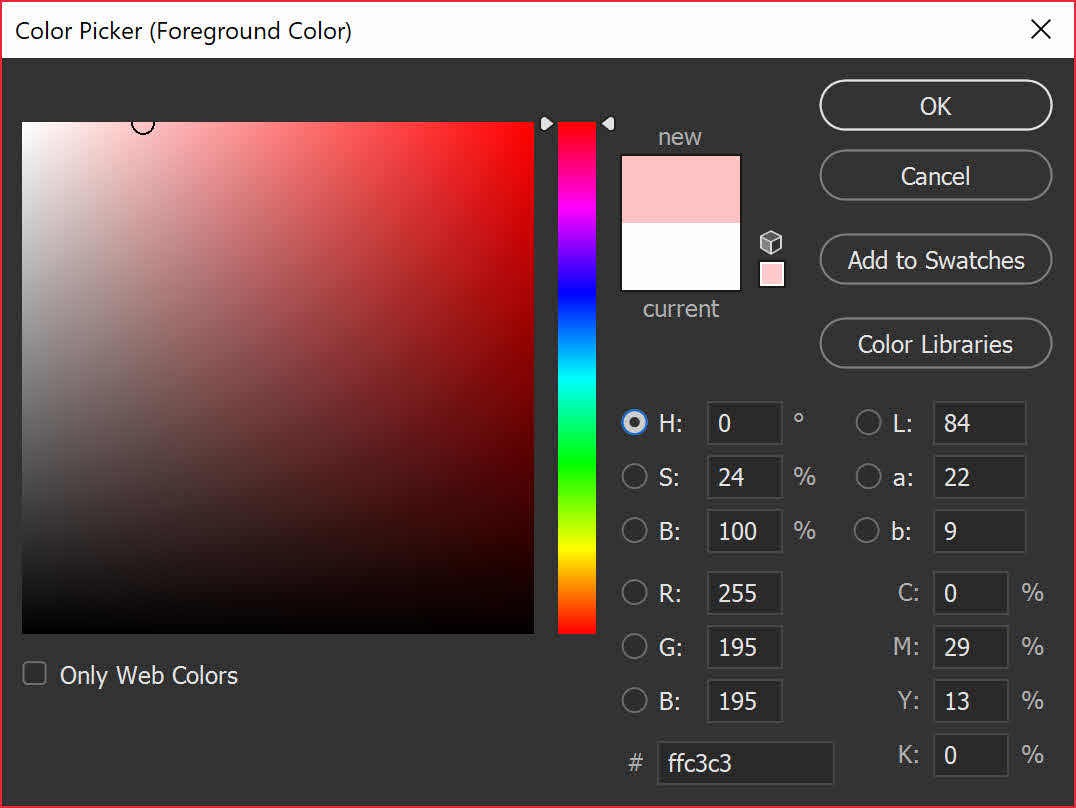 this is the menu I'm used to using.






 1
Reply
1
Reply


 AdChoices