

bellevue scott
Inspiring
October 16, 2018
Answered

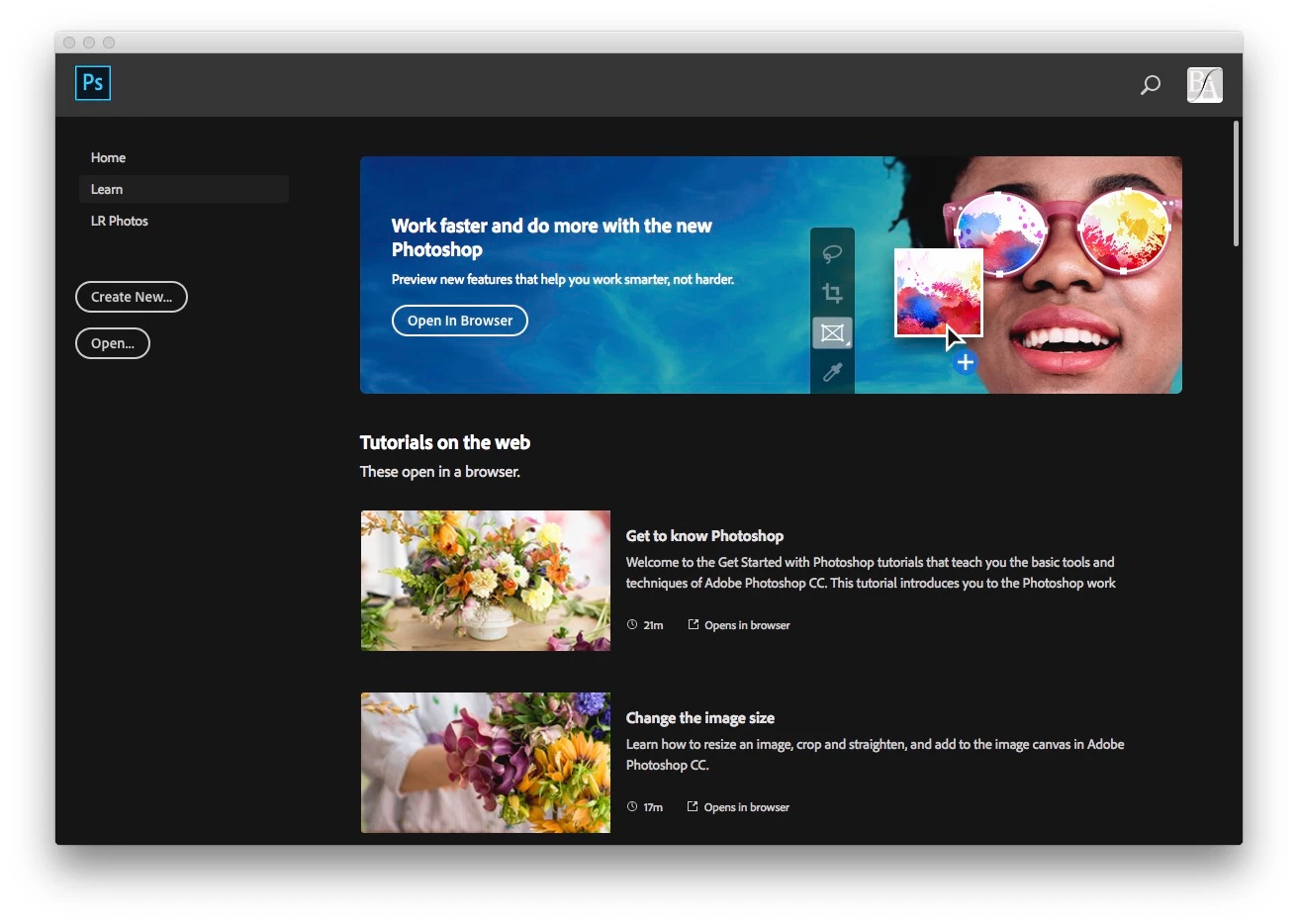
New Photoshop CC 20.0 splash screen

  • October 16, 2018
  • 2 replies
  • 3399 views

I just installed the new Photoshop CC 20.x, and every time I close a file, the splash screen pops up. I'm talking about that home screen that asks if you want to start a new file or open one. How do I get rid of this? Every single time i close a file it pops up and it's driving me mad!
This topic has been closed for replies.
Correct answer gener7

Just to close this out, it was found that Clean Uninstall removed problem files that prevented the Welcome screen from being turned off in Dale's case.

So here are specific instructions to uninstall and run the Cleaner Tool.

Use the Creative Cloud Cleaner Tool to solve installation problems

2 replies

Inspiring
October 18, 2018

Nope...that may be the "Correct Answer," but isn't the correct answer.  I've reinstalled, erased prefs, done 'Disable Home Screen' and tried using 'Legacy New Doc' setting repeatedly, and yet it continues.  It's slowing down the workflow, guys!  Fix it SOON!  This same issue happened in previous releases until Adobe finally decided to own it and put a little check box way down at the bottom of the Home Screen which said 'Don't show this again.'

Hurry it up, PLEASE!

gener7
Community Expert
gener7Community ExpertCorrect answer
Community Expert
October 18, 2018

Just to close this out, it was found that Clean Uninstall removed problem files that prevented the Welcome screen from being turned off in Dale's case.

So here are specific instructions to uninstall and run the Cleaner Tool.

Use the Creative Cloud Cleaner Tool to solve installation problems

bellevue scott
Inspiring
October 16, 2018

I figured it out. Go to preferences -> General, then check the box that says "disable home screen". But in order for this to work you need to close photoshop and reopen it.