


New Problem - Canon Print Studio Pro Plug-in
In previous posts going back to about 2016, there have been problems installing Canon Print Studio Pro. There have been numerous solutions posted presumable solving these problems. These problem posts go back to when the Canon Proo 100 and Pro 10 were first introduced. So far the solutions I have tried do not work. They do not work for me on Photoshop CC 2020, Lightroom CC, or Photoshop Elements 2020.
I recently bought a Pro 100 and am currently using it on Windows PC.
After I have presumbly installed the program and/or followed the poster's fix instructions, the following message appears when opening Photoshop 2020.
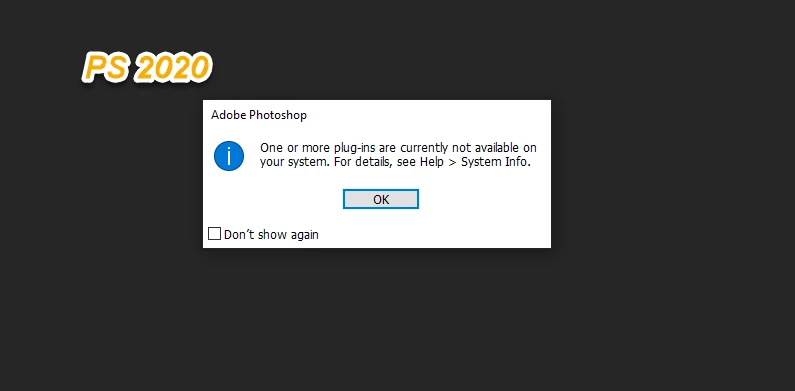
The other programs do above do not display a similar message, but the the plug-in is not visiable under File > Automate menu.
This is an old problem that has resurfaced with recent Photoshop CC updates.
Has anyone else experienced this recently?
 AdChoices