
No access to printer ICC Profiles after updating macOS to 12.1.1
I upgraded from Big Sur to Monterey in early January 2022. All my print processes have been running perfectly since then. (I had the same problem as this one with Big Sur starting in November). However, when I updated to 12.2.1, the problem I had in Big Sur returned. It is exactly the same problem and with it I cannot print with the correct ICC profiles.
I run an iMac (late 2015) and print with an Epson P900. Through January and February, using Monterey, the printing process was normal, just like it has been for many years.
After 12.2.1 was installed, I can no longer find all the ICC profiles that I need for printing when I use the Photoshop dialogue box. When I set for Photoshop to control the printer and then look for a profile, I cannot see any Epson ICC profiles, nor most of my other profiles (for example, my Ilford ICC profiles. This is exactly what happened when I updated to Big Sur 10.6.1.
I've tried uninstalling and reinstalling the Epson driver (which comes with the Epson paper ICC profiles) and then uninstalled and reinstalled Photoshop. All to no avail.
I've read other places that some have the same problem and they've gone back to 12.2 in order to get it to work properly. I'm willing to do that but so far I haven't been able to contact anyone at Apple who really knows how. I'm going to continue to pursue that, but I need the time to do so.
I will also try and find someone in the Adobe support team that can help me, but I confess, I haven't had much success with that in the past.
Thank goodness I don't have any customers for whom I need to provide prints and I hope I can get this sorted before that need arrives.....which it will.
If anyone has suggestions for me, I'd be happy to receive them.
Jack
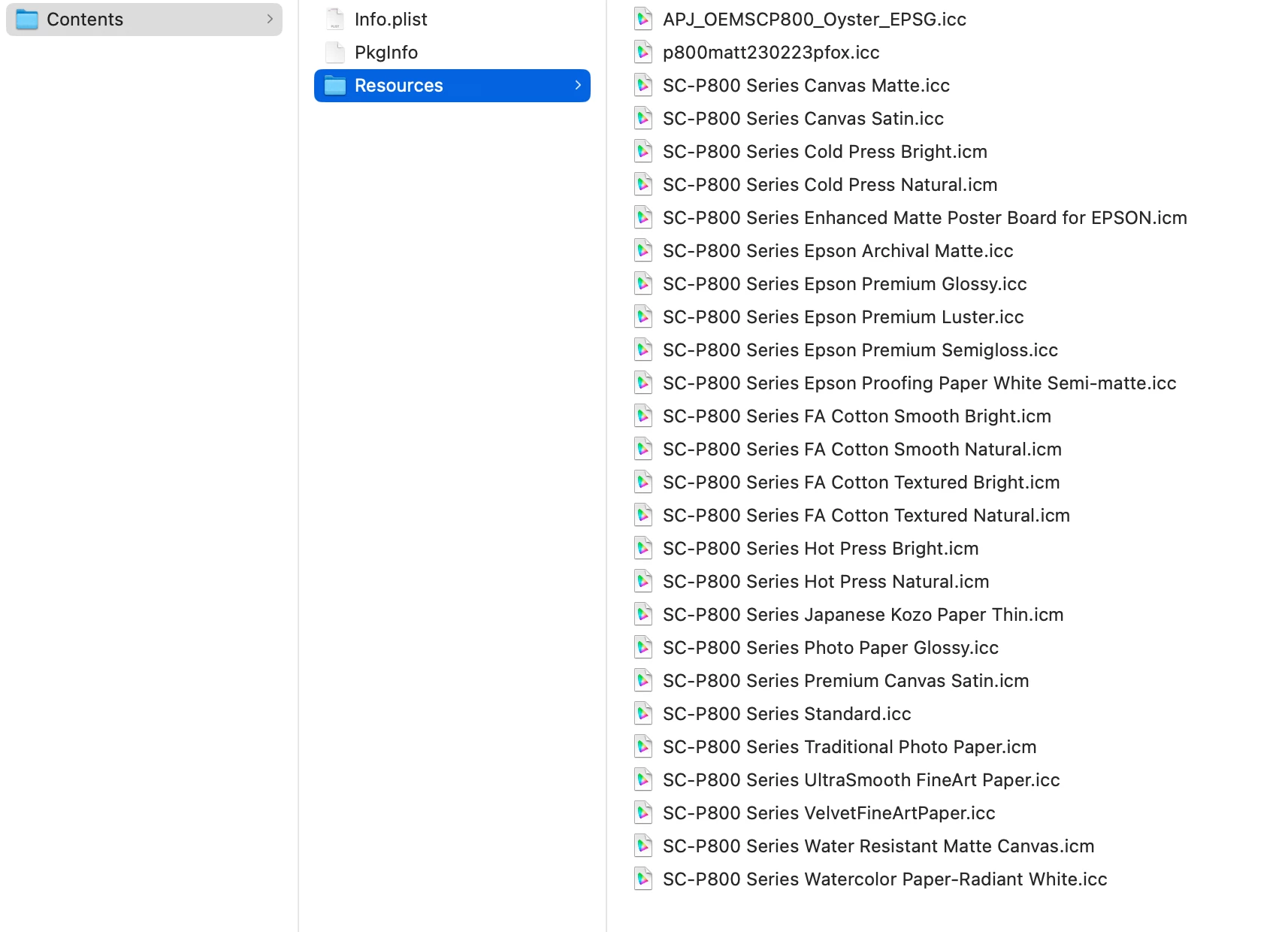
 These are the corresponding .icm and .icc (interchangeable file types) for thtat list.
  AdChoices