The two things you mentioned are connected.
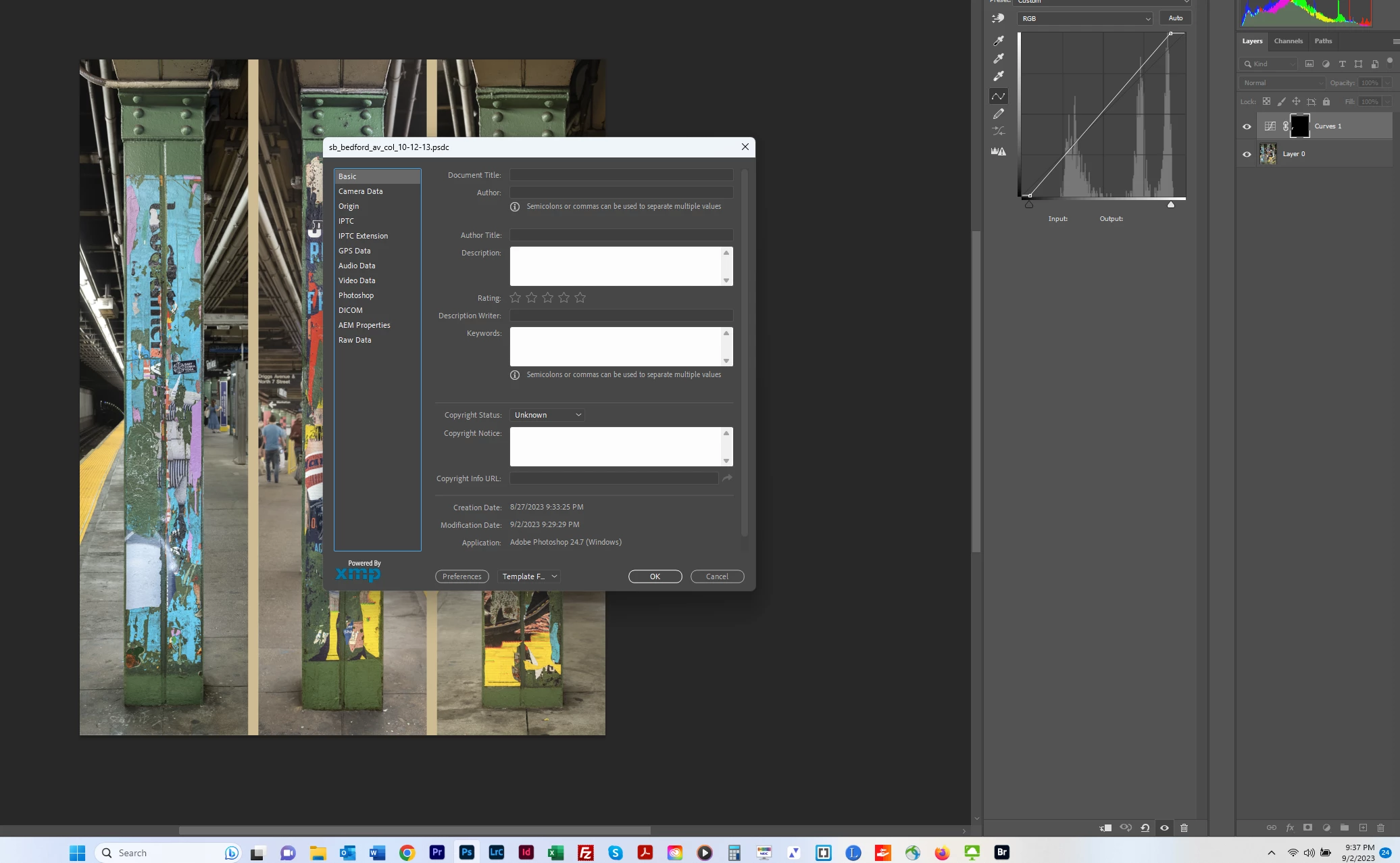
The reason you can’t find the document is because it’s a PSDC file. The .PSDC filename extension stands for Photoshop Cloud Document format. A Cloud Document exists only in Creative Cloud storage (on their online file server), and does not exist anywhere on the file system of your computer (except maybe in a temporary cache folder, which would not normally be exposed to an OS file search).
If you did not intend for it to be a Cloud Document, it might have been saved that way unintentionally. When you choose File > Save As, in the standard Save As dialog box there is a button named Save to Cloud Documents. If that’s clicked, the dialog box switches over to a different mode that saves the file as a Cloud Document.
Because that file is currently a Cloud Document and it sounds like you don’t want it this way, do this: Choose File > Save As, and if the next dialog box says Save to Creative Cloud at the top, click the button near the bottom that says On Your Computer. That switches it back to the standard Save As dialog box, where you can pick a folder as usual, and now you will know where it is on your own computer.


 AdChoices