Known Participant
October 30, 2018
Question

No ok button after select and modify

Photoshop 19.1.6

After I use select and modify, I have no OK button.

Any help would be much appreciated,

Michael
Ce sujet a été fermé aux réponses.

2 commentaires

Terryfly
Participant
June 12, 2024

I have the same problem.  The problem is that you can't pull the select and mask box far enough up to see it.  It is there but hidden because the damn select and mask box is super long and you can't make it smaller by dragging the outlines of the box.  So, what is the fix?  It seems to be a problem.  I am working on a ProArt laptop.

Chuck Uebele
Community Expert
Community Expert
October 30, 2018

Not sure I understand. After you use select and mask, there is no okay button. Which button are you taking about? There is one in the select and mask dialog box, but not once you're done with it.

Known Participant
October 31, 2018

Thanks.

It works if I go into select and mask, but I checked maybe 20 posts that

said, just "hit OK".

So is this something that now became more difficult ?

Michael

On Tue, Oct 30, 2018 at 11:03 PM Chuck Uebele <forums_noreply@adobe.com>

Chuck Uebele
Community Expert
Community Expert
October 31, 2018

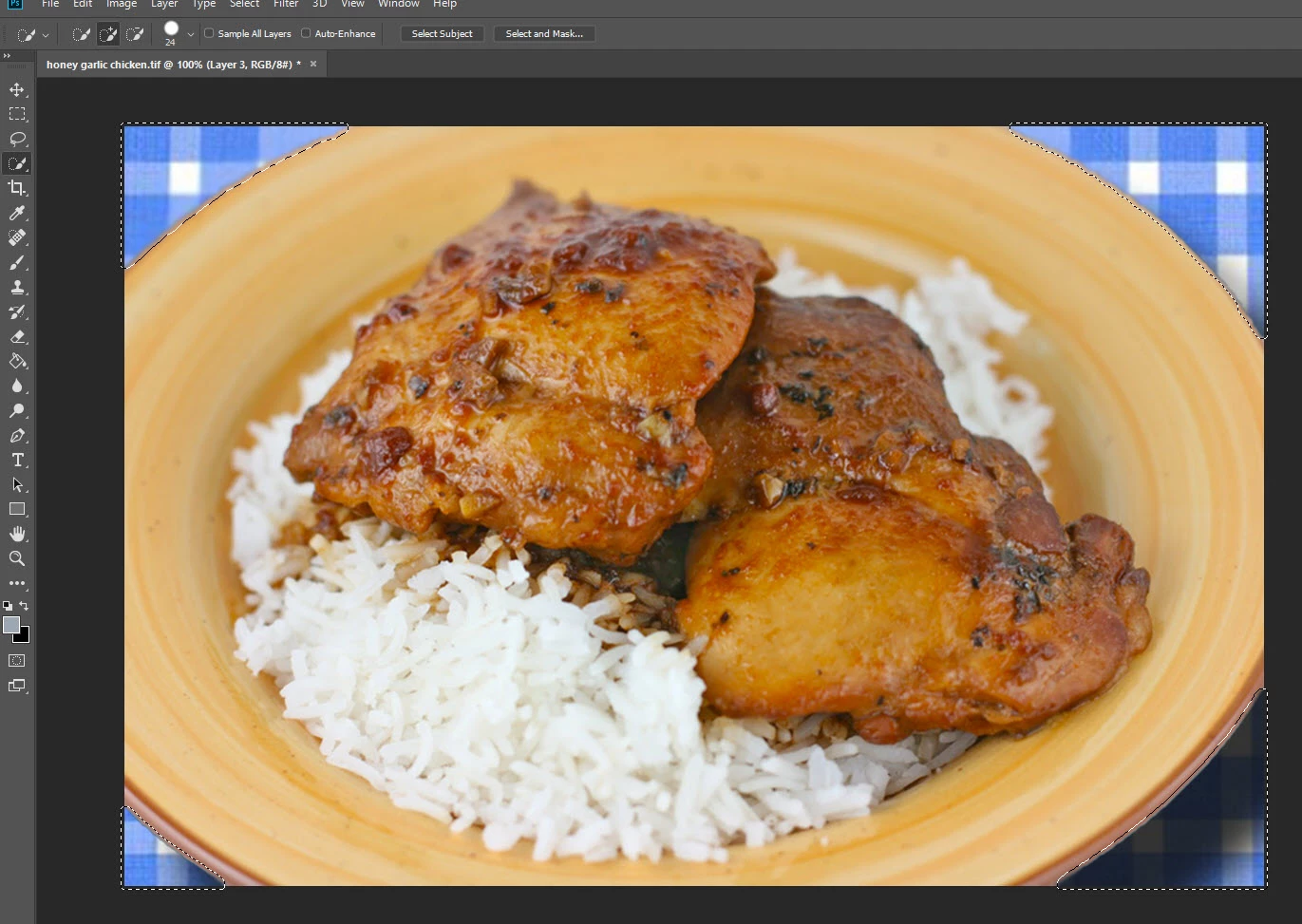
Maybe I'm confused but the attached image is after exiting select, modify and contract.

So how would I crop to the new boundary without going into select and mask?

Thanks,

Michael


If you have the selection made, use the Image>crop, and it should crop to the selection.
