Answered
No “Patterns” showing up in PS > Import Pattern?
Not sure why, when I go to import a pattern, none are showing up within the dialog selection box, whereas they are clearly there in the Presets folder??
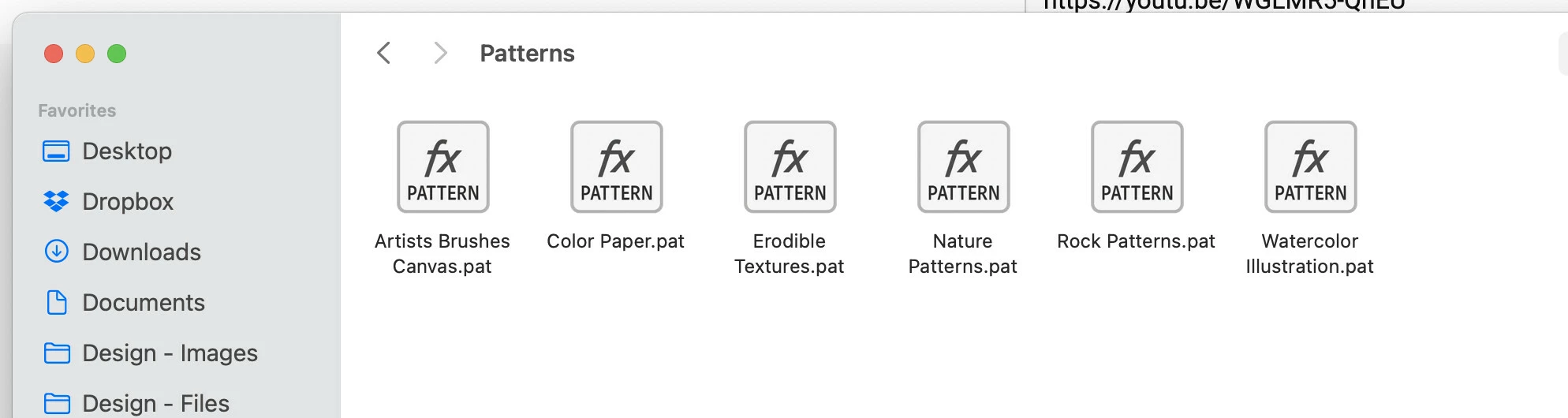
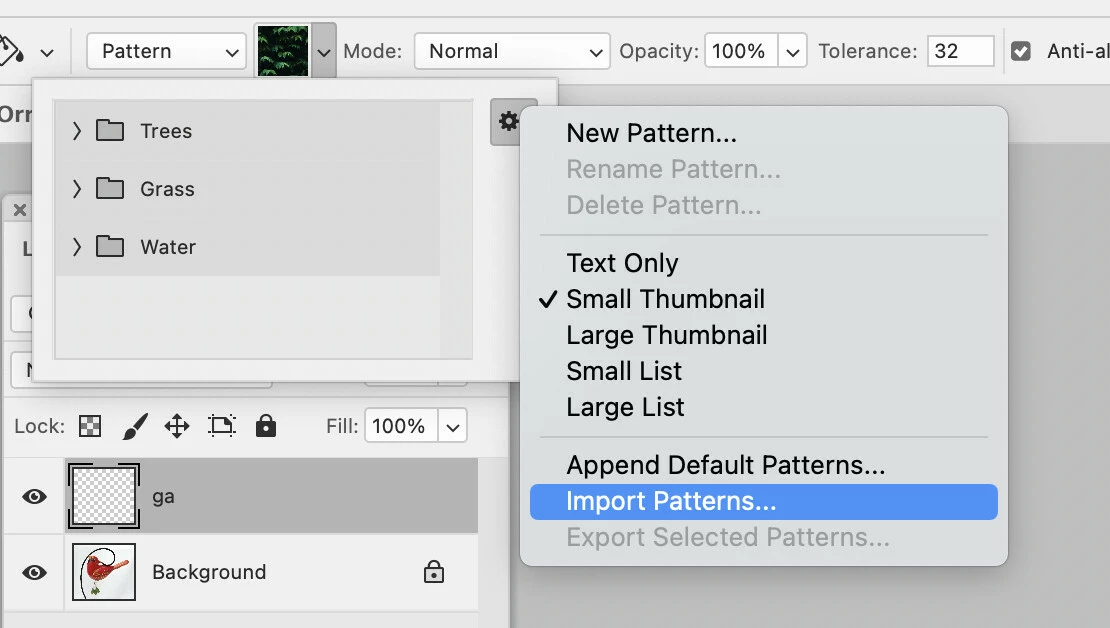
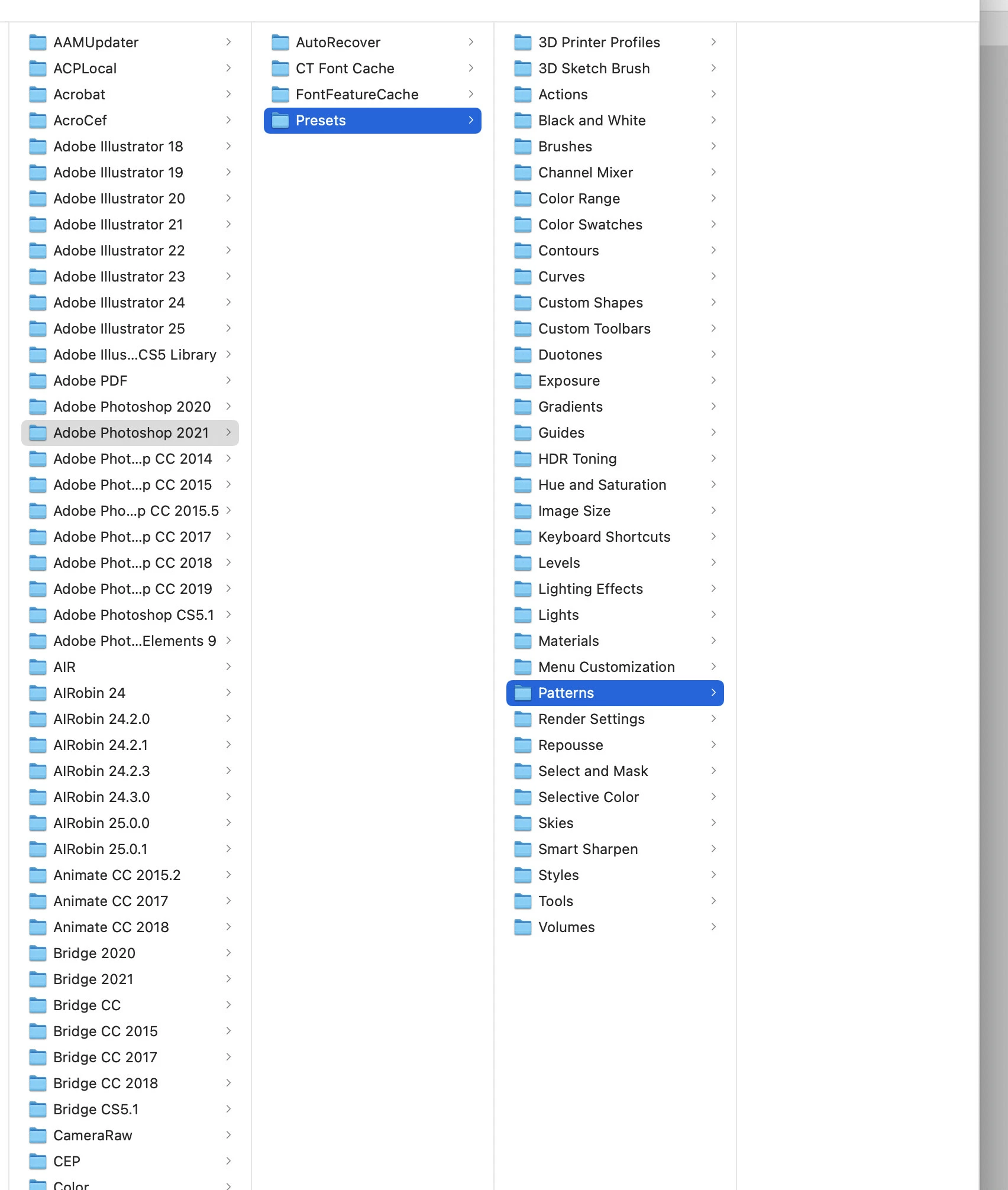

Not sure why, when I go to import a pattern, none are showing up within the dialog selection box, whereas they are clearly there in the Presets folder??
Your screenshots do not seem to prove what you may think they do as they are clipped on do not display the actual full paths.
Which Patterns folder are you targetting – the application or the user one?
~/Library/Application Support/Adobe/Adobe Photoshop 2021/Presets/Patterns
/Applications/Adobe Photoshop 2021/Presets/Patterns
Already have an account? Login
Enter your E-mail address. We'll send you an e-mail with instructions to reset your password.
 AdChoices