
Answered
Not able to uninstall photoshop cc
when i tried to uninstall photoshop i get following error what can I do now but still photoshop is installed and i am using it as the background of the error image is photoshop running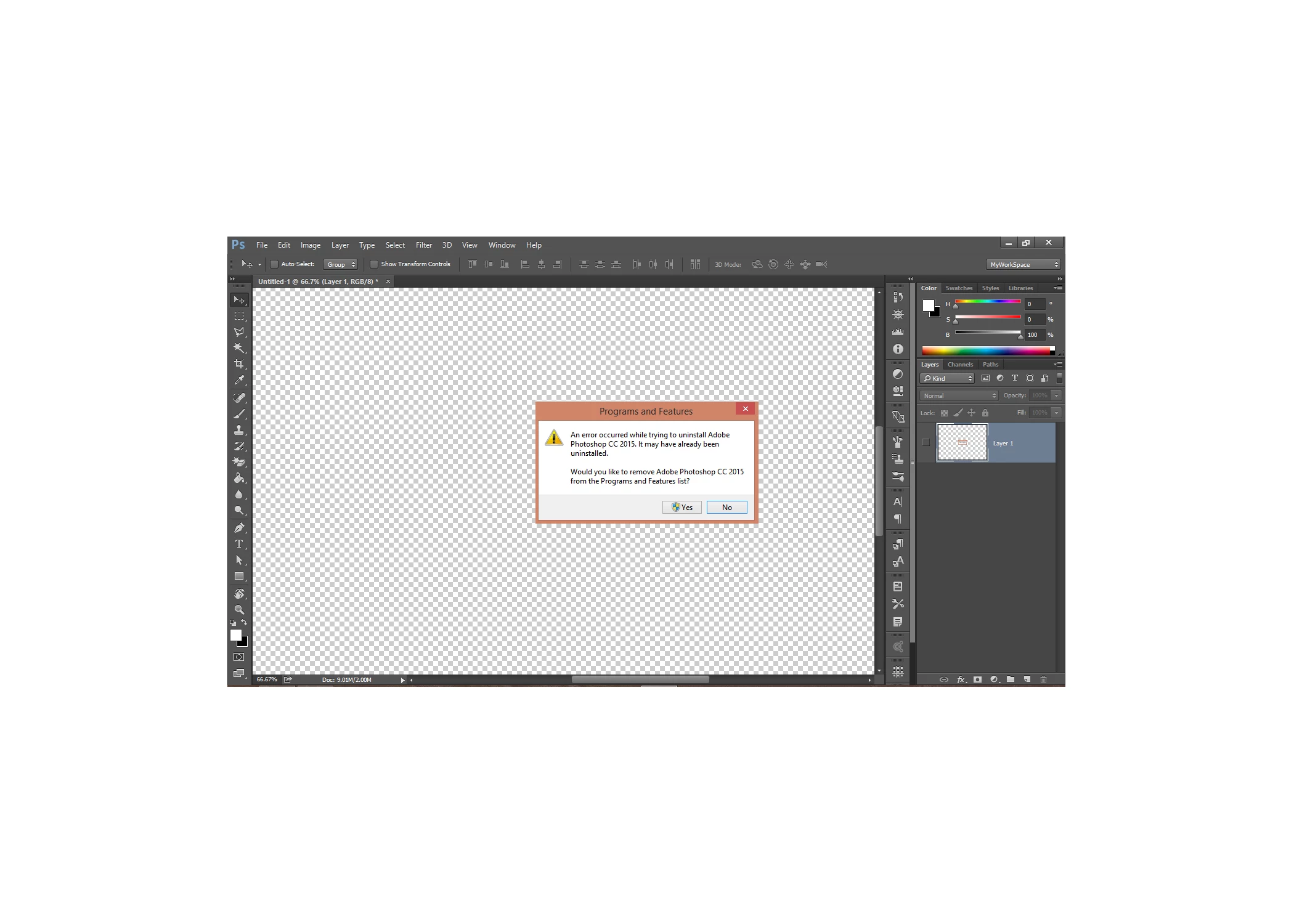

when i tried to uninstall photoshop i get following error what can I do now but still photoshop is installed and i am using it as the background of the error image is photoshop running
This tool didnt removed photoshop completely .I want to completely remove photoshop and freshly install it again . when i installed it after using this tool it jut restored with old settings
Your user ID Photoshop Preferences settings are not pate of Photoshop Install and removal process. They are create the first time you run Photoshop when the do not exist. If you remove and re-install Photoshop your User ID preferences will still be in Place. Since your on Windows. When Photoshop is not running you can Delete your User ID Adobe Photoshop Application folder. When yoy the Start Photoshop the will Be not Photoshop Sett inf for yor User ID. It will be like you running Photoshop to the first time. Photoshop will create the folder and populate it with Adobe Default setting for Photoshop.
Delete or Rename the following Folder. By default Windows will Hide this folder on you. You need to change Windows File explorer Folder View options from Hide to shoe hidden folders and files. So you can see and delet eor rename the folder.
"C:\Users\Your User ID\AppData\Roaming\Adobe\Adobe Photoshop CC 2017"
Already have an account? Login
Enter your E-mail address. We'll send you an e-mail with instructions to reset your password.
 AdChoices