Answered
Noticeable line when using content aware fill
When i use content aware fill to extend the background of an image, i get a noticable line where the two meet. Is there any way i can get that to blend better? Photo attached.

When i use content aware fill to extend the background of an image, i get a noticable line where the two meet. Is there any way i can get that to blend better? Photo attached.
I don't know what causes it, but I have an easy fix.
Select the Marquee tool, and select the Single Row Option:
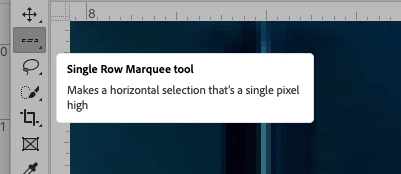
Place your cursor on the row above the line and copy.
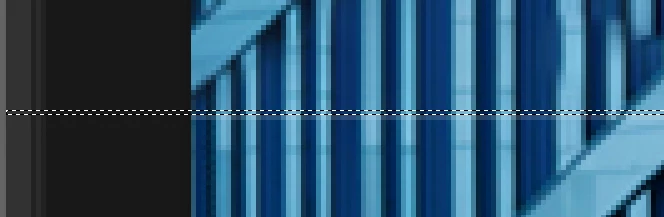
Then move the selection down one pixel row, by hitting the down arrow and then hit paste. This will copy the row just above it and paste it over the row of missing pixels.

Let us know if that helps!
Michelle
Already have an account? Login
Enter your E-mail address. We'll send you an e-mail with instructions to reset your password.
 AdChoices