
quanh55959049
Participant
February 10, 2021
Question

OBJECT PASTED ONTO MY CANVAS DISAPPEARS

  • February 10, 2021
  • 3 replies
  • 298 views

Hello

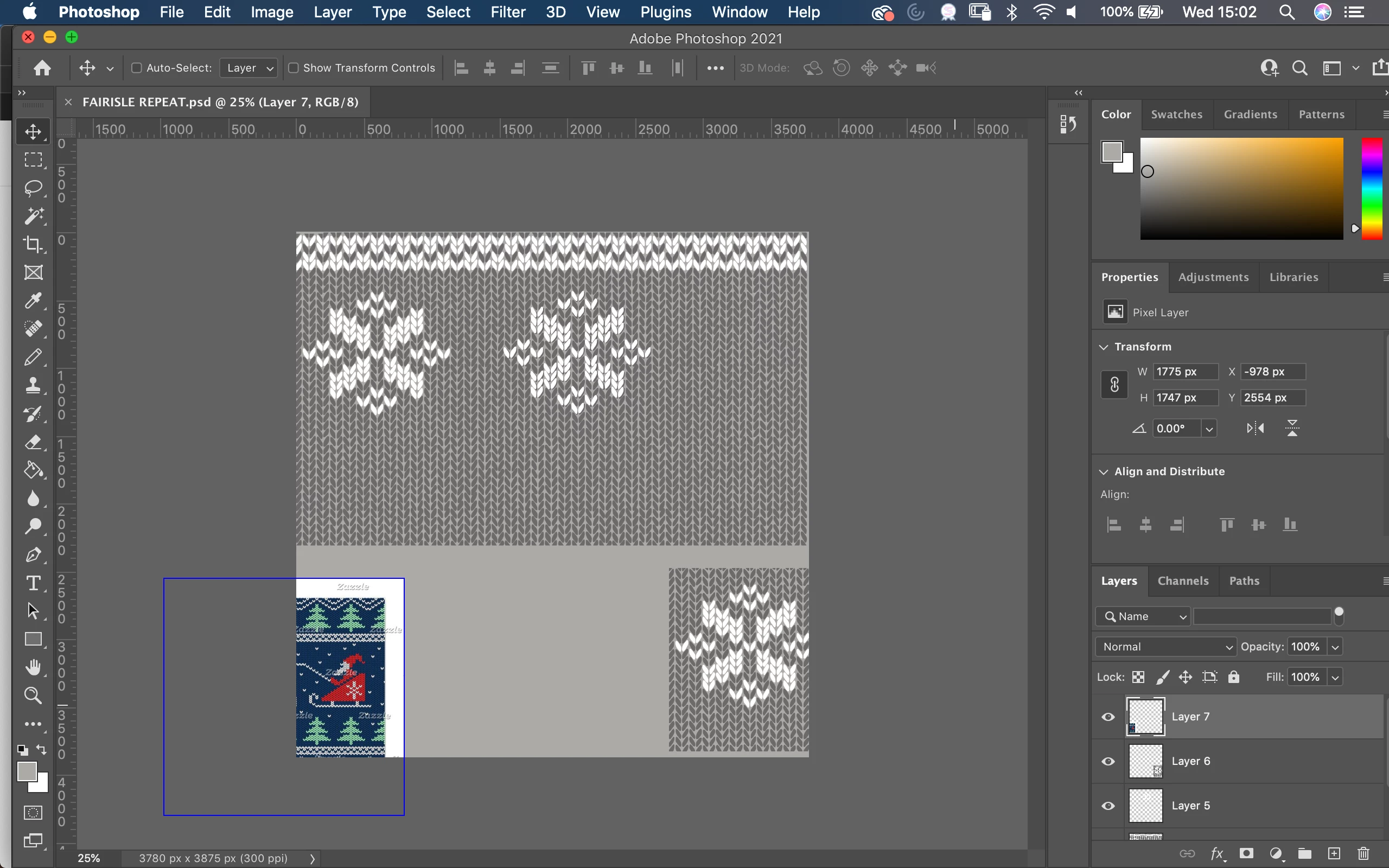
Im a print designer and I normally paste all my inspiration images into my file and place them around my canvas (which is set to a repeat size of my choice) and use elements of them by moving them on and off my canvas. For some reason today, everytime I paste my images into the file and move them off the canvas they disappear into the grey area (like it is masked). Have I accidently selected a mode to do this? Any ideas? Thanks!
 

This topic has been closed for replies.

3 replies

quanh55959049
Participant
February 10, 2021

Thank you,

Its just very strange, I have been using it like the 'Illustrator way' for many years (where you can see all the files/layer imported around the canvas) and even just on Monday (2 days ago!), I updated it today so maybe thats why?


melissapiccone
Community Expert
Community Expert
February 10, 2021

You can do that in Illustrator and InDesign, but not in Photoshop. Photoshop has never worked this way.

Melissa Piccone | Adobe Trainer | Online Courses Author | Fine Artist
didiermazier
Community Expert
Community Expert
February 10, 2021

Hi

Seems to me it has laways be like that…

Image > Reveal all will extend canvas size to include outsiders

Best