

Object Select, Select and mask Onion skin not working
This is ridiculous. When I enter object select - select and mask mode the onion skin option doesnt show my layer beneath my selection. I've tried everything. I've reset my preferences. I've restarted my computer. I've check and unchecked every setting in this tool. The selection is working because in marching ants I can see it's selecting but I can't see my layer underneath in onion skin mode. I know this is a big problem and alot of people have this issue but no fixes help me. I see alot of people just saying to use the old refine edge tool but I don't want to use that tool I want to use this one. I don't want to be rude but its extremely irritating that this is still a problem. I've included a screenshot. Please help me
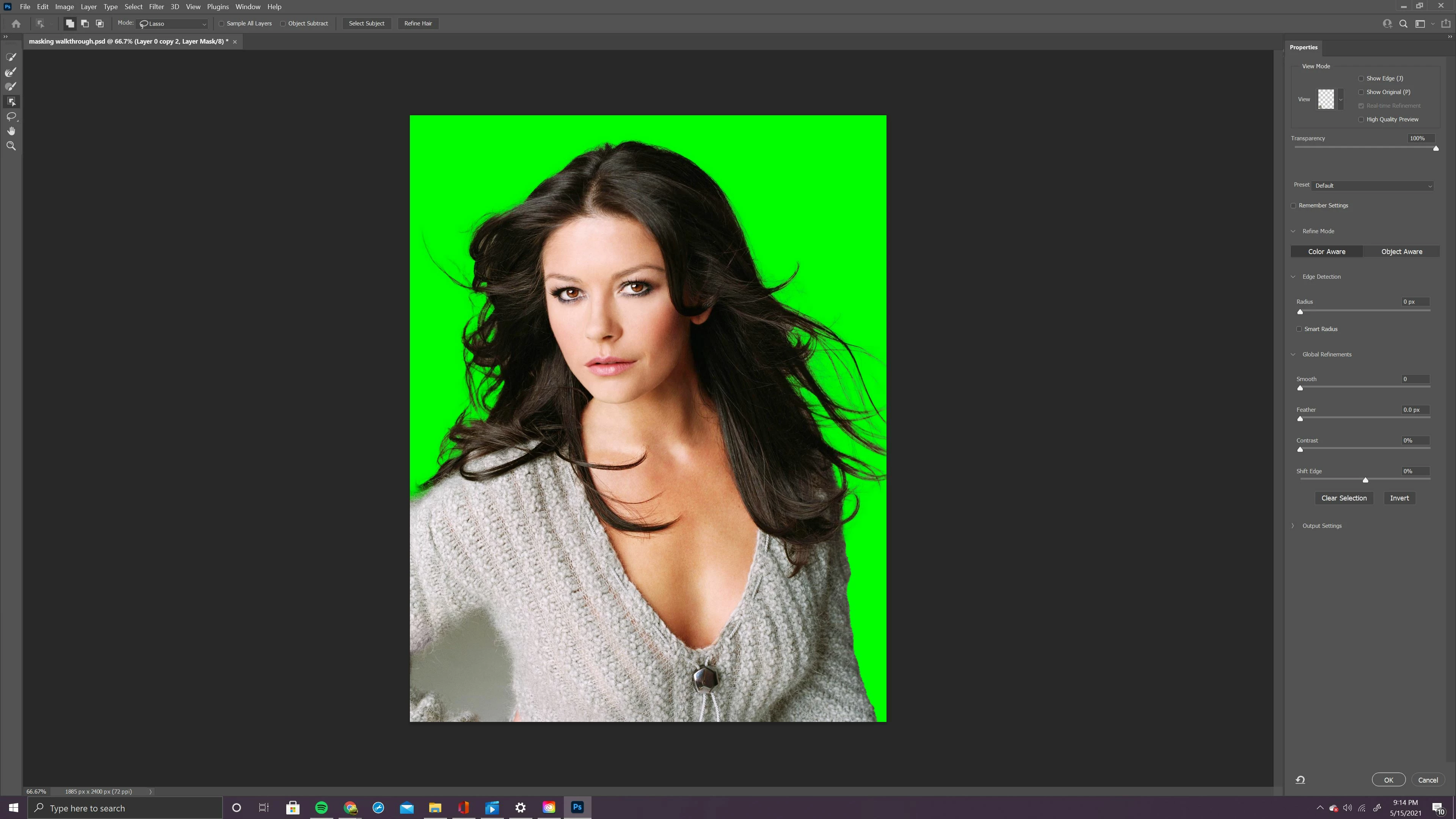
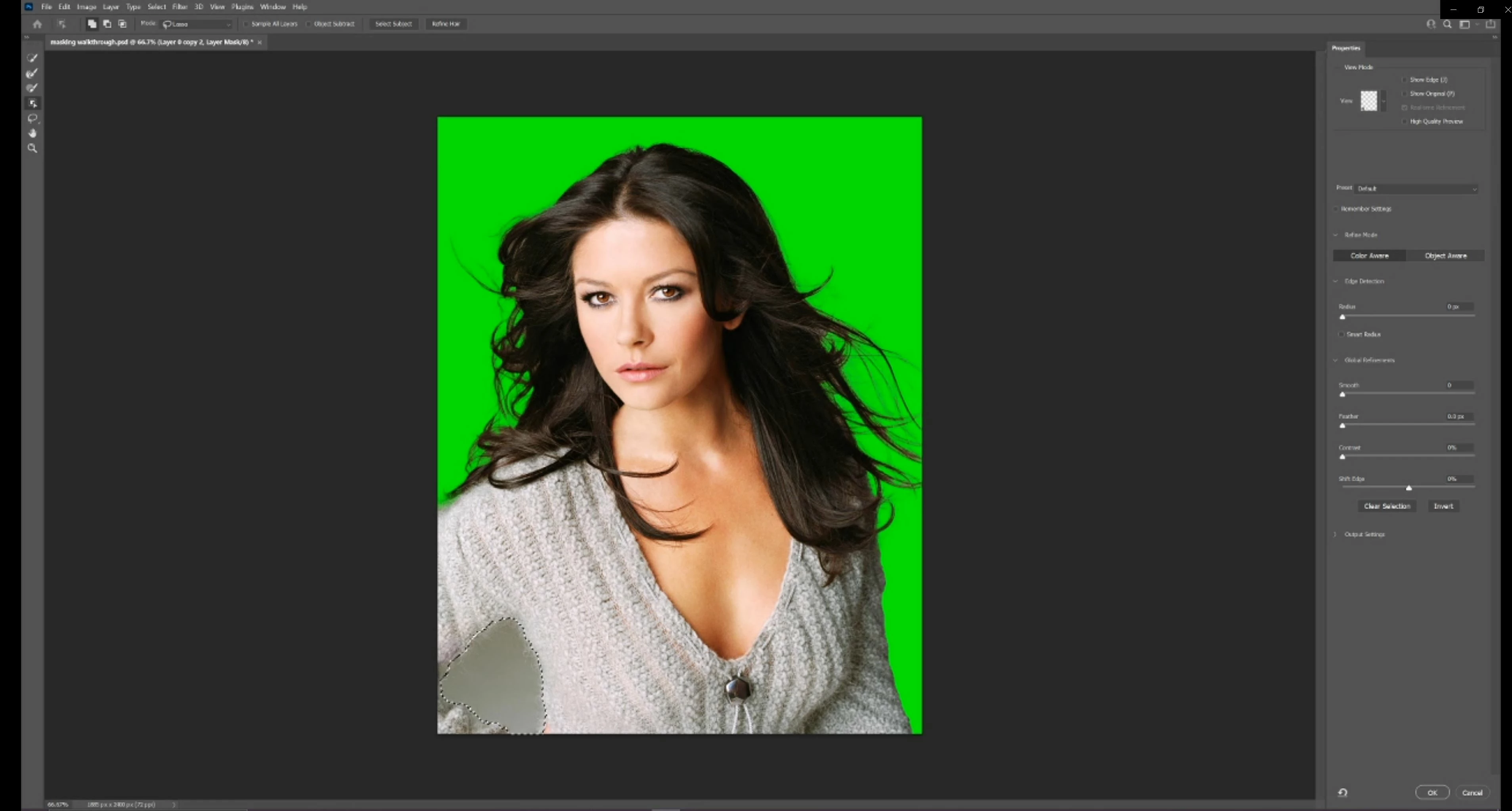
the green is part of a mask I already have, I want to add my selection to my existing mask. I watched my professor do it in a lecture so I know it's possible
 AdChoices