Participant
October 17, 2018
Answered

On the UI scaling of Adobe Photoshop CC 2018

  • October 17, 2018
  • 1 reply
  • 2360 views

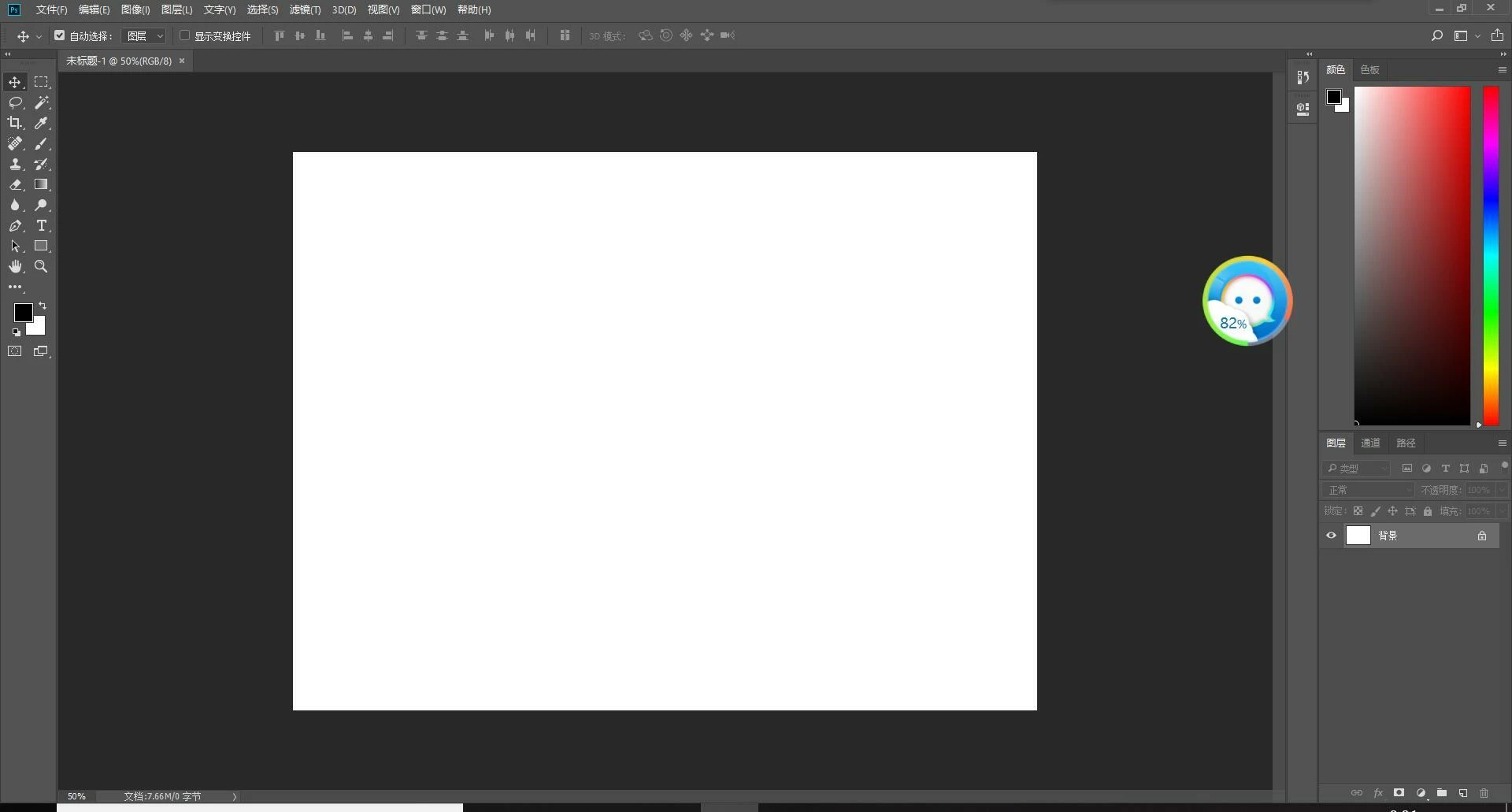
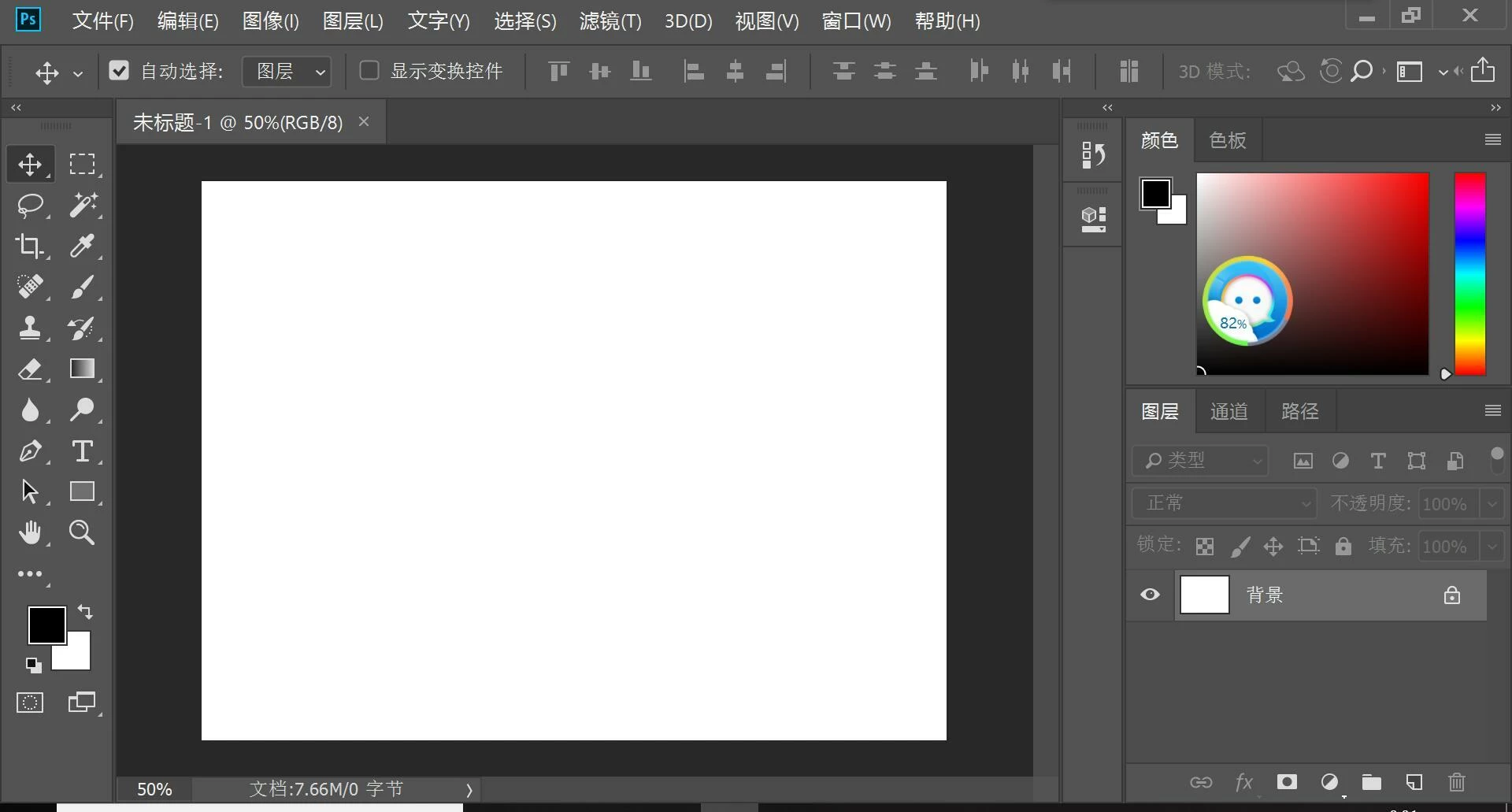
     I reinstalled Adobe Photoshop CC 2018 yesterday, but there was a problem with the interface. The problem is the open interface is very large. I have tired to change the UI scaling option in the preference,but the open interface is either very large, or very small, and cant recover the previous size. What should I do?

(Here are two sizes of image pages.)
    This topic has been closed for replies.
    Correct answer Akash Sharma

    Hi 妍梁80214458,

    Sorry that Photoshop CC UI scaling is smaller than you expected. Could you please take a look at this article Windows 10 | High DPI scaling issue and see if that helps?

    Also, update to the latest version of Photoshop CC 20.0 to check if the UI scaling changes,

    Thanks,

    Akash

    1 reply

    Akash Sharma
    Akash SharmaCorrect answer
    Legend
    October 17, 2018

    Hi 妍梁80214458,

    Sorry that Photoshop CC UI scaling is smaller than you expected. Could you please take a look at this article Windows 10 | High DPI scaling issue and see if that helps?

    Also, update to the latest version of Photoshop CC 20.0 to check if the UI scaling changes,

    Thanks,

    Akash

    Participant
    October 18, 2018

    Thank you very much !