
JasonG02
Participant
January 16, 2025
Answered

Open from cloud documents button missing

  • January 16, 2025
  • 1 reply
  • 223 views

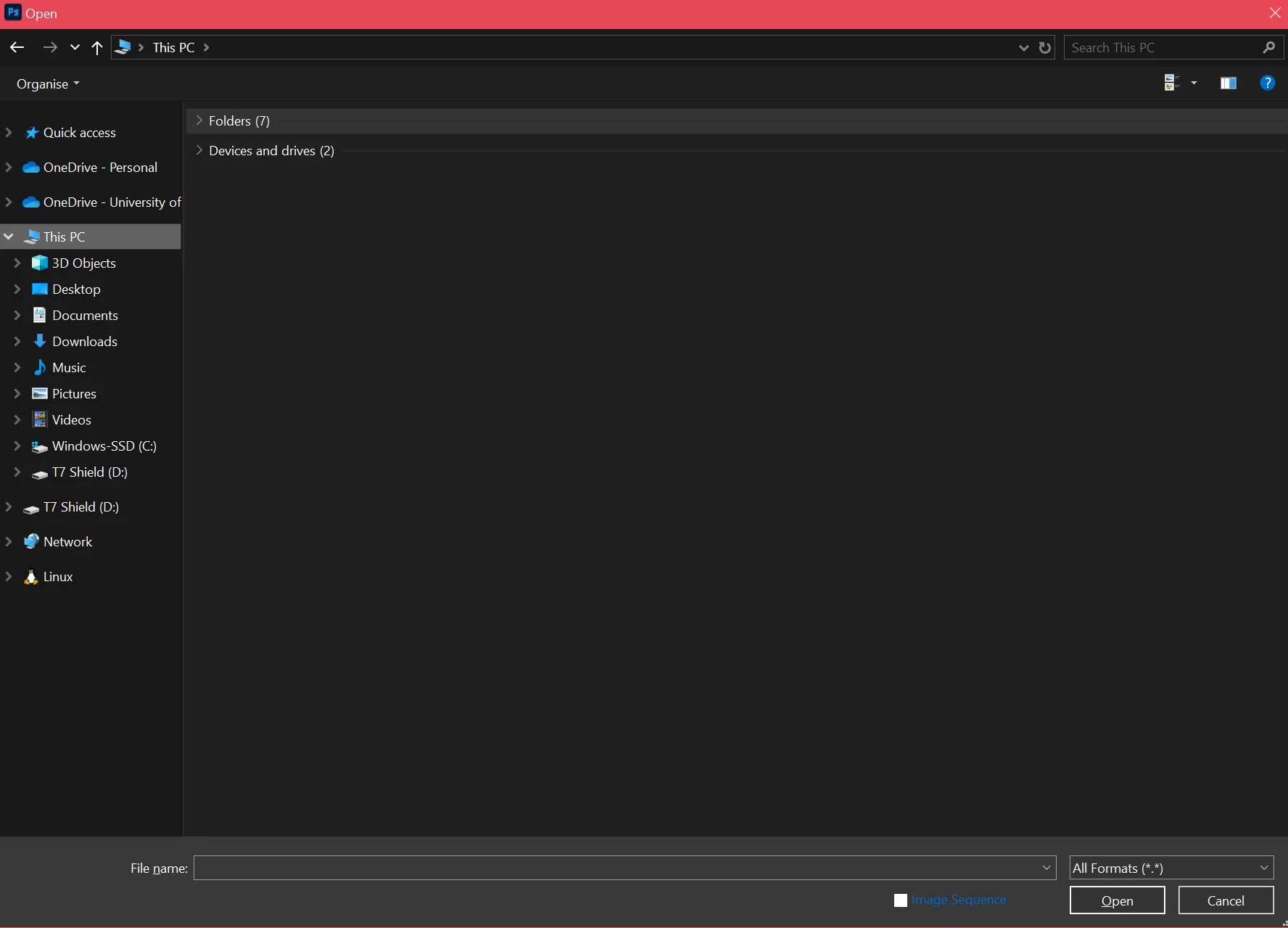
The button to open from cloud documents is missing in my open dialogue in Photoshop 26.2.0 20241207.r.140.

This was also an issue for me in earlier versions.

My cloud docs are working fine as I can open them from the Your files section.


Correct answer Sameer K

Hey, @JasonG02. Welcome to the Photoshop Community. I'll help you figure this out. 

Do you launch Photoshop via the Creative Cloud desktop app? 


Please check if the issue exists if you launch Photoshop via the Creative Cloud desktop app. I've moved your post to discussions for now. 


Thanks!
Sameer K

(Type '@' and type my name to mention me when you reply)

1 reply

Sameer K
Community Manager
Sameer KCommunity ManagerCorrect answer
Community Manager
January 22, 2025

Hey, @JasonG02. Welcome to the Photoshop Community. I'll help you figure this out. 

Do you launch Photoshop via the Creative Cloud desktop app? 


Please check if the issue exists if you launch Photoshop via the Creative Cloud desktop app. I've moved your post to discussions for now. 


Thanks!
Sameer K

(Type '@' and type my name to mention me when you reply)

JasonG02
JasonG02Author
Participant
January 22, 2025

Hi Sameer,


Thanks for the reply.

I normally launch Photoshop through a desktop shortcut.

I did some testing and seems like I have to manually start Creative Cloud desktop app first, only then the Open cloud documents button appears.


Thanks, Jason