
Question
Open in low resolution (Photoshop CC 2017)
Hi,
I have a Macbook Pro connected to a 32" 4K Display (3860 x 2160). Mac resolution is scaled to Medium (see screenshot attached).
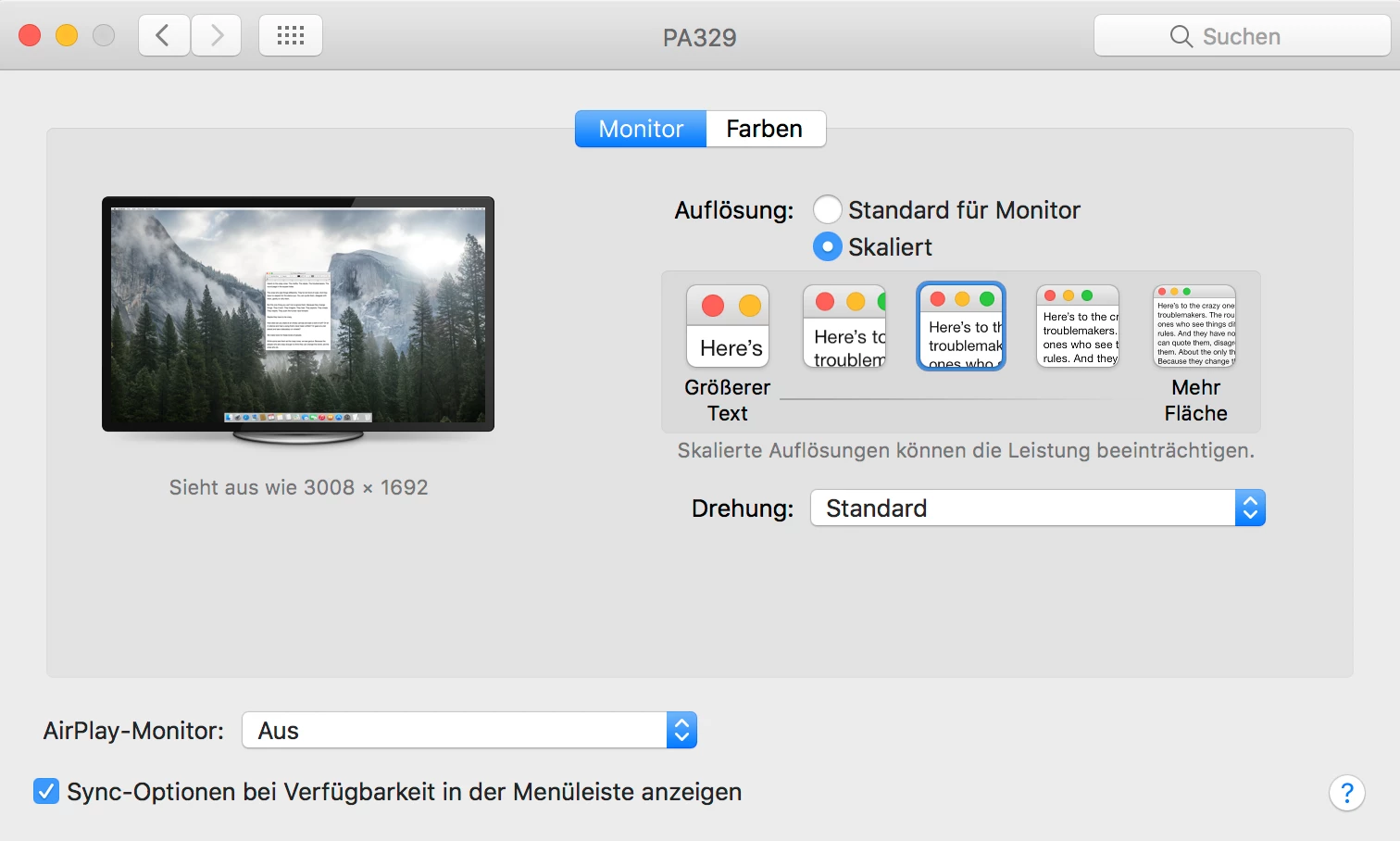
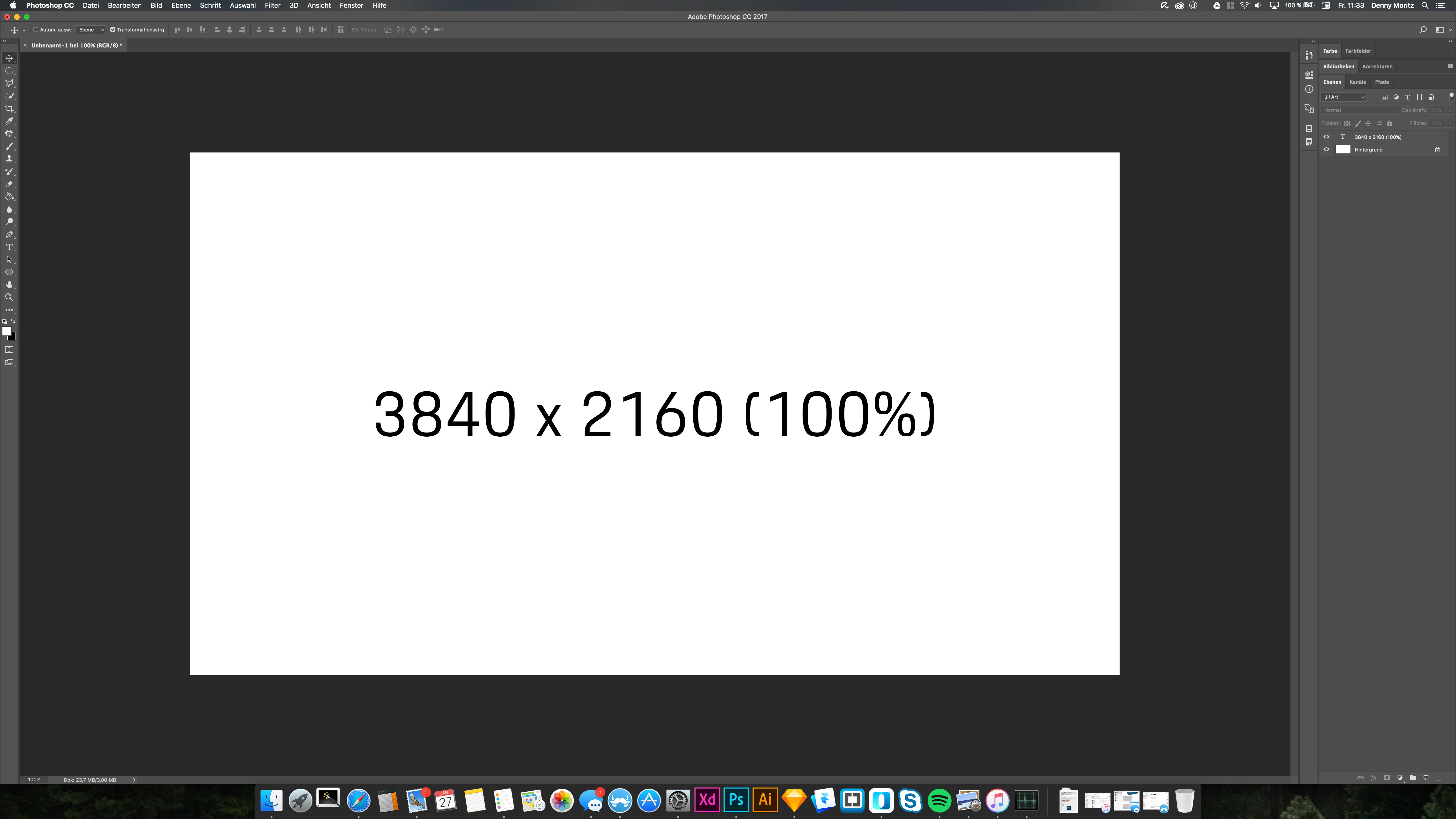
When I now create a Photoshop Canvas with the monitor resolution it is scaled and when viewed 100% not 1:1 pixel-wise.
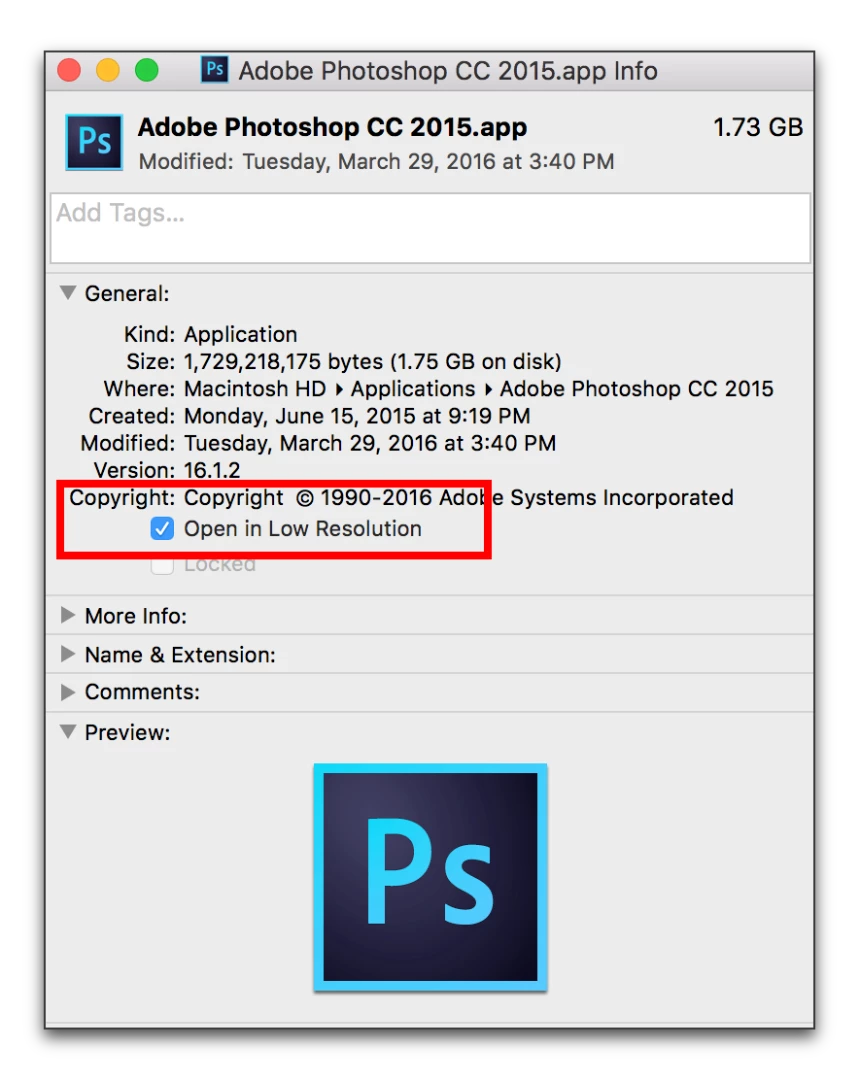
In CS6 and CC2015 you had the option to select "open app in low res mode" (see screenshot attaced)
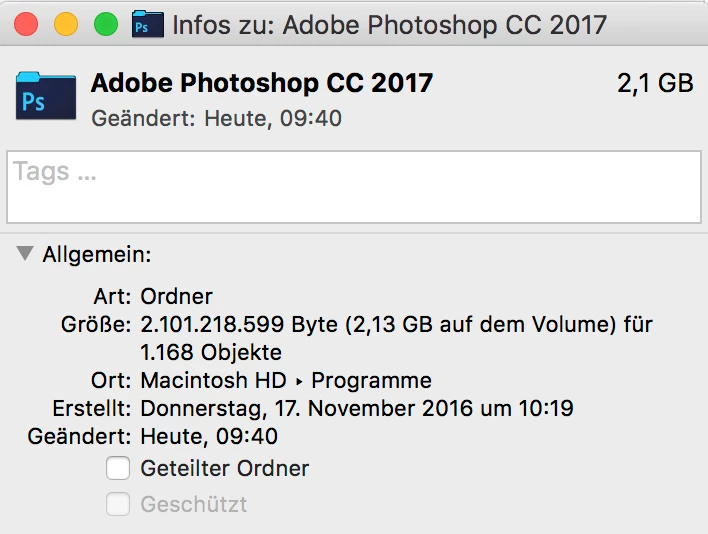
This feature seem to be gone now (macOS Sierra 10.12.3 and CC2017).
Any ideas how I can get Photoshop CC2017 to display in 1:1 pixel mode without changing my global scale in macOS?
 AdChoices