

Answered
Open window freezes in Photoshop 25.12.2
Hello. I've been having this bug where when I go to open something I get this window and it gets stuck. The only way to do anything about it is to forcefully quit Photoshop via task manager. It seems to be random when it happens and has only started happening recently. Every button and drop down menu becomes a white box and I can't interact with anything.
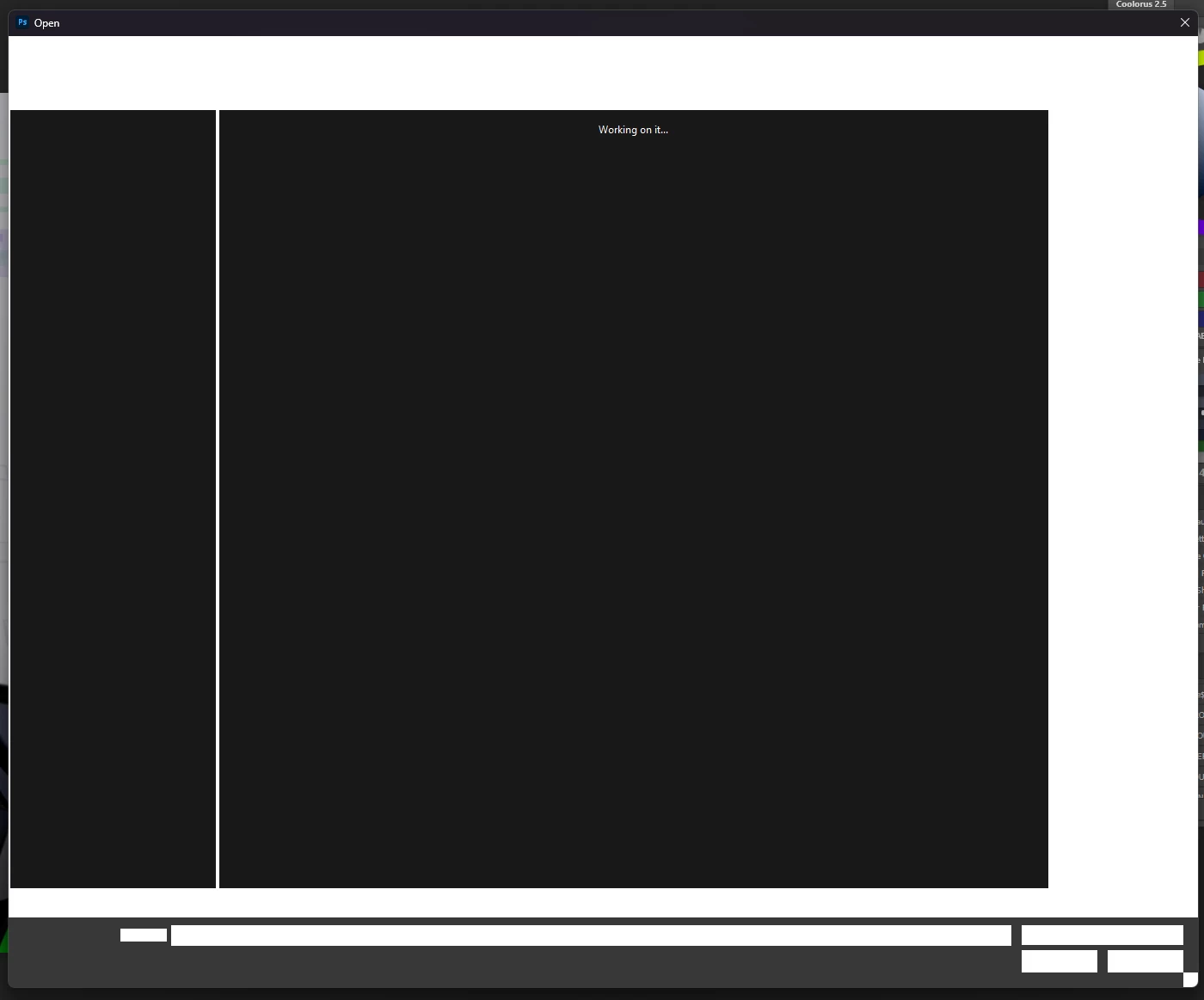
Version: 25.12.2
Windows 11 23H2
Reproduction: Go to file > open (Is not consistent, seems to happen randomly and I'm unsure why)
 AdChoices