

sailor842
Inspiring
February 4, 2020
Answered

Opening photoshop cc

  • February 4, 2020
  • 1 reply
  • 717 views

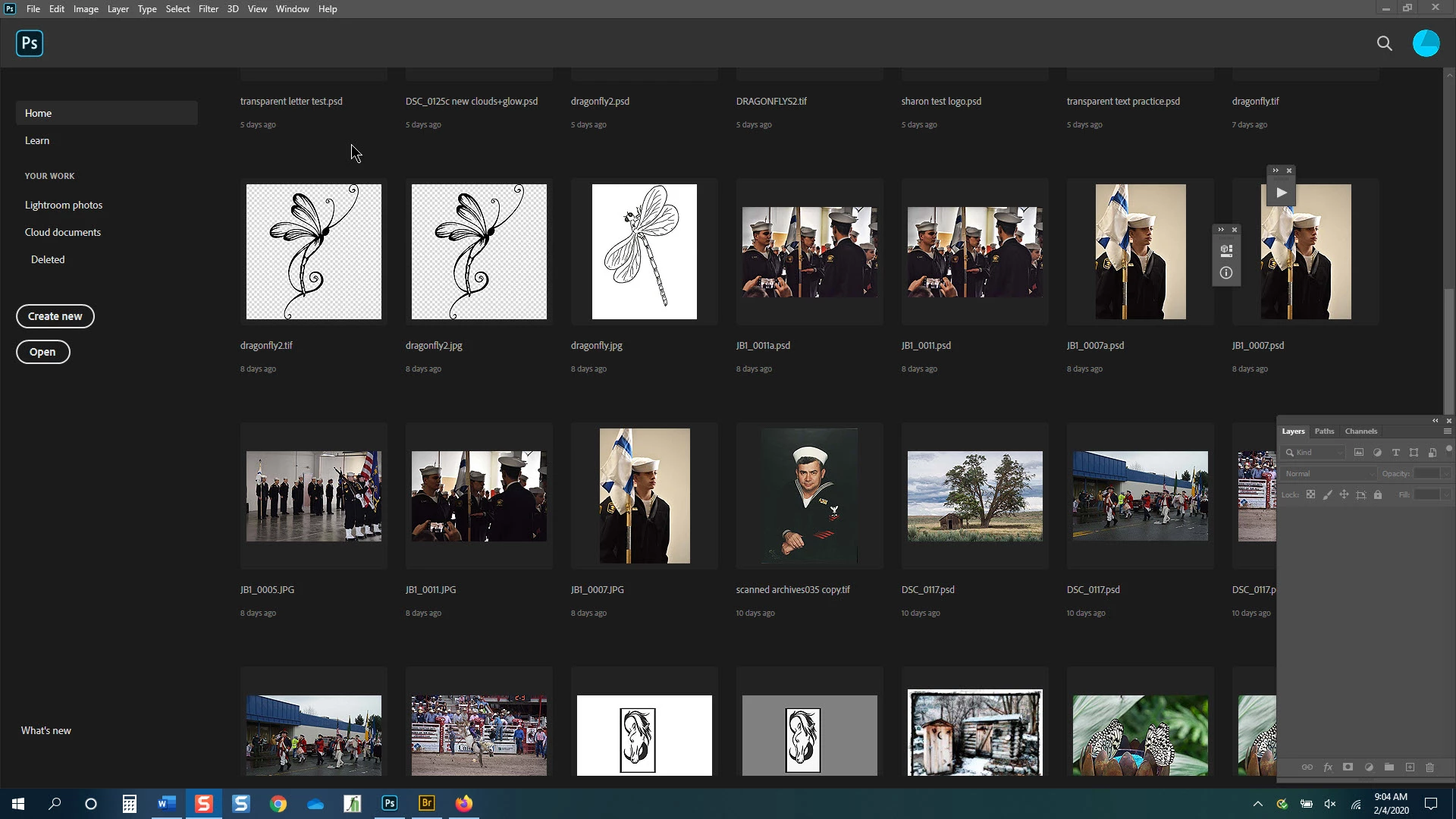
When I open the program I see my recently opened photos. I also see part of my workspace (layers, paths, channels) in the lower right. Why? (image 1)

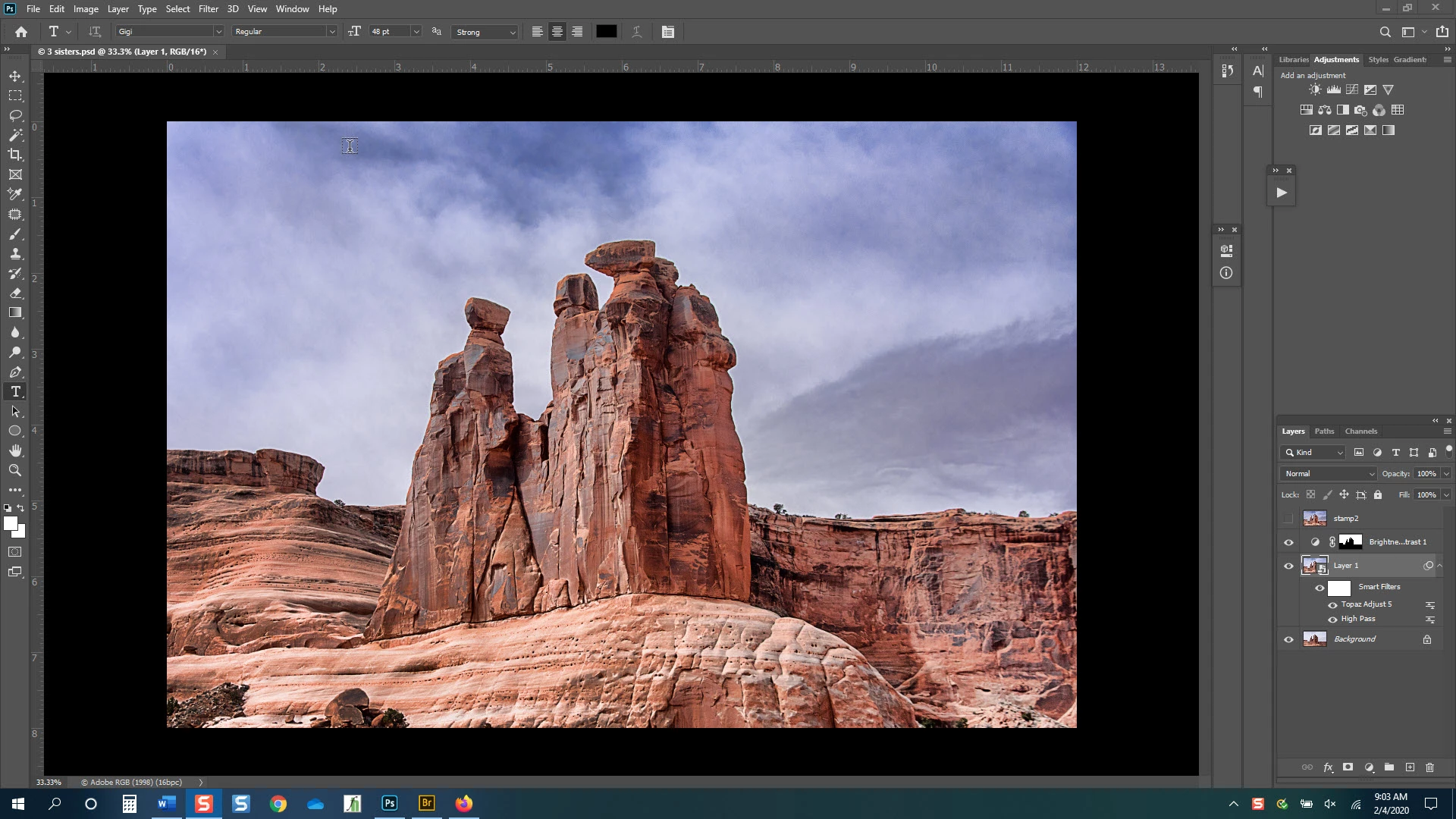
Also, even tho I have reset & customized my workspaces and saved them I find that when I close & reopen photoshop the workspaces have some of the functions in different areas. Why? (image 2)
sailor842


[email address removed by moderator for your protection — this is a public forum]


.

This topic has been closed for replies.
Correct answer jane-e

Hi

Photoshop does that with panels that are floating and not docked. You can go to Window > Workspace and Reset your current space to dock your panels or you can doc them manually by dragging them into the drop zone.

https://helpx.adobe.com/photoshop/using/workspace-basics.html

~ Jane

1 reply

jane-e
Community Expert
jane-eCommunity ExpertCorrect answer
Community Expert
February 4, 2020

Hi

Photoshop does that with panels that are floating and not docked. You can go to Window > Workspace and Reset your current space to dock your panels or you can doc them manually by dragging them into the drop zone.

https://helpx.adobe.com/photoshop/using/workspace-basics.html

~ Jane

sailor842
sailor842Author
Inspiring
February 4, 2020
Thanks. That solved part 2
jane-e
Community Expert
Community Expert
February 4, 2020

Hi

I apologize profusely for asking, but what is part 1?

~ Jane