
OPT + SHIFT Resize proportionately from centre
Hi There, Can Photoshop please use the OPT + SHIFT shortcuts properly?
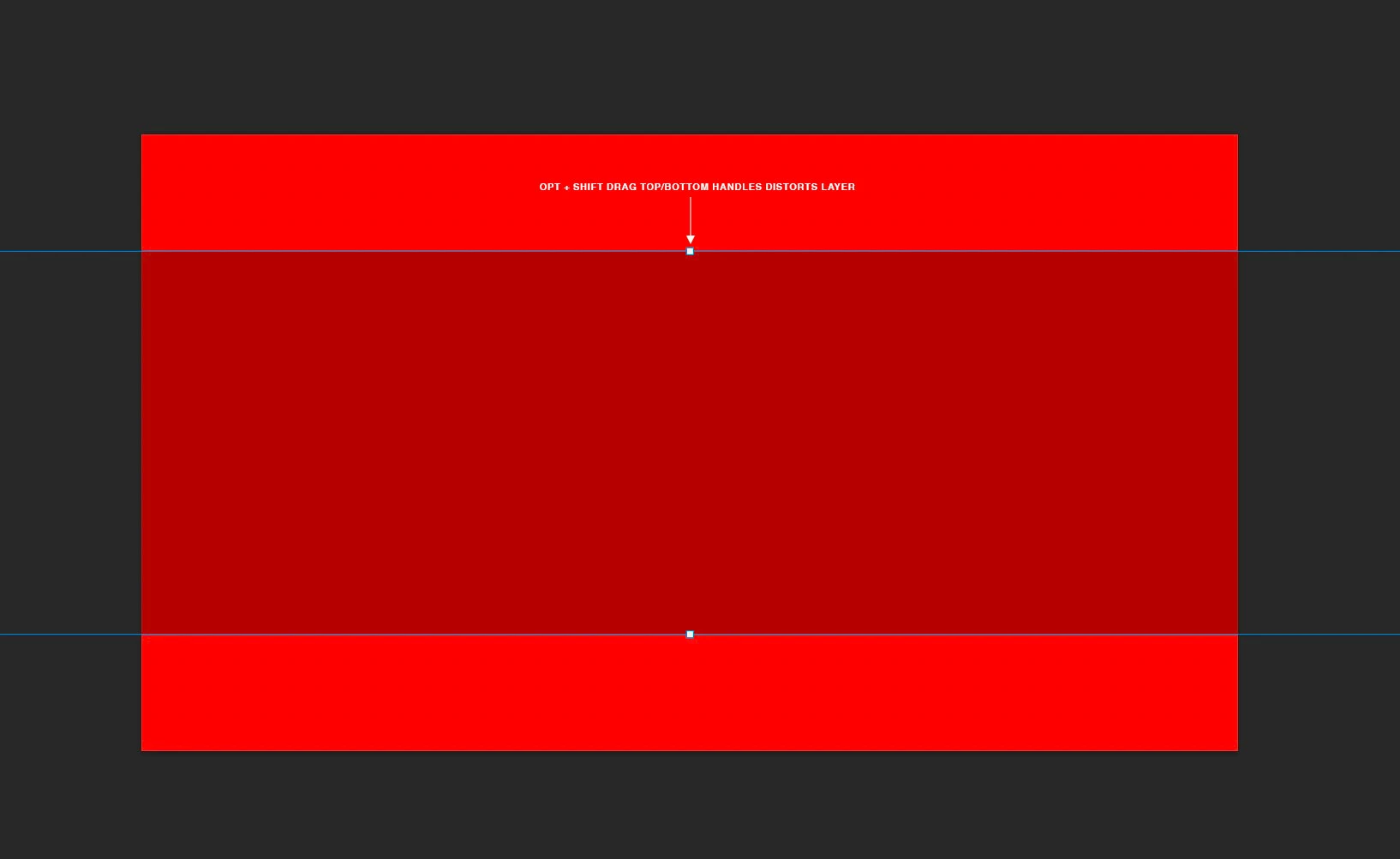
e.g. Consider the attached image where the top layer is off the artboard. Currently, resizing in Photoshop is a multi-step process: scrolling, zooming, resizing yada yada.
But if OPT + SHIFT worked the way it does in InDesign, Illustrator, AE and other apps, we could resize the layer from the top/bottom handles. Currently, grabbing top/bottom/side handles (not corners) distorts the image even when shift is held which is a daily frustration sorry. And yes, it's been like this for years!
Sure, you guys probably impliment requests based on upvotes etc but please, would it be possible to just fix well-established, foundational interactions like this? We use them all day, every day, in every app and when one app doesn't play ball, it creates constant friction. It doesn't have to be this way - right?
Cheers, Ben
 AdChoices