teinalt
Participating Frequently
January 25, 2021
Question

Outline is not a solid line
  • January 25, 2021
  • 4 replies
  • 429 views

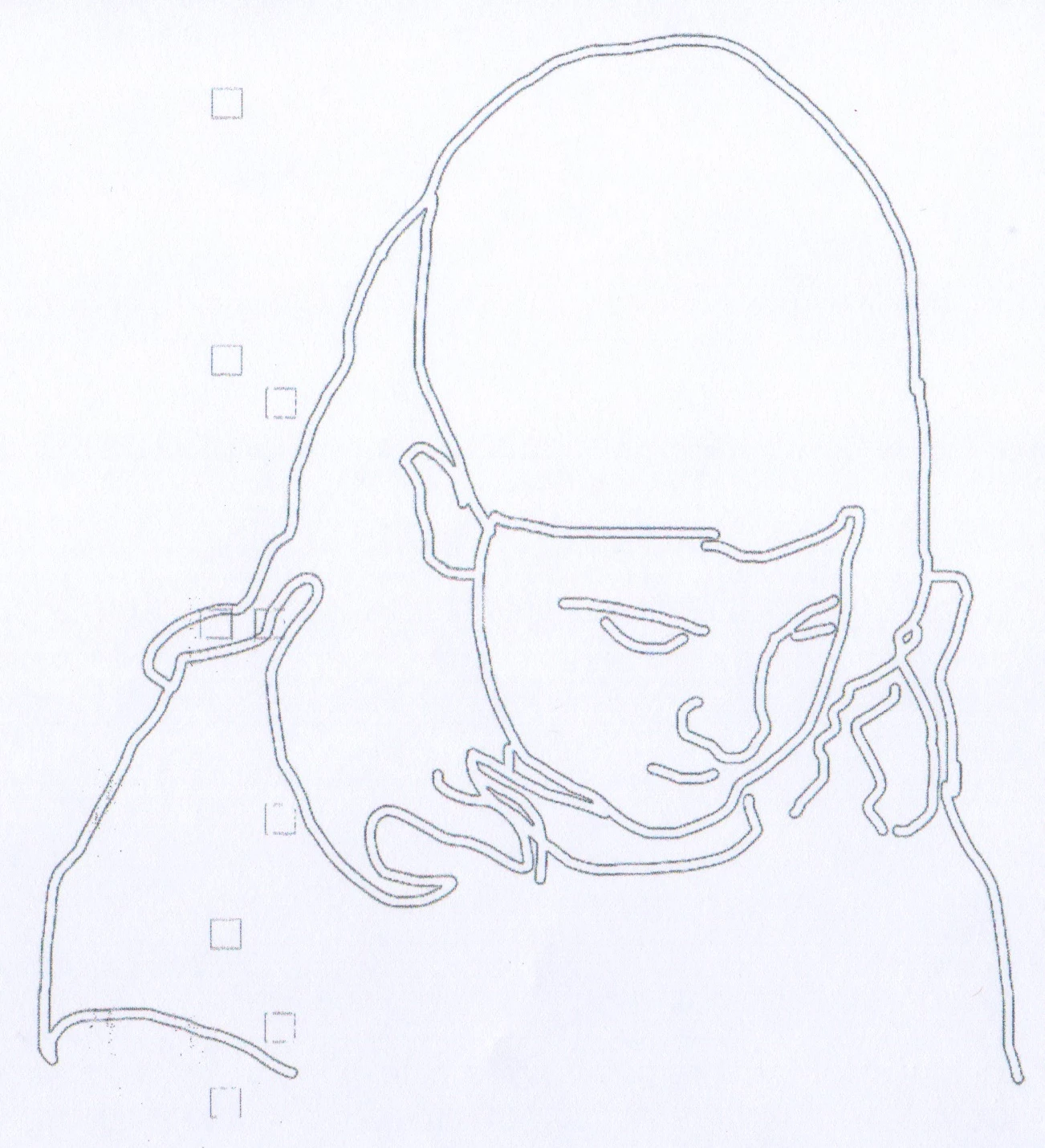
CCan Can someone tell me why this is not a solid black line?  I used the brush tool, color black and it looks right on the monitor screen but when it prints out this is what I get???  Thanks for any help!

This topic has been closed for replies.

4 replies

c.pfaffenbichler
Community Expert
Community Expert
January 25, 2021

Have you tried flattening the image and/or converting it to grayscale before printing? 

teinalt
teinaltAuthor
Participating Frequently
January 27, 2021

No I didn't try that.  Will try it, thanks!

teinalt
teinaltAuthor
Participating Frequently
February 2, 2021

Thank you everyone for your suggestions, problem solved, it was a printer problem!!!  I took the ink cartridges out, put them back in, and cleaned the print heads twicw.  Never imagined it would’ve been that!  The suggestion came from Adobe Photoshop support.  

josephlavine
Community Expert
Community Expert
January 25, 2021

Are we seeing a screen capture or a photo/scan of the print? Please provide details of your printer setup and settings.

warmly/j

teinalt
teinaltAuthor
Participating Frequently
January 25, 2021

This image was printed and then scanned.  I used a round brush (see picture above of settings), with 100% opacity, a hard brush.  How would I be able to tell if it is PS settings or a printer problem?


JJMack
Community Expert
Community Expert
January 25, 2021

What kind of brush did you use what were all the brush setting used?

JJMack
c.pfaffenbichler
Community Expert
Community Expert
January 25, 2021

Could you please post a screenshot taken at View > 100% with the pertinent Panels (Layers, Channels, Options Bar, …) visible? 


What were the print settings? What kind of printer are you using? 

teinalt
teinaltAuthor
Participating Frequently
January 25, 2021

HEre are the paintbrush settings.  I am using an Epson NX430 printer.  I did added a new layer over the original PS pic to trace the head outline.  Deleted the original pic and then printed.  

c.pfaffenbichler
Community Expert
Community Expert
January 25, 2021

Could you please post a screenshot taken at View > 100% with the pertinent Panels (Layers, Brush Settings, Options Bar, …) visible? 


Though I suspect the issue is more likely to lie with the print process. What were the settings? What is the image’s color mode?