Known Participant
June 6, 2021
Question

Oversaturated on export to JPEG

  • June 6, 2021
  • 3 replies
  • 1685 views

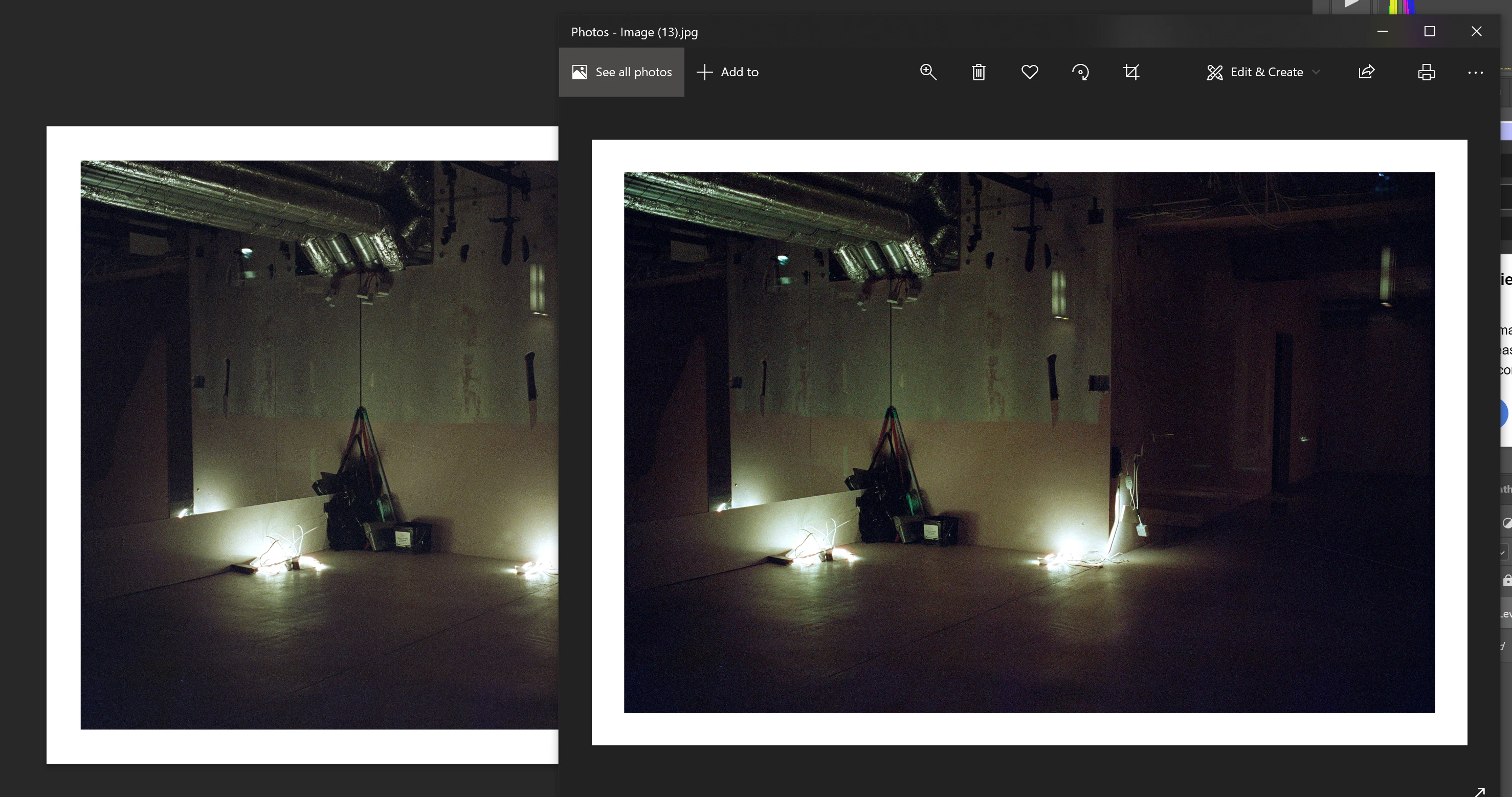
My previous post was marked as resolved, however, I can't get it to work. I tried "Assign profile" to sRGB and also exporting as sRGB with the profile embeded. The browser still shows an over-saturated look, the same as Windows Photos here, while Photoshop displays the correct desired saturation in my case.


I don't recall ever having this problem with Lightroom FWIW.
 

This topic has been closed for replies.

3 replies

Known Participant
June 6, 2021

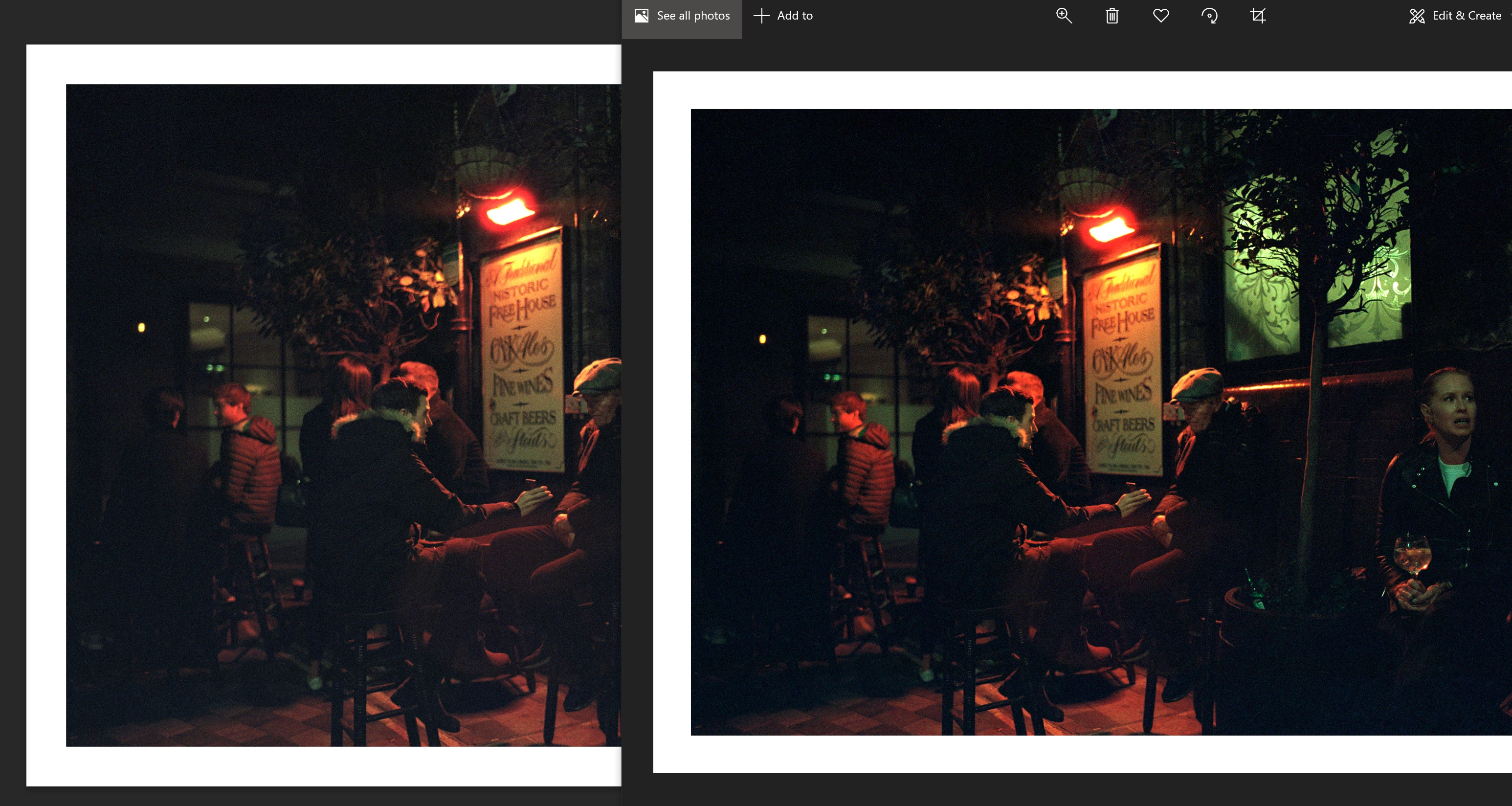
Here's another example, with the document profile in the status bar this time :), and Twitter (Chrome) on the right. If they're both sRGB I don't understand why they have different tones and saturation.


c.pfaffenbichler
Community Expert
Community Expert
June 6, 2021

»and Twitter (Chrome) on the right. If they're both sRGB I don't understand why they have different tones and saturation.«

Known Participant
June 6, 2021

Ah lame, I'll see if it looks ok on Mac, they seem to generally have much better control over colors.

c.pfaffenbichler
Community Expert
Community Expert
June 6, 2021

»the same as Windows Photos here«

Comparing Photoshop’s image display to Windows Photos is useless as Windows Photos is not color managed. 

You would seeem to be wasting your time if you were looking for a Color Management solution for using non-color managed applications. 


Please set the Status Bar in Photoshop to »Document Profile« and post more meaningful screenshots. 

Known Participant
June 6, 2021

But the Photos app shows the same thing as the browser, and iOS, which are color managed no? From what I understand they should be sRGB.


The document profile is sRGB IEC61966-2.1 


cheers

c.pfaffenbichler
Community Expert
Community Expert
June 6, 2021

»But the Photos app shows the same thing as the browser, and iOS, which are color managed no?«

How would iOS be color managed when it is being iused for handheld devices which almost by definition are meaningless for color management? 

And which browser are you talking about exactly? 

Known Participant
June 6, 2021

Also iOS displays the oversaturated image as well, and as far as I know iOS is sRGB as well, so I don't understand what's happening at all. Any tips would be appreciated, maybe Photoshop is not displaying the proper profile?