
Inspiring
September 26, 2024
Question

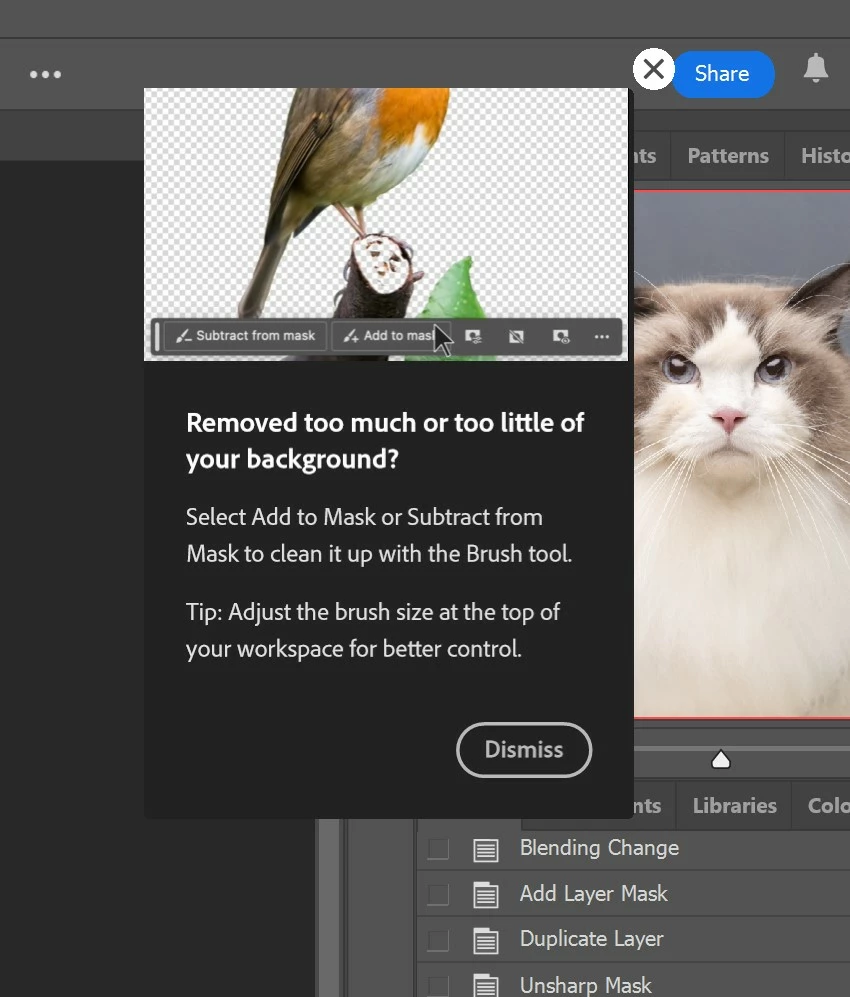
P: Persistent Mask tips keep popping up.

  • September 26, 2024
  • 6 replies
  • 3987 views

Whenever I clicked on the mask, the tooltip will pop up. I have already turned off the tooltips. If I don't close the tooltip, and press the number pad to adjust the opacity, it will run an action. Is this a bug? I'm on V 25.12.0.
This topic has been closed for replies.

6 replies

Participant
September 28, 2024

Try this one..
1. logout your email on HHelp>sign out account

2. close Photoshop

3. Re login your email 

magicdowAuthor
Inspiring
September 29, 2024

This worked for me. Thanks.

Participant
September 30, 2024

Logged out and back in a couple more times and it fully stopped popping up. Thanks BellyB!

Participant
September 27, 2024

I have the same problem it's a right PITA!

Participant
September 26, 2024

Photoshop v 25.12

Windows


I am getting what looks like a rich tooltips pop up every time I run an action on an image. 

I have clicked dismiss, the "x" and have disabled rich tooltips in preferences.


Its very irritating to have to dismiss this pop up every single time I run an action.

This just started happening after the most recent update.

I have included photos of the pop up and also the preferences window.

Participant
September 26, 2024

I have the same issue. Anytime you click on a layer mask the pop up returns.


Participant
September 26, 2024

Hello, since yesterday I've been getting a popup tooltip (see attachment) every time a create a mask or click on a mask. Show tooltips and Use rich tooltips are unchecked in preferences. PS 25.12.0 Windows. Reinstalling PS is not fixing the problem. Very annoying, so far I have no clue what´s going on, appreciate any help.

Participant
September 28, 2024

Hi -


Same thing is happening to me. Very annoying. Using Mac and PS latest version! Reset prefs and rebooted etc. Still a problem.

Thanks!

-Larry


Also any help appreciated. 

Participant
September 26, 2024

I have this same problem since the last 2 updates. Does anyone know how to stop this?

dragantomas
Inspiring
September 26, 2024

Hi all, 


Since Ive updated Ps to its latest version, every time I tap on the mask or the stamp layer itself I get these pop up tips, see screenshot. Where can I disable this to stop it happening?


16' MBP, latest version OS and Photoshop.


Known Participant
September 26, 2024

I get this as well using the latest versions of Windows11 and PSCC.
I also get magenta overlays on the entire image which are a bugger to get rid of.

Known Participant
September 26, 2024

You're supposed to be able to disable it by un-ticking the box:

Edit/Prefences/Tools/Show Rich Tooltips
Which on my set-up is not ticked and greyed out!