
paint bucket tool causing random pattern to appear only with certain foreground color
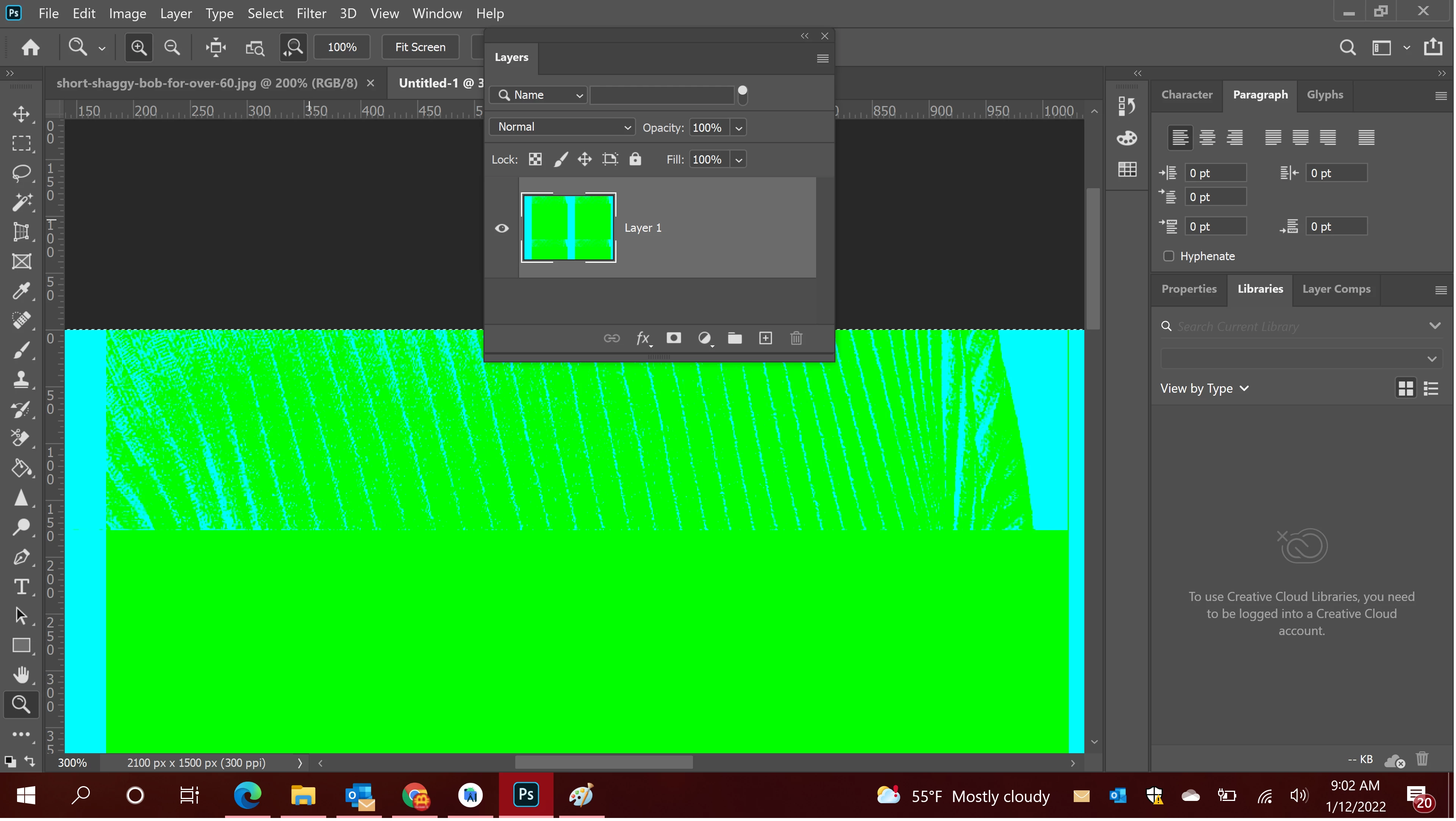
Please can anyone explain to me why this pattern is appearing in my brand new document?
Originally it was appearing in a photo I was editing but after troubleshooting a bit, and coming up empty, I opened a completely new photoshop file, (File>New...>Default photoshop size)
with the only layer being the default background layer,
after selecting the paint bucket tool, and choosing a foreground color, and clicking in the image, it does what I would expect, (same as MS Paint), and simply paints the entire image box with the selected color.
But then if I choose certain other colors as the foreground color, and left clicking again in the image,
I all of a sudden get some kind of random brush pattern all over the image.
Then if I click on the parts of the image that didnt properly convert to the newly selected foreground color, the parts of the image that didnt change refuse to switch color.
PLEASE HELP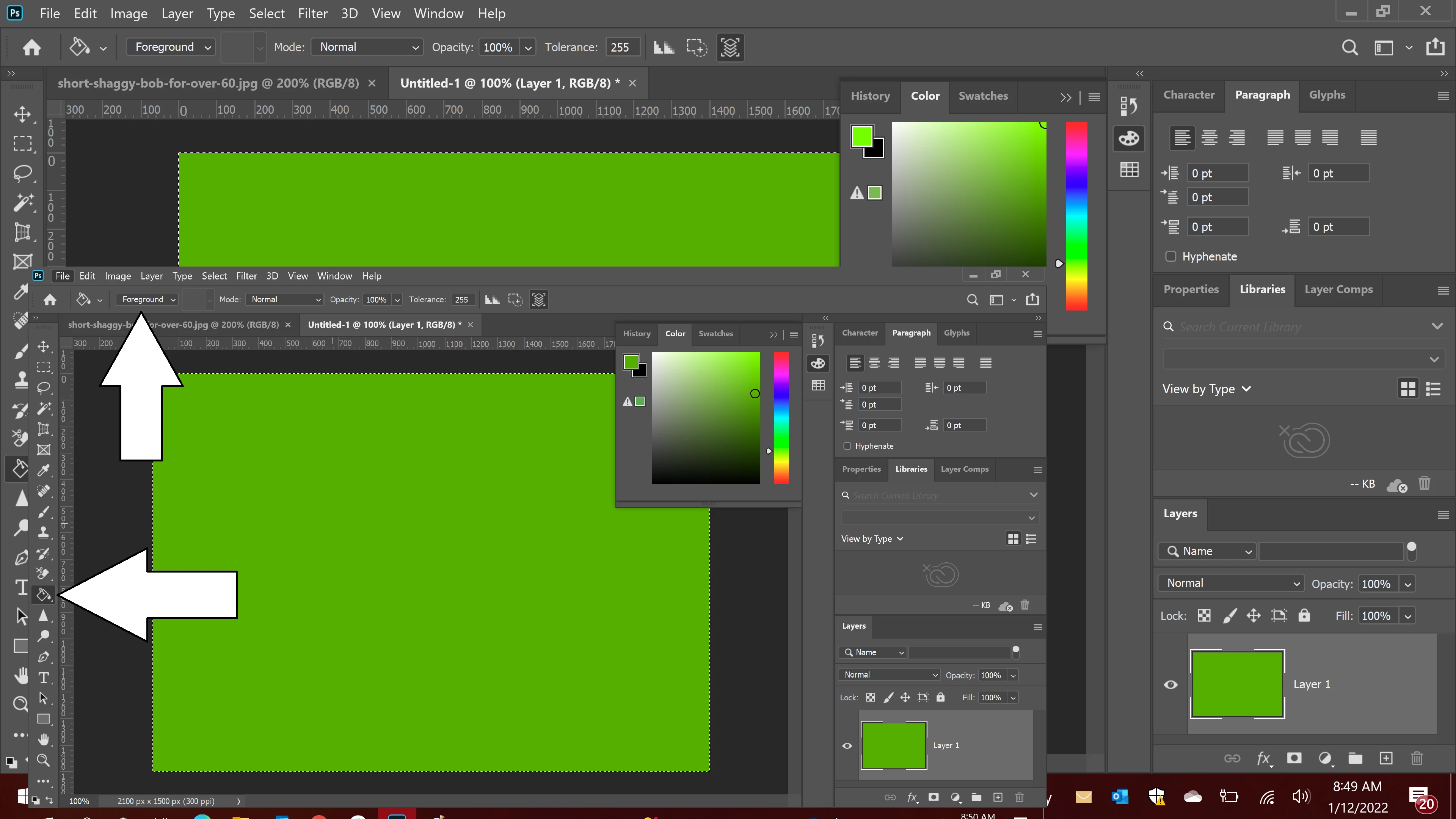
 AdChoices