

Painting beyond Canvas
Hi all,
I apologize if this is a duplicate but I've tried finding an answer and can't seem to find anything related to this issue more recent than 2017.
With older versions of Adobe Photoshop, I distinctly remember being able to paint beyond the canvas. For instance, I could paint several large objects beyond the size of the canvas, and then move the layers around to get the desired balance / look I'm going for. Here is a basic example:
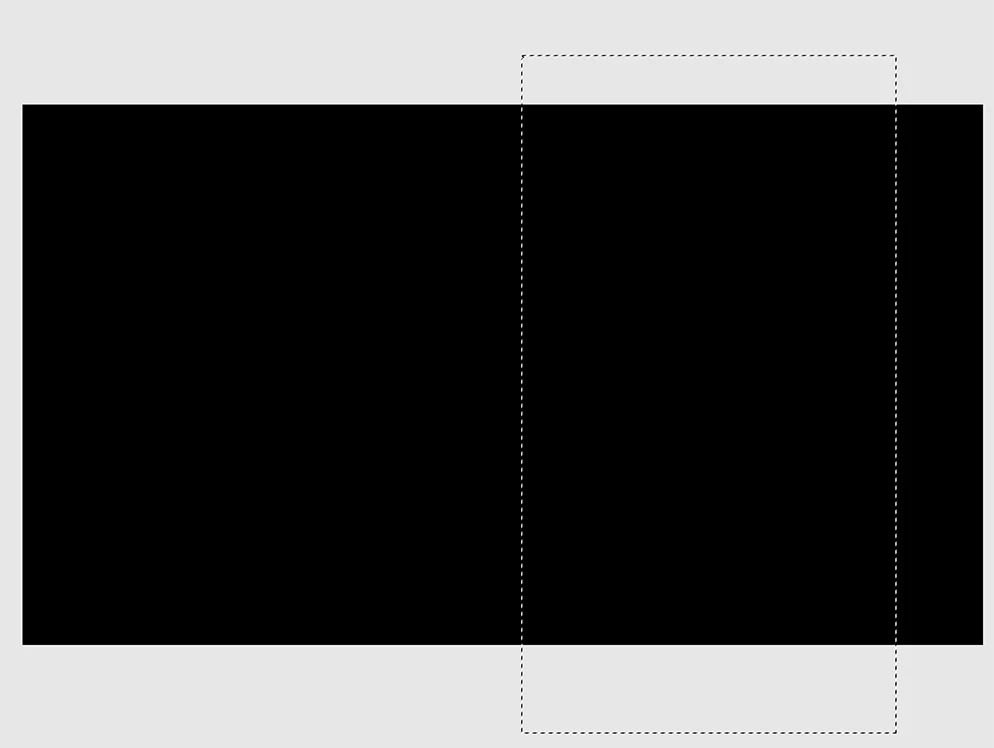
Previously, I could fill the selection and then move the large box around on it's own layer. With the current version of Photoshop, filling the selection only fills the layer within the bounds of the canvas, leaving the areas outside the canvas unfilled. In my workflow, I would purposely fill large spaces so I could move/rotate my selection around without having cut off edges. I can no longer seem to do that.
Is this the way it works now, or is it a bug in the software? Is there perhaps a feature or preference I can enable/disable to get the old behavior back? Any help would be appreciated!
 AdChoices